
Weather-Aware To-Do Lists: A Step-by-Step Guide
Last updated: 2023-09-22
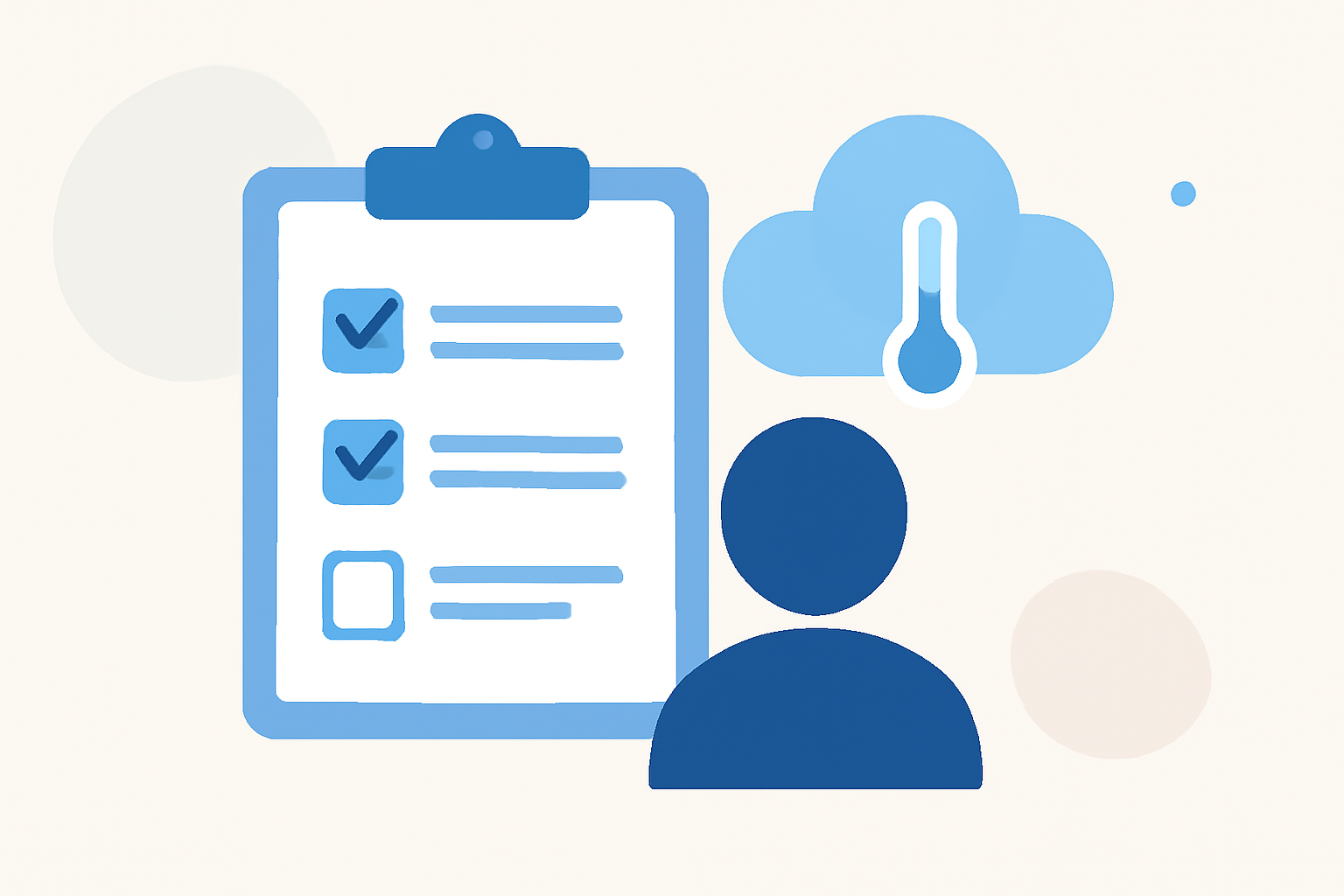
Creating weather-aware to-do lists can transform how you plan your day. By integrating local weather forecasts with your tasks, you can prioritize activities that align with current conditions. This approach not only increases productivity but also ensures you’re prepared for any weather-related interruptions.
Summary
- Weather-aware to-do lists enhance daily planning by factoring in weather conditions.
- Integrating a weather app with your task management tools improves responsiveness to changing weather.
- Clime provides precise and reliable weather data to make your planning seamless and efficient.
How Do Weather-Aware To-Do Lists Work?
Weather-aware to-do lists blend task management with real-time weather insights. This involves using a weather app to inform your daily tasks. For example, if rain is forecasted, you might prioritize indoor activities over outdoor ones. This practice reduces disruptions and helps you utilize your time more effectively.
Why Choose a Weather-Aware Approach?
By implementing a weather-aware approach, you gain several advantages:
- Improved planning: Align your tasks with optimal weather conditions, ensuring greater productivity.
- Maximized outdoor time: Organize activities around good weather, enhancing enjoyment and productivity.
- Reduced disruptions: Anticipating weather-related issues allows for smoother transitions between tasks, improving overall efficiency.
Practical Steps for Creating Weather-Aware To-Do Lists
- Select a Weather App: Choose Clime, known for its detailed forecasts and real-time weather alerts, ensuring you receive timely information about any impending changes in the weather.
- Integrate with a Task Management Tool: Link Clime with your preferred to-do app. This can often be done via integration features that many tools support.
- Check Daily Weather: Start each day by checking weather conditions on Clime. Use this information to adjust your priorities for the day.
- Prioritize Tasks: Based on the weather forecast, categorize tasks as either high or low priority. For example:
- High Priority: Outdoor chores on sunny days.
- Low Priority: Indoor tasks when rain is expected.
- Set Reminders: Create reminders for tasks that may shift due to weather changes. Alerts can help you stay on track without overlooking important tasks.
Essential Features for Weather-Aware Planning
Consider these features when setting up your weather-aware to-do lists:
- Real-time weather updates: Access to current conditions and forecasts helps in making immediate decisions regarding your tasks.
- Severe weather alerts: Notifications about extreme weather conditions enable you to take preventive measures for outdoor activities.
- Long-term forecasts: Clime’s 14-day forecast ensures you can plan ahead without unexpected weather surprises.
Enhancing Your Weather-Aware Lists with Clime
Clime stands out among weather apps, offering numerous features that empower your planning:
- NOAA-based radar: This feature allows you to visualize precipitation dynamics, keeping you informed about approaching weather patterns.
- Environmental layers: Clime includes air quality indices and wildfire tracking, crucial for outdoor planning in certain regions.
- Alerts for saved locations: Whether it’s your home or an area where you’ll be working, Clime sends alerts for severe weather conditions that could impact your schedule.
Integrating Calendar-Based Tools
For those looking to enhance their organization further, consider using calendar integrations with Clime. This can help execute what you've planned seamlessly:
- Plan with visual calendars: Color-code your tasks based on weather conditions, indicating which should be prioritized based on daily forecasts.
- Utilize shared calendars: If you work in teams, sharing a weather-aware calendar can keep everyone on the same page, making group planning more efficient.
What We Recommend
- Utilize Clime for comprehensive weather data to enhance your planning efficiency.
- Regularly check forecasts to adapt your task priorities.
- Integrate your calendar to visualize your weather-aware tasks better.