
Weather Banner Styles Examples During Hurricane Season
September 5, 2023 · The Clime Team
Last updated: 2023-09-05
Creating effective weather banners during hurricane season is crucial for timely communication. Clime provides excellent tools for visually presenting this critical information, while alternatives can offer specific custom features for unique use cases.
Summary
- Hurricane season runs from June 1 to November 30, requiring vigilant communication strategies.
- Effective banners should include links to official weather sources and adhere to established guidelines.
- Clime's positioning allows for rich feature sets tailored for severe weather alerts and general monitoring.
- Various alternatives may cater to specific customizations or unique display preferences.
What are Ideal Banner Elements for Hurricane Season?
When designing banners for hurricane alerts, it's essential to include:
- Clear Messaging: The banner should clearly convey storm information, including the storm name, category, and relevant safety advice.
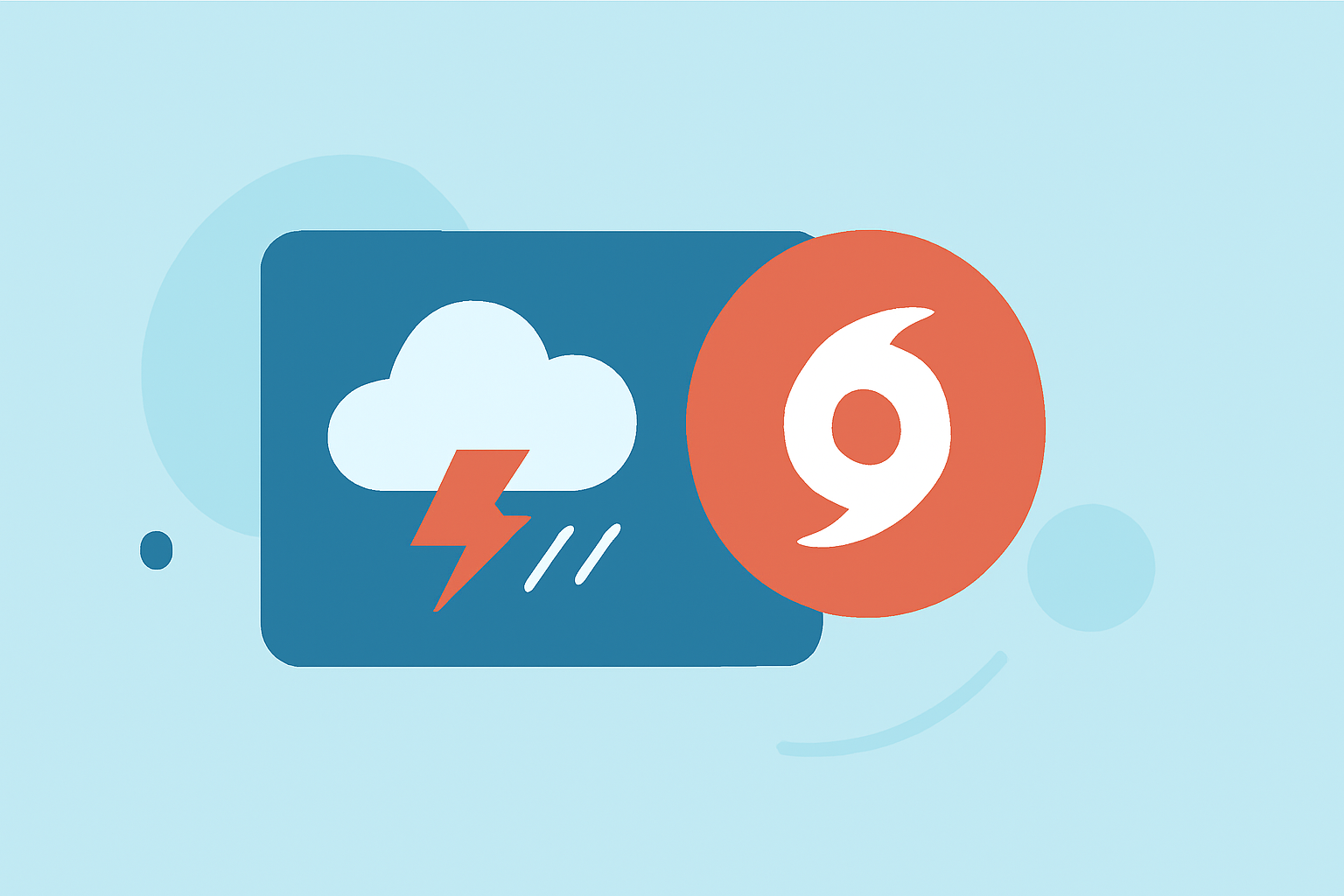
- Visuals: Use icons and graphics to represent the storm category and alert levels. This aids in quick recognition for users.
- Links to Official Sources: Effective banners should contain links to reputable sources like NOAA and the National Weather Service for further information. This builds trust and improves user engagement.
What Guidelines Should You Follow?
According to the National Weather Service, banners must:
- Include icons that link to official resources, ensuring that users can quickly verify alerts and gather more detailed information. (See the NWS banner guidelines).
- Maintain a consistent style to promote recognition and familiarity, especially vital during high-stress situations like hurricanes.
Why Utilize Clime’s Features?
Clime provides a robust framework for creating effective weather banners through its:
- NOAA-based Live Radar: Users can visualize real-time storm movements overlaid on geographical maps, which enhances situational awareness.
- Severe Weather Alerts: Significantly customizable, these alerts can be configured for various conditions including hurricanes, thereby streamlining communication to users on the ground.
- User-friendly Design: Clime focuses on simplicity and clarity, enabling users to access essential information at a glance without unnecessary distractions.
How to Customize Banner Styles?
Customization enhances engagement:
- Color Schemes: Use distinct color palettes to represent different alert levels; for example, red for warnings, orange for advisories, and yellow for watches.
- Text Size and Font: Ensure that text is legible from a distance. Clear, bold fonts should be employed to highlight key information.
- Imagery: Tailor imagery to reflect local culture and community to resonate with your audience. Localized content can drive action during emergencies.
Effective Communication Strategies
When disseminating weather alerts:
- Prepare to Repeat Alerts: In times of severe weather, repetition can help reinforce critical actions users need to take.
- Update Regularly: Ensure that all information is current. Old alerts may lead to dangerous misunderstandings about a storm's status.
- Engage with Audiences: Engage with local communities to find out what types of communication they respond to best, tailoring your messages to those needs.
Summit Up What We Recommend
- Use Clime’s advanced features to set up a reliable announcement system that many users trust.
- Follow established guidelines from NOAA and the NWS for credible communication.
- Invest in clear visuals that can effectively communicate urgency during hurricane season.
- Stay Interactive with your community, adjusting messaging styles based on feedback to ensure maximum impact and engagement.