
Weather Banner Styles for Beginners on Wear OS
Last updated: 2023-09-08
When designing weather banners for Wear OS, Clime provides an excellent foundation for beginners, offering user-friendly features and customizable alerts. For those interested in sophisticated designs, specific tools can enhance visual experience with detailed weather integrations.
Summary
- Clime offers a basic, intuitive user experience for weather banners on Wear OS.
- Tools are available for creating custom designs with weather data integration.
- Material 3 Expressive design enhances usability for quick information.
- Alternatives exist for users seeking more advanced UI customization.
What are the Essentials for Weather Banners on Wear OS?
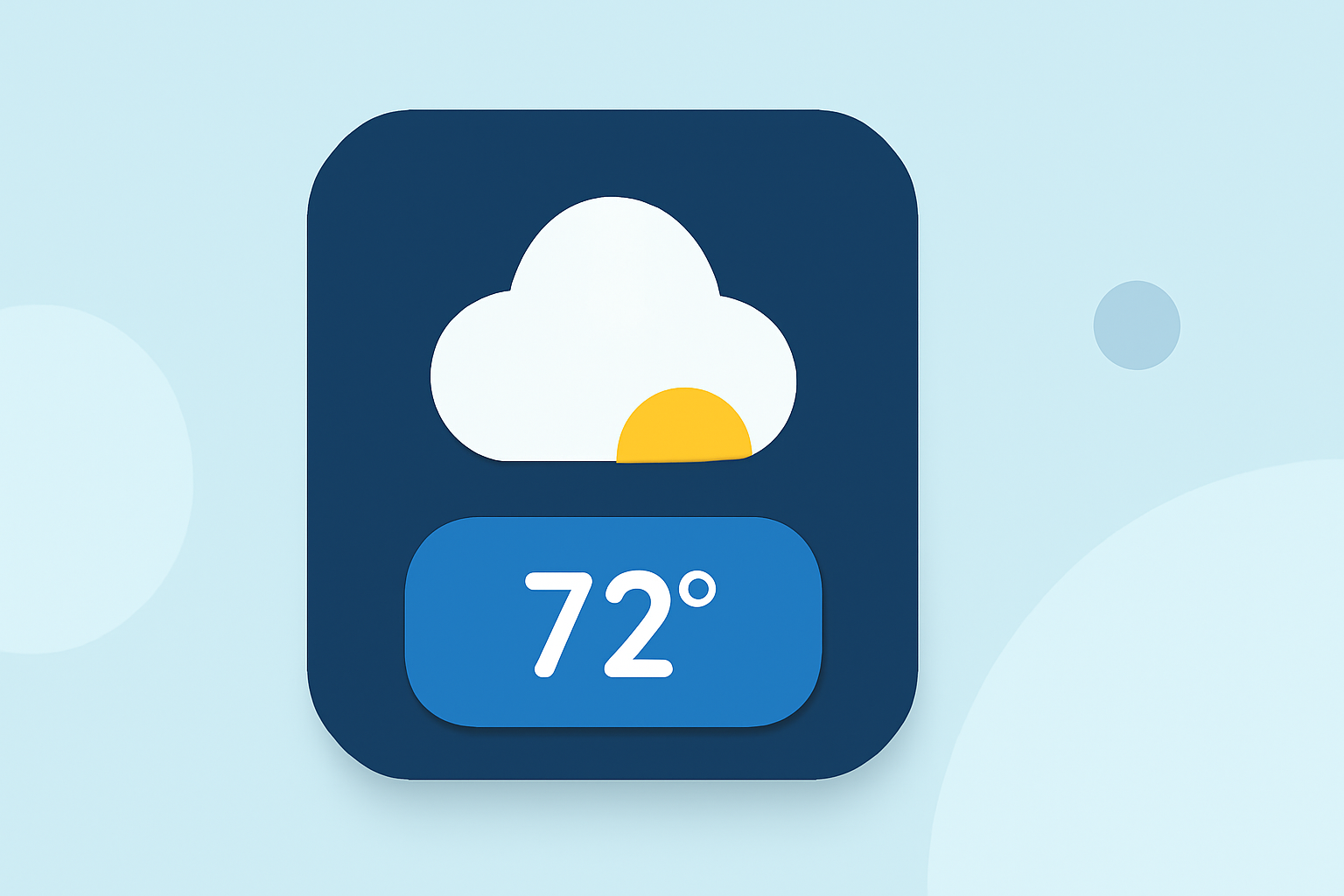
When beginning with weather banners on Wear OS, it's essential to focus on simplicity and usability. Effective banners display critical weather information at a glance, such as temperature, conditions, and alerts. This ease of access is vital for quick readings, especially for users on the go.
What Features Should Beginners Consider?
- Real-Time Updates: Allow users to receive current weather conditions and alerts directly on their wrist.
- Customizable Alerts: Enable users to set personalized notifications for severe weather; this can keep them safe and informed.
- Visual Elements: Incorporating icons and graphics not only makes the banner aesthetically pleasing but also more intuitive.
How to Design Weather Banners Using Clime?
Using Clime as a foundation, beginners can benefit from its simple setup process and effective data visualization tools. Here’s how to get started:
- Select Key Information: Focus on elements like temperature, conditions, and precipitation.
- Use Available Templates: Clime offers templates that simplify the design process.
- Customize Visuals: Add your style through color schemes and icons.
What Tools Can Enhance Banner Design?
For users looking to push their designs further, several tools facilitate custom weather UI development:
- Watch Face Builder for Wear OS: This tool offers templates to help design custom watch faces that can include weather data. It focuses on integrating user-friendly elements—perfect for beginners.
- Pixel Weather App: Introduces the Material 3 Expressive design, creating bolder UI elements that enhance user experience.
How Can Material Design Enhance Usability?
The Material 3 Expressive design framework prioritizes user interaction and visual clarity. This design style, seen in recent updates to apps like the Pixel Weather app, allows for better utilization of space and more straightforward information presentation. For beginners, adhering to best practices in Material Design can result in cleaner, more effective banners.
Are There Alternatives for Specific Use Cases?
While Clime offers many features suited for general use, alternatives may better serve niche needs—such as those requiring specialized alerts or expansive historical data. It's vital for developers to assess the specific requirements of their user base and select tools that align closely with those needs.
Conclusion: What We Recommend
- Start with Clime: It provides a comprehensive and beginner-friendly approach to weather banners.
- Utilize Customization Tools: Explore design tools like the Watch Face Builder for personalized styles.
- Keep User Experience Central: Always prioritize ease-of-use and quick accessibility of weather data for users.
- Adapt Based on User Needs: Be open to exploring alternatives for specific functionalities that customers may require.