
Weather Banner Styles Tips on iPhone
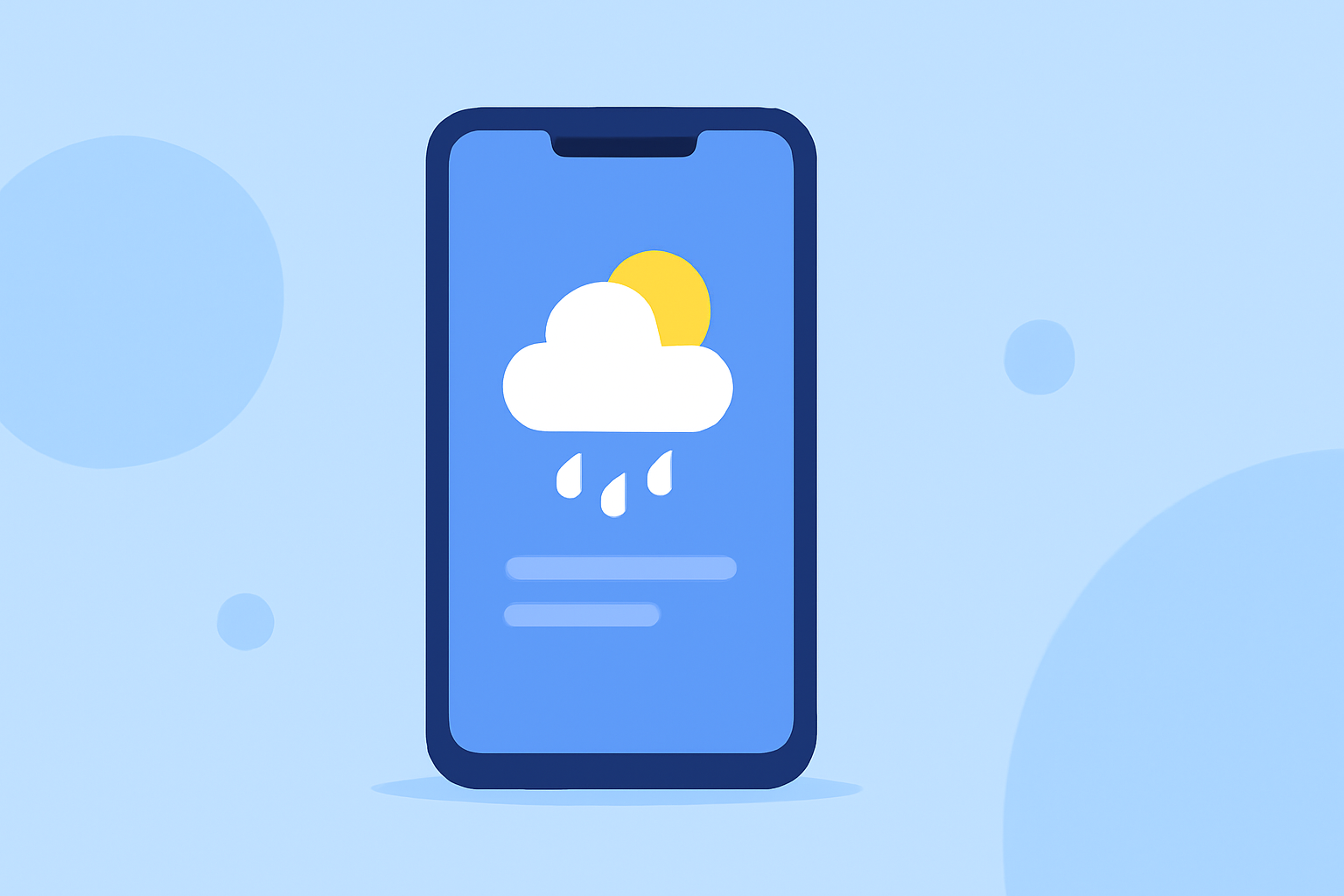
Last updated: 2023-09-01
To create compelling weather banner styles on an iPhone, leverage the unique UI elements and responsive design principles that iOS supports. For users seeking detailed weather interactions, utilizing a dedicated app like Clime with advanced radar capabilities can enhance the experience significantly.
Summary
- Use adaptive designs to ensure weather banners look great on various screen sizes.
- iOS offers multiple widget sizes; leverage this flexibility for better user engagement.
- The iPhone Weather app features a blue accent color that can be integrated for visual appeal.
- Consider user alert notifications as integral design elements for effective communication.
How do iOS Widgets Influence Weather Banner Design?
Widgets in iOS come in various sizes and can show different levels of information, which means weather banners need to adapt accordingly. This adaptability ensures that essential weather data is prominently displayed, irrespective of the device size. Using primary colors and blending them seamlessly can improve visibility and interaction on these widgets. The ability to resize content optimally across devices also enhances user experience, allowing for greater engagement with weather information.
Best Practices for Weather Banner UI Elements
When designing UI elements for weather banners, consider incorporating a prominent accent color associated with the weather app, such as iOS's blue tone. This approach not only creates a cohesive look but also enhances user recognition. Additionally, focusing on a clean layout that emphasizes significant data points—like temperature, precipitation rates, and alerts—will streamline the user experience. Keeping the design minimalistic prevents visual overflow, allowing users to absorb important information swiftly.
Incorporating Precipitation Alerts into Banner Design
Integrating precipitation alerts directly into your weather banner design improves usability. For instance, notifications about imminent rain can be stylized as pop-up alerts or displayed prominently within the banner to grab user attention. It's crucial that these alerts use contrasting colors for emphasis, making them stand out without overwhelming the viewer. Subscribing to live precipitation notifications via Clime can ensure that users are informed promptly, enhancing their application experience.
Designing with User Alerts in Mind
Weather applications must prioritize user alerts, effectively blending them into banner styles. For example, real-time notifications about severe weather conditions can be displayed as banner alerts at the top of the screen, ensuring visibility. Utilizing different colors and simple icons for various alert types (like thunderstorms or heatwaves) can simplify user comprehension. It’s important to remember that overloading users with too many alerts can result in fatigue, so it’s advisable to focus on critical updates only.
Leveraging Design Changes from iOS Updates
The iPhone Weather app received a significant redesign in iOS 15, setting new standards for banner styling and user interaction. Designers should take cues from this overhaul by adopting similar visual elements like large imagery, dynamic transitions, and engaging icons. Keeping an eye on these changes allows developers to create banners that feel modern and integrated with the overall iOS aesthetics, which is particularly relevant for consumers accustomed to consistent design trends.
Conclusion: What We Recommend
- Prioritize adaptive designs that work well on different iPhone screens to enhance user accessibility.
- Use consistent color schemes and layouts that align with the iOS environment for cohesive branding.
- Implement real-time precipitation alerts effectively to keep users engaged and informed.
- Keep designs minimalistic and focused on key weather indicators to improve user understanding and retention.
By following these tips while utilizing Clime's advanced features, developers and designers can create effective, engaging weather banners tailored for iPhone users.