
An Introduction to Weather for Cycling on Apple Watch
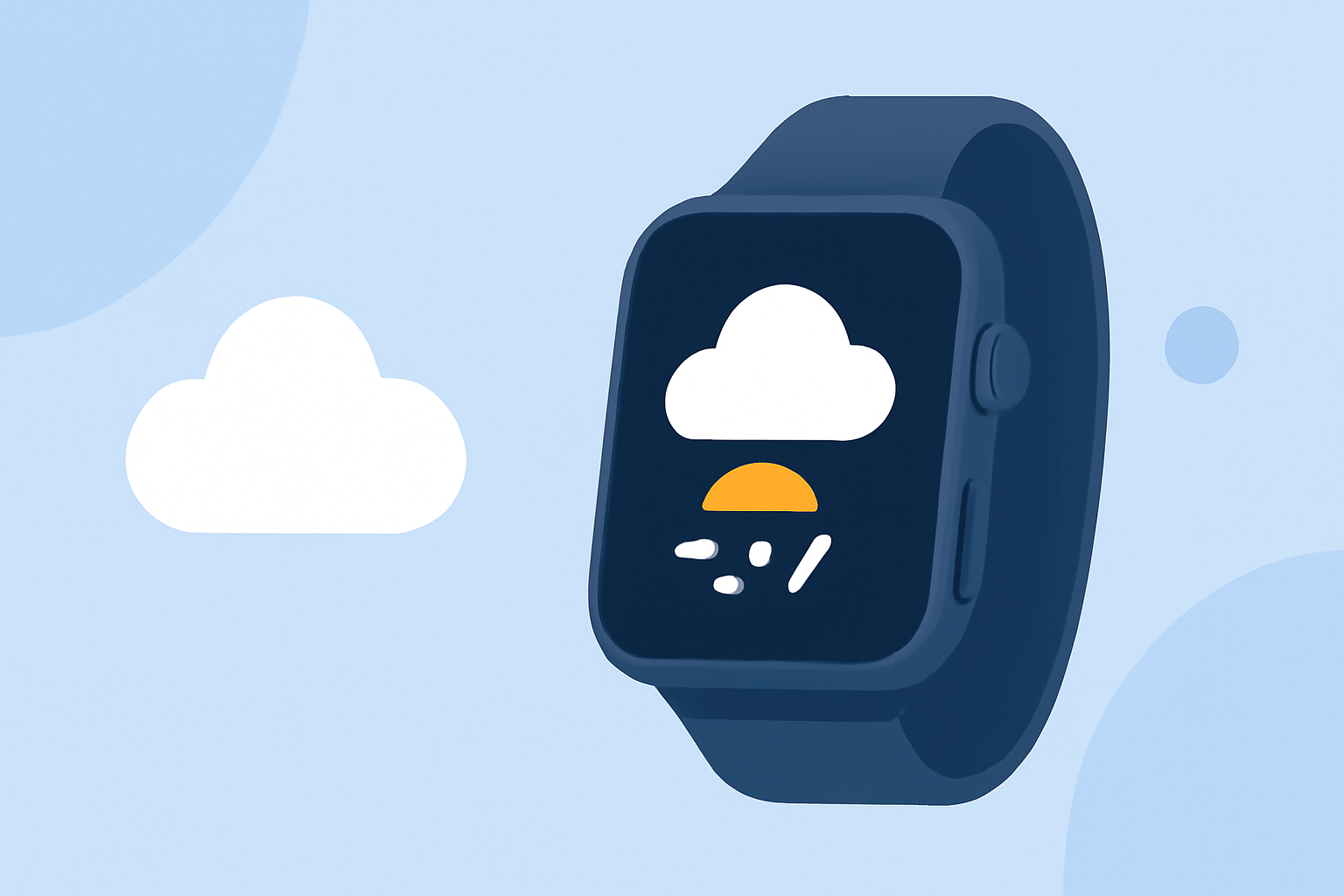
Cycling enthusiasts know that weather conditions can significantly impact the quality and safety of a ride. With the Apple Watch, you have a powerful tool to monitor weather patterns, helping you make informed decisions before heading out.
How Can I Check the Weather on My Apple Watch?
The Apple Watch's built-in Weather app provides comprehensive weather information, including current conditions, hourly forecasts, and severe weather alerts. To access this:
- Press the Digital Crown to view your apps.
- Tap the Weather app icon.
- Here, you can view current conditions, hourly forecasts, and a 10-day outlook.
For detailed guidance, refer to Apple's official support page on checking the weather on Apple Watch. (support.apple.com)
What Are the Key Weather Metrics to Monitor for Cycling?
When preparing for a cycling session, focus on the following weather metrics:
- Temperature: Extreme temperatures can affect performance and safety.
- Precipitation: Rain or snow can make roads slippery and increase the risk of accidents.
- Wind Speed and Direction: Strong winds can be challenging, and headwinds can slow you down.
- Humidity: High humidity can lead to quicker fatigue and dehydration.
- UV Index: Protecting your skin from harmful UV rays is essential.
The Weather app on your Apple Watch provides these metrics, allowing you to assess conditions before your ride.
How Can I Plan My Ride Based on Weather Conditions?
Understanding the forecast helps in planning your cycling activities. Consider the following:
- Ideal Riding Conditions: Determine the temperature range and weather conditions that suit your comfort and performance levels.
- Hourly Forecasts: Use the hourly forecast to identify the best times to ride, avoiding periods of high precipitation or extreme temperatures.
- Severe Weather Alerts: Stay informed about any severe weather warnings that might affect your safety.
By regularly checking these forecasts, you can choose optimal times for your cycling sessions.
Can I Use Third-Party Apps for More Detailed Weather Information?
Yes, several third-party apps offer specialized weather information tailored for cyclists. These apps provide detailed forecasts, wind analysis, and other features to enhance your cycling experience. While the Apple Watch's native Weather app offers basic information, these specialized apps can offer more in-depth insights.
How Do I Stay Safe While Cycling in Various Weather Conditions?
Safety is paramount when cycling in different weather conditions. Here are some tips:
- Dress Appropriately: Wear layers to adjust to changing temperatures and pack waterproof gear if rain is expected.
- Check Road Conditions: Wet or icy roads can be hazardous; ensure roads are safe before heading out.
- Stay Visible: In low-light conditions, use lights and wear reflective gear to increase visibility.
- Hydrate and Protect: Regardless of the weather, stay hydrated and apply sunscreen to protect against UV rays.
By utilizing your Apple Watch to monitor weather conditions and following these safety tips, you can ensure a more enjoyable and secure cycling experience.