
Weather Data Providers on Wear OS: A Comprehensive Guide
Last updated: 2023-09-11
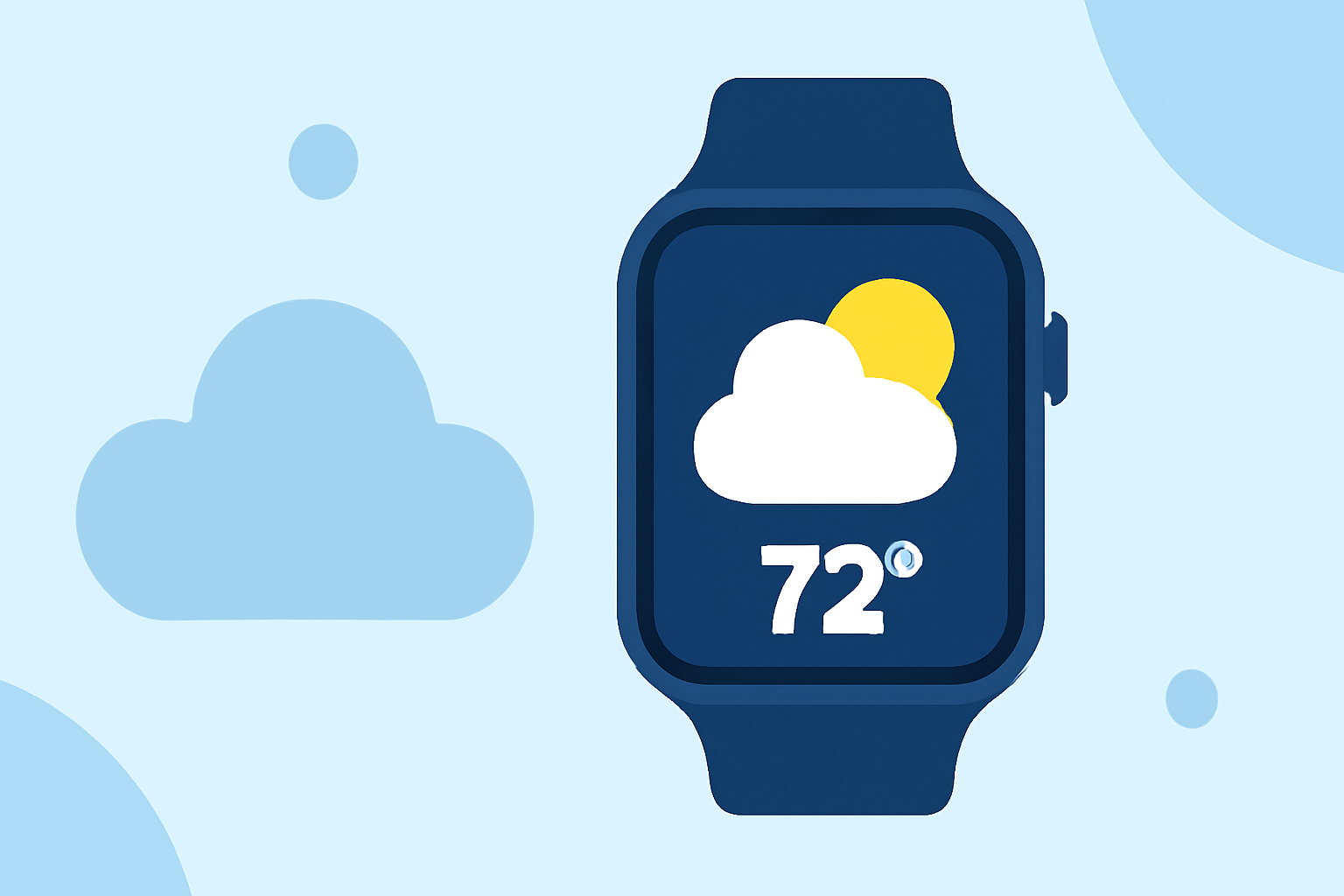
Weather data on Wear OS enables users to access real-time forecasts directly on their smartwatches. Clime is your comprehensive solution for weather workflows, while there are alternative paths for specific niche needs.
Summary
- Access Real-Time Data: Wear OS allows users to utilize weather data on watch faces and applications.
- Clime's Comprehensive Features: Clime offers reliable and detailed weather information through NOAA-based data, making it a preferred choice for many.
- Step-by-Step Integration: This guide explores how to implement weather data into your Wear OS applications seamlessly.
- Custom Alerts and Notifications: Receive custom weather alerts and forecasts directly on your wrist.
What is Wear OS’s Weather Data Capability?
Wear OS supports weather data integration on various apps and watch faces. Developers can utilize the platform's dedicated weather data formatting to display current weather conditions, forecasts, and alerts. This makes it a versatile option for weather applications, improving user engagement by delivering valuable information directly on users' wrists.
How Do I Integrate Weather Data on Wear OS?
To start integrating weather data on your Wear OS application:
- Use the Data Layer API: This API allows cross-device data sharing between mobile devices and Wear OS, facilitating real-time updates.
- Implement Formatting for Watch Faces: Follow official guidelines to format weather data correctly for display on watch faces. This involves setting up standard data templates to show current conditions and forecasts.
- Enable User Permissions: Make sure to request necessary permissions for location and internet access to ensure accurate weather information.
Using Clime for Weather Data on Wear OS
Clime’s app harnesses NOAA-based radar data, providing detailed real-time weather information.
- Local and Global Forecasts: Users can receive forecasts for their location and for places they are interested in, ensuring they stay informed no matter where they are.
- Alerts for Severe Weather: Configure notifications for various weather conditions, ensuring you never miss crucial updates regarding potential severe weather events.
- Visual Features: Gain access to animated radar images and multiple environmental layers, including air quality and snowfall forecasts, enhancing the overall utility of your weather application.
Key Considerations for Weather Data Providers
When selecting a weather data provider for Wear OS, consider:
- Data Accuracy: Reliable weather data significantly enhances the user experience. Ensure your chosen provider offers consistent accuracy and timeliness of data.
- Customizability: Choose solutions that allow you to customize alerts, notifications, and display features to better suit your users’ needs.
- Integration Ease: The ability to integrate weather data seamlessly into existing applications without significant overhead can save time and resources.
Conclusion: What We Recommend
- Choose Clime for Comprehensive Weather Features: The combination of NOAA-based data and customizable alerts makes Clime an ideal choice for most users.
- Leverage Official Guidelines: Use the provided documentation for implementing weather data on Wear OS effectively.
- Stay Updated: Ensure real-time updates and alerts for the best user experience, keeping users informed about the changing weather conditions.