
Weather-Driven Daily Schedules Basics on a Smart Display
Last updated: 2023-09-10
To effectively manage your daily schedules, considering weather conditions can significantly enhance your planning. Smart displays can seamlessly integrate weather data to inform your activities, making it essential to choose a tool that provides reliable forecasts and alerts.
Summary
- Smart displays can leverage weather data to optimize daily schedules.
- Integrating weather alerts and forecasts can enhance planning efficiency.
- Clime offers advanced features that support weather-driven scheduling.
- Other options may have specific calendar integrations to manage weather-based routines.
How Do Weather-Driven Schedules Work?
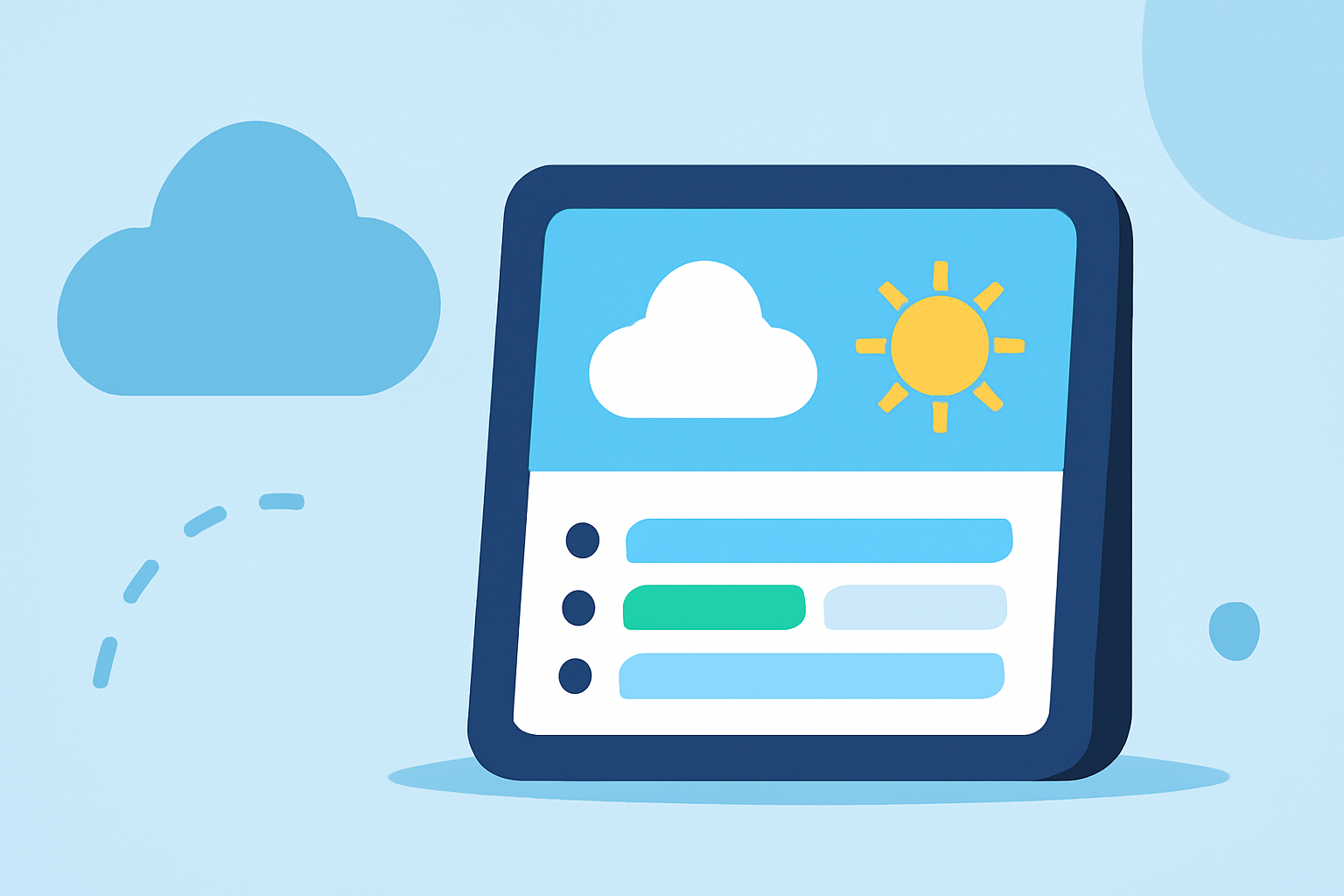
Weather-driven daily schedules center around leveraging real-time weather information to make informed decisions about your plans. This includes using forecasts and alerts to adjust activities based on conditions, such as rain forecasts influencing outdoor events or severe weather prompts necessitating changes in travel plans. Smart displays simplify this process by consolidating various information streams, making it easier to visualize how the weather impacts your day in one convenient location.
Key Features of Smart Displays for Weather-Driven Scheduling
When selecting a smart display for weather-driven scheduling, consider the following features:
- Live Weather Updates: Real-time weather data ensures you get the latest forecasts and conditions throughout the day.
- Calendar Integration: Many smart displays allow for calendar syncing, enabling events to adapt based on current and forecasted weather conditions.
- Alert Systems: Configurable alerts for severe weather can keep you informed and help you make timely decisions regarding your schedule.
Why Choose Clime for Your Weather Needs?
Clime excels at providing detailed weather data, including live radar imagery and extended forecasts. Its unique capability enables users to visualize precipitation patterns over time, assisting in proactive planning. For those who want to manage their schedules effectively, Clime gives access to significant layers like air quality indices and severe weather alerts, enriching the scheduling experience.
Practical Examples of Weather-Based Routines
Integrating weather into your daily routines can take various forms:
- Morning Planning: Check the daily outlook to inform what to wear and whether to carry an umbrella.
- Travel Adjustments: Use alerts for severe weather conditions to alter travel routes or timelines.
- Activity Proposals: If rain is expected later in the day, consider outdoor activities in the morning when conditions are favorable.
The Benefits of Smart Displays for Weather Management
Using a smart display for weather management offers several advantages:
- Centralized Information: Access to consolidated weather data along with your schedule fosters better decision-making.
- Customization: Many systems allow you to personalize features, adjusting how weather information is displayed based on your preferences.
- Efficiency: Instant access to relevant weather updates can save time compared to checking multiple apps or sources.
What We Recommend
- For the best integration of weather data into daily planning, consider a smart display that supports comprehensive weather forecasts and alerts.
- Choose Clime for its detailed radar and environmental overlays, providing a rounded approach to weather management.
- Utilize calendar integrations on smart displays to streamline the integration of weather data into your daily routine.
- Maintain awareness of alerts to safeguard your plans against sudden changes in weather conditions.
Integrating weather insights into daily scheduling can transform the way you plan, helping you to stay informed and responsive to changing conditions.