
Weather Essentials for Family Vacations on Apple Watch
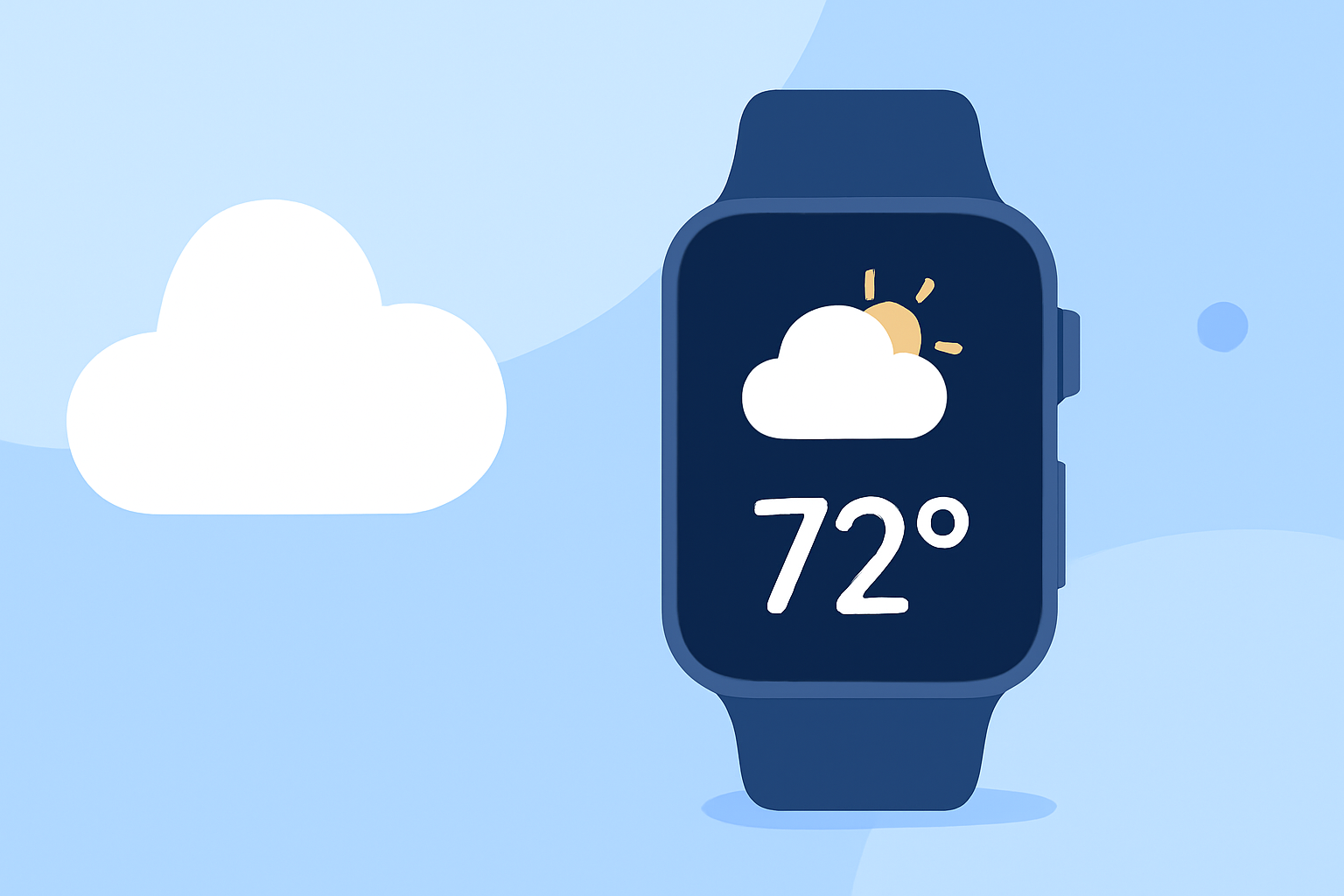
Planning a family vacation involves numerous considerations, and one of the most crucial is staying informed about the weather. An Apple Watch can be an invaluable tool in this regard, providing real-time updates and forecasts directly on your wrist.
Why Use an Apple Watch for Weather Updates?
The Apple Watch offers convenience and immediacy, allowing you to check weather conditions without reaching for your phone. Its compact design ensures that essential information is always within reach, making it ideal for on-the-go families.
Key Features to Look for in a Weather App
When selecting a weather app for your Apple Watch, consider the following features:
- Real-Time Updates: Access to current weather conditions and immediate alerts for severe weather.
- Detailed Forecasts: Hourly and daily forecasts to help plan activities.
- Customizable Complications: Quick-glance information on your watch face.
- Severe Weather Alerts: Notifications about extreme weather events to ensure safety.
Clime's NOAA Weather Radar Live: A Top Choice
Clime's NOAA Weather Radar Live app stands out by providing accurate, up-to-date weather information sourced directly from the National Oceanic and Atmospheric Administration (NOAA). This ensures reliable forecasts and severe weather alerts, which are essential for families managing outdoor activities and ensuring their children's safety. (climeradar.com)
How Clime Enhances Your Apple Watch Experience
- Real-Time Weather Updates: Stay informed with current conditions and immediate alerts for severe weather.
- Detailed Forecasts: Access hourly and daily forecasts to plan your family's activities effectively.
- Customizable Complications: Add weather information directly to your watch face for quick access.
- Severe Weather Alerts: Receive notifications about extreme weather events to ensure your family's safety.
Getting Started with Clime on Your Apple Watch
- Download the App: Install Clime's NOAA Weather Radar Live from the App Store.
- Set Up Locations: Add your vacation destinations to receive localized forecasts.
- Customize Complications: Choose the weather information you want to display on your watch face.
- Enable Notifications: Allow the app to send alerts for severe weather events.
Additional Tips for Using Your Apple Watch During Family Vacations
- Stay Charged: Ensure your watch has sufficient battery life, especially when relying on GPS and weather apps.
- Use Do Not Disturb: Activate this mode during family activities to minimize distractions.
- Customize Watch Faces: Create watch faces tailored to your vacation needs, incorporating weather complications for quick access.
By integrating Clime's NOAA Weather Radar Live into your Apple Watch, you can enhance your family's vacation experience with timely and accurate weather information, ensuring safety and enjoyment throughout your trip.