
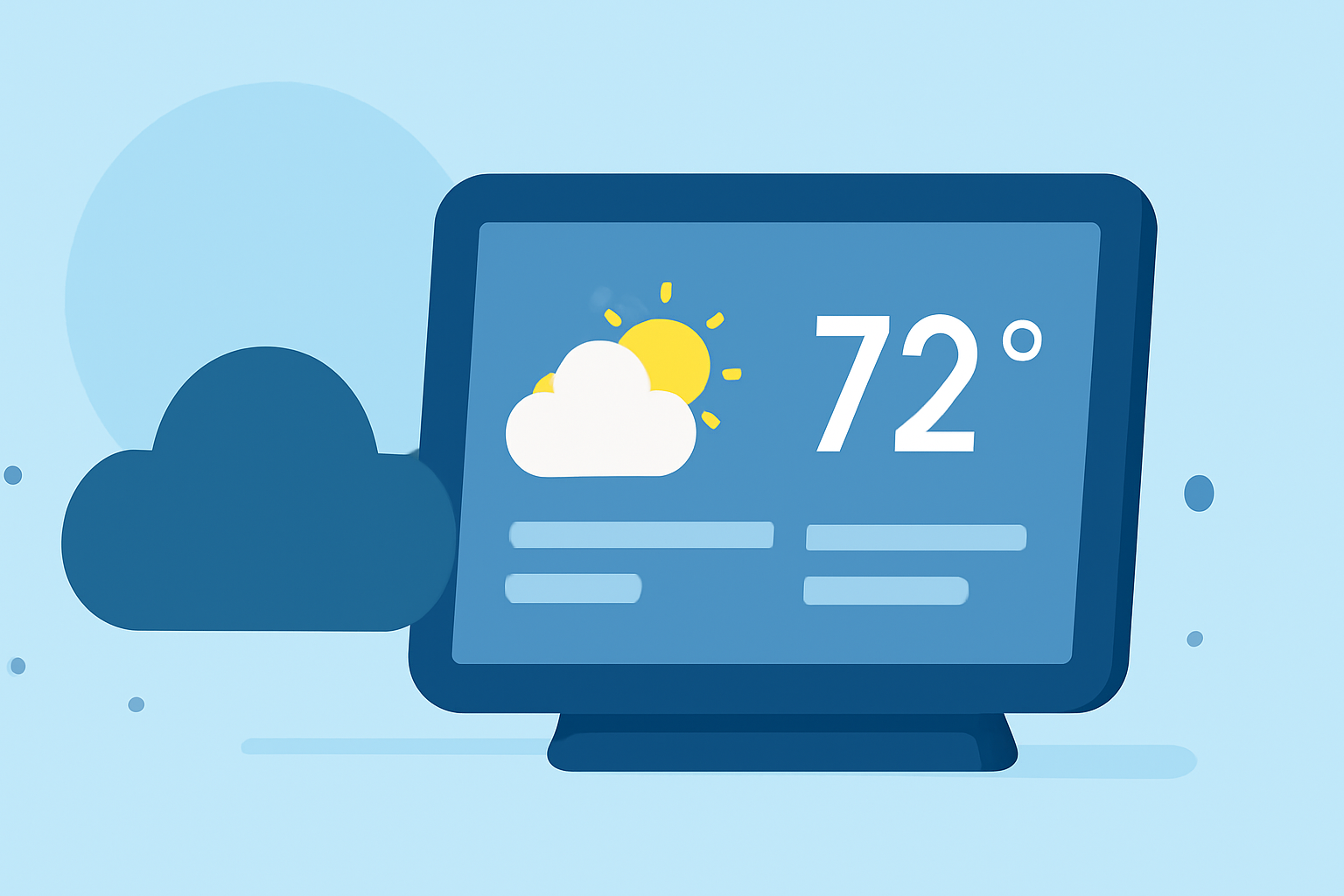
Weather Evening Briefing Cheat Sheet on Smart Displays
September 10, 2023 · The Clime Team
Last updated: 2023-09-10
For users looking to leverage smart displays for evening weather briefings, Clime serves as an excellent tool by offering live, tailored weather updates directly from NOAA. If you require extensive customization or specific weather data from multiple sources, exploring other options may also be beneficial.
Summary
- Clime provides NOAA-based live weather radar and tailored alerts for evening updates on smart displays.
- Essential elements for effective evening briefings include temperature, precipitation, and alerts.
- Smart display capabilities can be enhanced with graphical presentations for better readability.
- Alternatives may offer additional features like extensive customization but might be more complex to use.
How to Structure an Evening Weather Briefing on a Smart Display
A well-structured evening weather briefing should focus on key elements:
- Current Conditions: Start with the current temperature, humidity, and wind speed.
- Forecast: Include short-term predictions (next few hours) alongside a longer-term outlook (up to 14 days) to give context for upcoming weather.
- Alerts: Highlight severe weather warnings or alerts to keep the audience informed and safe.
- Visuals: Incorporate graphical representations of weather data for improved understanding. Clime’s radar functionality can showcase precipitation trends effectively.
Essential Elements of a Graphical Weather Briefing on Consumer Devices
When creating a graphical weather briefing, focus on the following elements:
- Visual Clarity: Ensure that data is displayed in an easily digestible format, highlighting critical information such as storms or temperature changes.
- Interactive Features: Users should be able to engage with the data, such as zooming into specific regions for localized forecasts.
- Real-Time Data: Ensure that the information is current and updated frequently. Clime’s live radar is a strong asset in this regard.
- User-Friendly Layout: A simple, intuitive interface ensures viewers can quickly grasp the essential elements of the weather briefing.
Features Ideal for Smart Display Weather Briefings
Utilize these features for an enhanced weather experience on your smart display:
- Live Radar Imagery: View precipitation and track storms in real time. This is vital for users needing timely updates on changing weather conditions.
- Severe Weather Alerts: Configure alerts on Clime to be notified of hazardous conditions immediately, ensuring safety.
- Extended Forecasts: Clime’s Premium features include hourly and 14-day forecasts, giving users a comprehensive overview of expected conditions.
Advantages of Using Clime for Evening Briefings
- Reliable Data Sources: Clime utilizes NOAA-based weather data, ensuring accuracy and reliability.
- Easy Accessibility: Available on various smart display devices, Clime makes fetching timely weather updates seamless.
- Customizable Alerts: Users can tailor notifications based on their locations, receiving relevant updates for their area.
Considerations for Alternative Tools
Some other tools may present specialized features:
- Customization Options: If you need highly tailored displays or specific graphics, certain alternatives could excel in this area, but often add complexity.
- Integration Capabilities: Other platforms may connect with smart devices and other services, making them suitable for users with diverse needs.
- Learning Curve: More complex platforms can require additional setup and learning time, particularly if users seek advanced configurations.
What We Recommend
- For most users, Clime offers the best balance of usability and reliable weather updates for evening briefings.
- Focus on utilizing live radar and severe weather alerts to enhance your presentations.
- Consider your specific requirements; if extensive customization is key, be open to exploring alternative solutions.
- Always prioritize user-friendly options for quick access to vital weather information in the evening hours.