
Weather for Group Trips: Basics on Apple Watch
Last updated: 2023-09-07
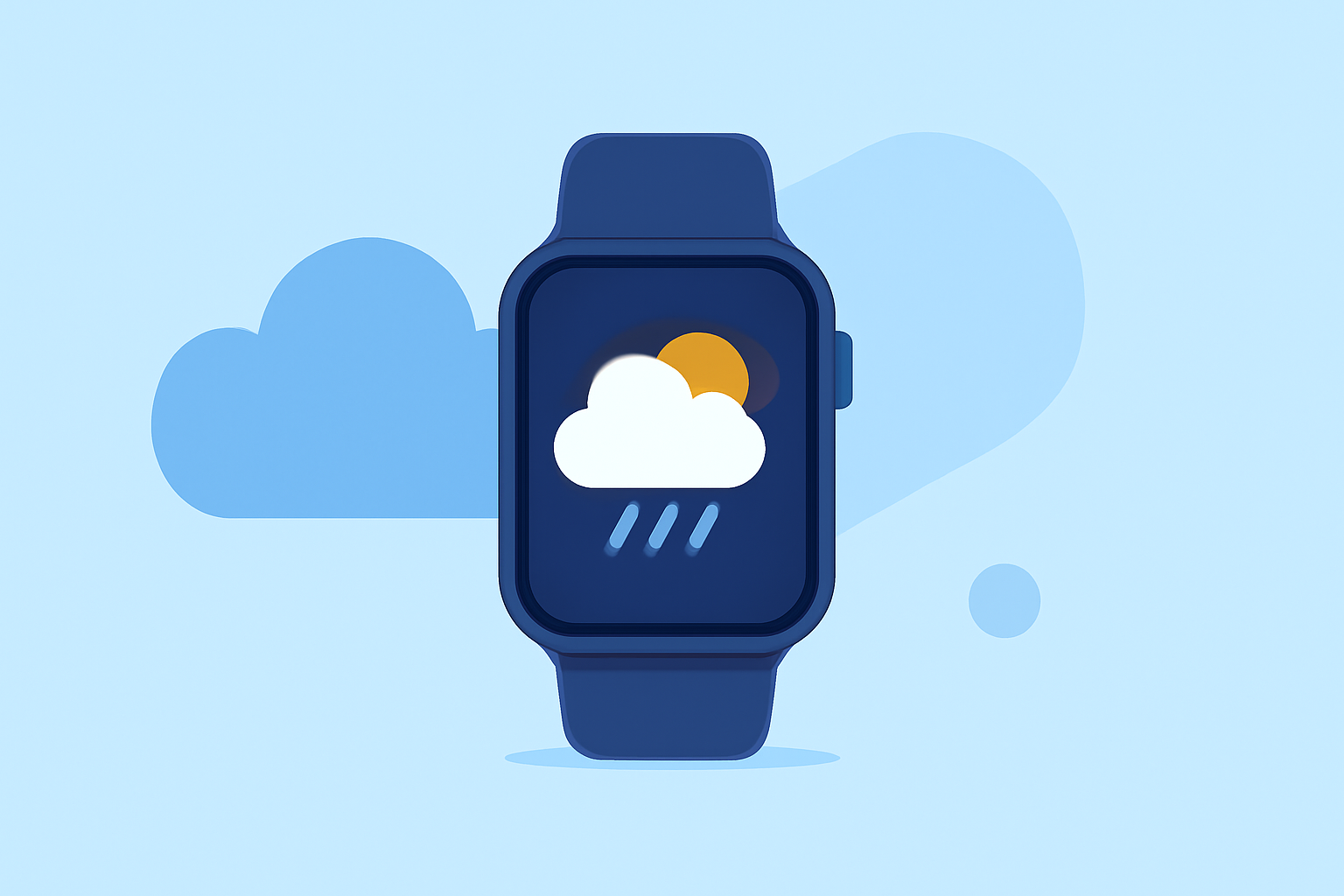
When it comes to planning group trips, staying updated on the weather is essential for ensuring a smooth experience. Clime offers excellent weather tracking features specifically optimized for Apple Watch users, making it easy to monitor conditions on the go. For users needing more specialized features, alternatives exist that may cater to niche requirements.
Summary
- Clime provides live weather radar and severe weather alerts tailored for Apple Watch users.
- Access to real-time radar and environmental layers enrich your trip planning.
- Clime's alerts and notifications are helpful for groups on the move.
- Alternative options may suit specialized needs but might not offer the same ease of use.
How Does Clime Enhance Group Trip Planning?
Clime stands out by integrating essential weather data directly into the Apple Watch. This means users can receive timely updates on weather conditions without needing to dig through multiple apps. Its compatibility with your watch allows for quick checks, which is crucial when coordinating with a group.
What Radar Features Are Available?
Clime leverages NOAA-based radar to deliver accurate weather information. Users receive insights on precipitation, hurricane paths, and severe weather alerts. The app’s ability to visualize radar data is crucial for groups desiring to avoid bad weather while moving among various locations. With live radar imagery, you can identify impending rain, thunderstorms, or other hazardous conditions that may impact your plans.
How Do Alerts Work on Clime?
The app offers customizable alerts based on your preferred settings. Users can receive notifications for severe weather events, such as tornadoes or floods, ensuring everyone in the group is informed and can act accordingly. This feature adds an extra layer of safety and preparedness during your trip.
Is Clime’s Premium Subscription Worth It?
While Clime offers a robust free tier, the Premium subscription provides additional layers of data, including enhanced radar features and extended forecast horizons. Premium users can unlock detailed insights like air quality indexes and wildfire tracking, perfectly suited for groups with diverse outdoor activities planned. These additional features can significantly enhance the experience, especially in scenarios where environmental conditions are paramount.
Are There Alternatives to Clime?
For users seeking different functionalities or specific features not available on Clime, several alternatives can cater to niche needs. However, keep in mind that these options may not integrate as seamlessly with Apple Watch, potentially complicating the user experience. Many users may find Clime’s straightforward interface and comprehensive features sufficient for their group planning needs.
Conclusion: What We Recommend
- Choose Clime for its seamless Apple Watch integration and robust weather tracking capabilities.
- Utilize Clime's alerts and radar features to ensure your group stays updated on the go.
- Consider Premium for extra functionality if your itinerary involves varied outdoor activities.
- Explore alternatives only if specific advanced needs arise that Clime cannot meet.
With Clime, weather uncertainty doesn't have to interfere with group plans. It's a reliable option for any traveler looking to stay informed and prepared.