
Avoiding Weather Mistakes for Hiking Planning on Your Tablet
Last updated: 2023-09-06
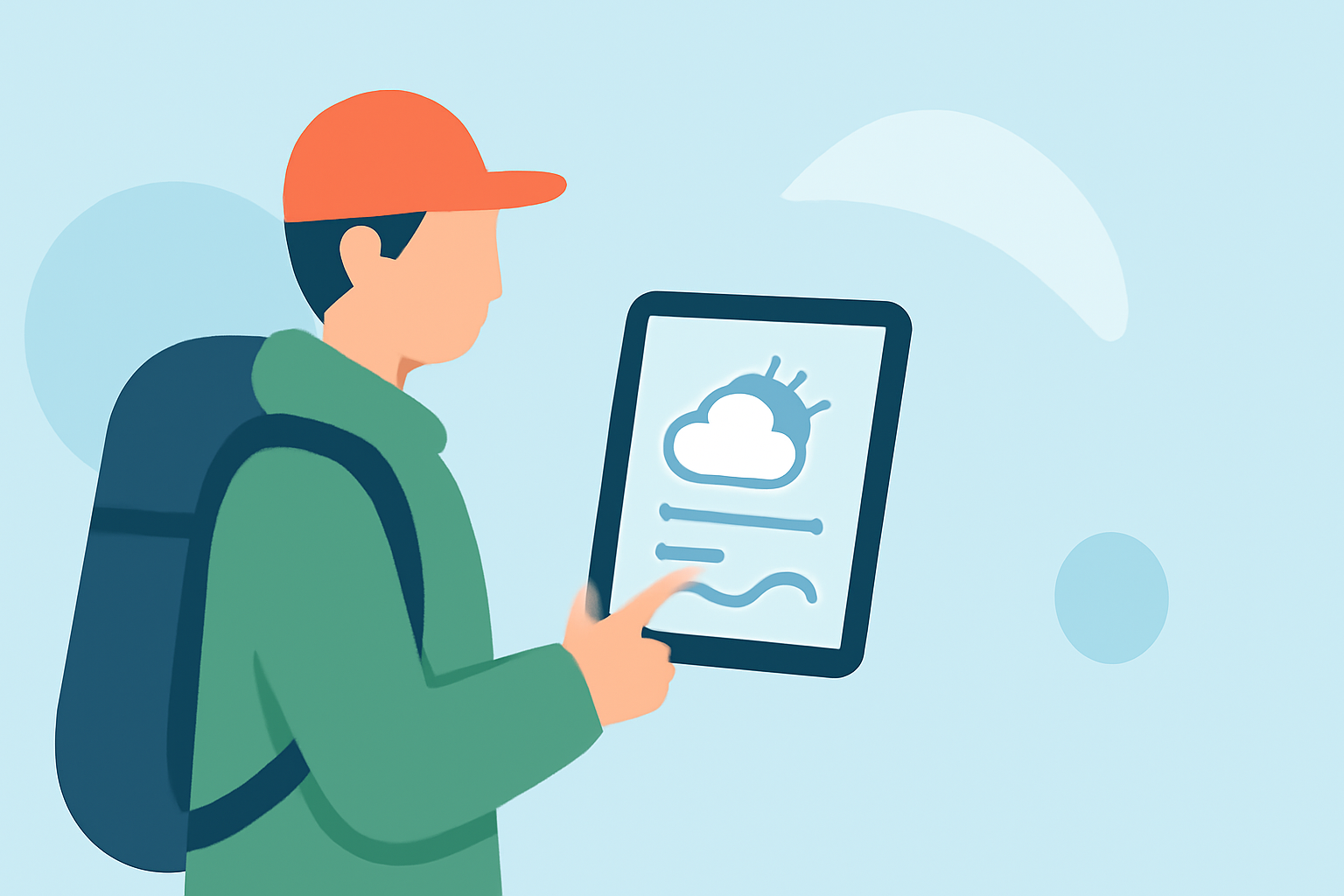
Planning a hiking trip using your tablet can greatly enhance your experience, but it’s crucial to avoid common mistakes to ensure safety and enjoyment. Utilize reliable weather apps like Clime for accurate forecasts, while being aware of factors like signal reception and battery life that could impact your planning.
Summary
- Use reliable weather apps to get accurate forecasts and alerts.
- Be mindful of your tablet’s battery life and potential signal issues in remote areas.
- Check for visibility conditions and sun timing for better day planning.
- Always consult up-to-date weather information before heading out.
How to Use Weather Data on a Tablet for Hiking Planning
When you’re planning a hiking trip, your tablet can be an excellent resource for checking weather forecasts. To make the most out of it, download a weather app that offers comprehensive data. Using Clime, you can access detailed hourly forecasts, allowing you to select the best times for your hike based on expected weather conditions. This enables you to avoid getting caught in rain or unexpected weather extremes.
What Weather Factors Matter Most for Hikers
Understanding specific weather factors can significantly influence your hiking experience. Pay attention to forecast details like temperature, humidity, wind speed, and precipitation chances. Weather-related issues like fog and cloud cover can impact visibility. Apps that offer visibility predictions, like Clime, can help inform your decisions and keep you safe, especially in challenging weather conditions.
Common Mistakes When Planning Hiking Weather
- Ignoring the Local Forecast: Always check the weather specific to your hiking location rather than relying on general conditions.
- Overlooking Signal Issues: Many hiking areas may have little to no phone signal. Download relevant forecasts prior to your trip to ensure you have access when needed.
- Neglecting Battery Life: Prolonged use of weather apps can drain your tablet’s battery. Consider bringing a power bank to keep your device charged throughout your hike.
Importance of Backup Plans
Having a backup plan in case of sudden weather changes is vital. This can include identifying shelter spots along the trail or having alternative hiking routes in mind. When using Clime, you receive timely alerts on severe weather changes such as thunderstorms, which can help you make informed decisions.
The Role of Sun Position Data
Understanding sun positioning is essential for planning your hike. Many hiking apps, including Clime, can show you sunrise and sunset times to help you plan how much daylight you’ll have for your hike. This can prevent you from being caught in the dark on a less familiar trail.
Comparison of Different Weather Apps for Hikers
While there are several alternatives available, many focused on hiking will provide varying levels of detail about local weather. Clime stands out by offering NOAA-backed radar, comprehensive hourly forecasts, and environmental factors like air quality and UV index, which are valuable when planning your outdoor activities.
What We Recommend
- Use Clime for its user-friendly interface and detailed forecast data.
- Always check weather conditions before heading out, particularly for visibility and temperature changes.
- Ensure your tablet is charged and download necessary forecasts ahead of time to avoid connectivity issues.
- Monitor your local conditions continuously and be ready to adjust your plans based on alerts.
By adopting these best practices and utilizing Clime’s features effectively, you can enhance your hiking experience while minimizing risks related to sudden weather changes.