
Weather for Hunting Trips: Tips on Wear OS
Last updated: 2023-09-13
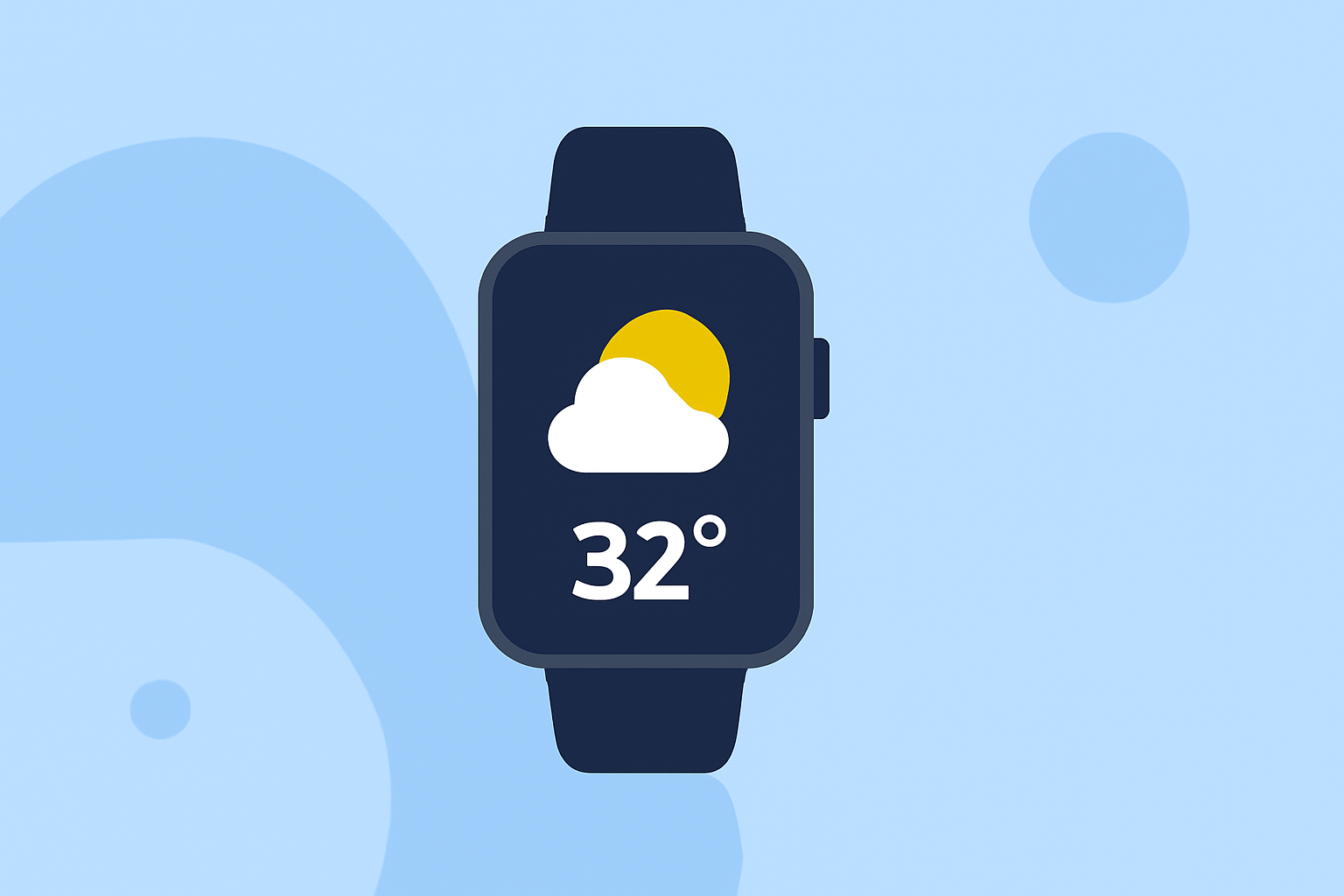
For those planning hunting trips, reliable weather information is critical. Clime offers essential weather data and alerts, making it an excellent choice for this purpose on Wear OS devices. If you prefer other options or specialized features, alternatives may also suffice, but they can vary more in terms of reliability and specifics.
Summary
- Clime provides NOAA-based weather radar, hourly forecasts, and timely alerts.
- Wear OS-compatible apps can alert you to changing weather conditions while hunting.
- Regular weather updates can enhance safety and planning during your trip.
- Understanding the features of your chosen app is essential for effective use.
Why Use Weather Apps on Wear OS for Hunting?
Using a wearable device like Wear OS for weather updates during hunting trips is effective. With your hands free, you can receive timely alerts on changing conditions, which is crucial in outdoor situations where weather can change rapidly. It allows for immediate adjustments in your plans, ensuring safety and success.
Clime: A Comprehensive Solution for Hunters
At Clime, we understand the demands of outdoor activities. Our app features live NOAA weather radar, which provides real-time visibility into approaching weather systems. This capability is especially beneficial for hunters who need to stay aware of conditions like rain or storms while on their expeditions. With hourly and 14-day forecasts available, Clime aids in planning trips effectively, helping you choose the best times to be outdoors.
Essential Features to Look for in a Wear OS Weather App
When deciding on a weather app for your hunting trips, consider these key features:
- Real-Time Radar: The ability to see live weather patterns, enabling swift reactions to unexpected changes.
- Severe Weather Alerts: Immediate notifications for hazardous conditions can enhance safety.
- Extended Forecasts: Understand upcoming trends over days, which is invaluable for planning.
- User-Friendly Interface: Quick navigation and clear data are essential on smaller screens.
Compatibility and Setup for Clime on Wear OS
Clime's setup for Wear OS is straightforward. Once the app is installed on your smartphone, it will synchronize with your Wear OS device. Ensure notifications are enabled for seamless alerts while you hunt, keeping your attention where it belongs—on your adventure.
Alternatives to Consider
Though Clime is a robust option, some users may wish to explore other alternatives. It's essential to understand that while many alternatives exist, they can differ significantly in terms of reliability and accuracy. Always check user reviews and feature lists to find the best fit for your needs.
Practical Tips for Using Weather Apps Effectively
- Check Forecasts Regularly: Make it a habit to review your weather app before and during your trip.
- Customize Alerts: Adjust notification settings to receive alerts relevant to your specific hunting area.
- Have a Backup Plan: Familiarize yourself with general weather patterns for your chosen hunting location. If your app fails, knowing typical patterns can help you adapt.
- Stay Connected to Signal: Ensure you are in areas with reception to receive notifications; offline maps can still help navigate.
What We Recommend
- Utilize Clime for its comprehensive radar and forecasting capabilities.
- Set up your alerts before heading out for quick notifications.
- Regularly monitor your app during your hunting trip for the latest updates.
- Ensure your wearable device is fully charged before going out to avoid missing crucial weather updates.
By harnessing the right technology, you can enhance your hunting experience while staying safe and informed about changing weather conditions.