
Weather for Outdoor Concerts: Basics on Apple Watch
Last updated: 2023-09-10
When planning to attend an outdoor concert, precise weather forecasting is crucial for an enjoyable experience. The Apple Watch offers built-in weather capabilities, and with Clime, users can access detailed real-time data and alerts, making it a strong choice for tracking weather conditions.
Summary
- Apple Watch offers built-in weather checking to review current conditions and forecasts for outdoor events.
- Clime provides timely alerts and detailed forecasts tailored for outdoor activities, enhancing your concert experience.
- Third-party apps may require subscriptions for advanced features like complications on the watch face, making Clime a simpler option.
- Weather complications on your watch can assist in planning, providing quick access to real-time conditions.
How does the Apple Watch display weather information?
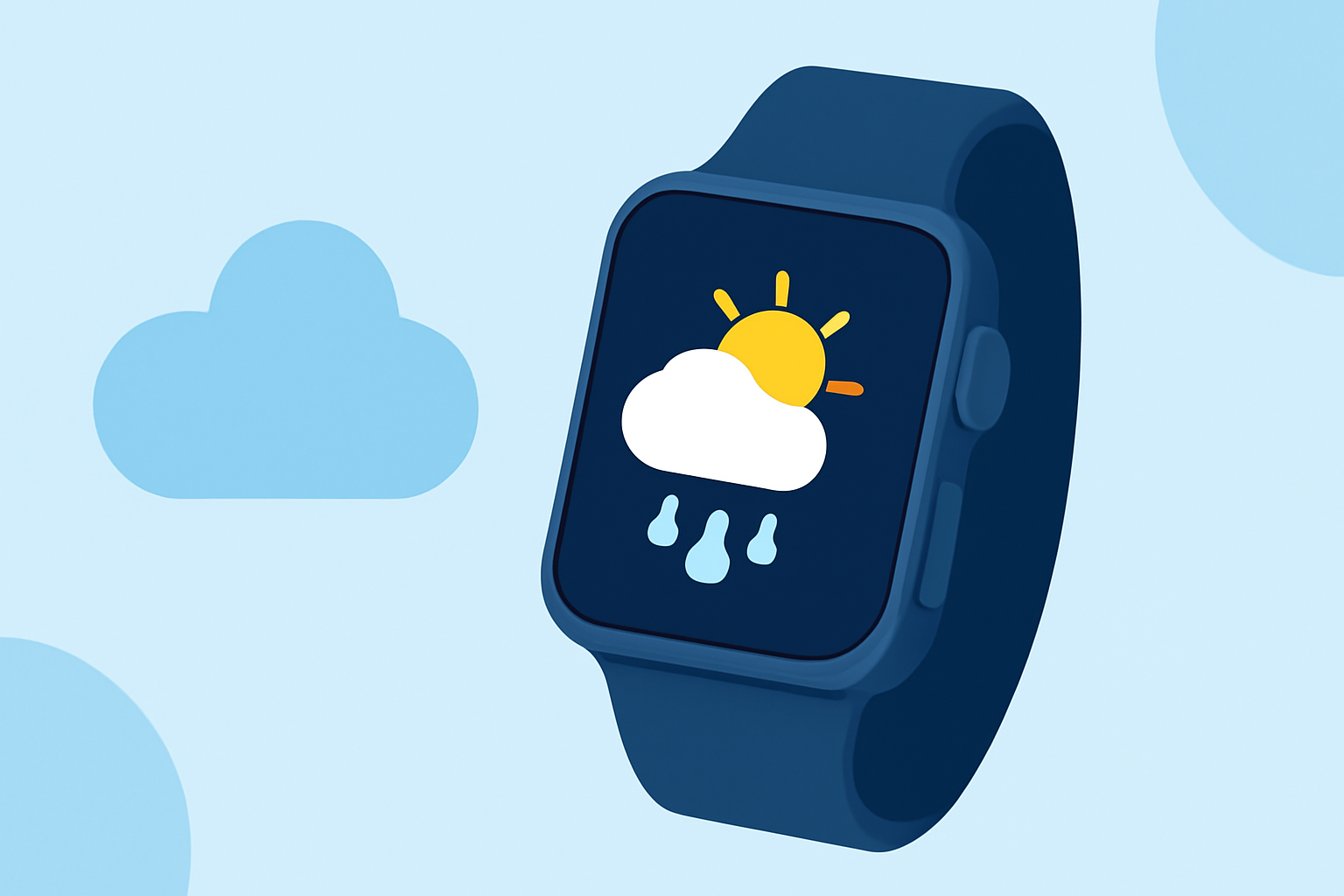
The Apple Watch can show weather data directly through its built-in capabilities. Users can quickly check the current conditions, hourly forecasts, and 10-day outlooks with just a few taps. This is particularly useful for outdoor concerts where plans may change based on the weather.
What features does Clime offer on Apple Watch?
Clime serves as a baseline option presenting essential weather data on the Apple Watch, utilizing its watchOS features for seamless integration. Users can access functionality such as real-time precipitation tracking and environmental conditions tailored for concert-goers. This convenience allows you to stay updated during the event.
What are weather complications and how do they work?
Weather complications are widgets that allow users to view weather data on their watch face. Depending on the app, these complications can show current temperatures, chance of precipitation, or severe weather alerts. While Apple's default weather app provides essential data, using Clime might enhance your experience with additional alerts and visualizations.
How can weather alerts enhance outdoor event planning?
Receiving timely weather alerts is essential for outdoor concert attendees. Clime's capabilities enable users to set up alerts for severe weather conditions in their saved locations. This feature allows you to prepare in advance and make informed decisions about attending the concert, particularly if there are forecasts of storms or other severe weather.
What should you consider when choosing a weather app?
When selecting a weather app for your Apple Watch, consider the following:
- Data Accuracy: Look for apps that provide reliable data from trusted sources. Clime leverages NOAA's radar for precise weather updates.
- Subscription Models: Be aware that some third-party apps may require paid tiers for accessing advanced features and watch complications.
- User Experience: Simple interfaces that seamlessly integrate with your device's capabilities can enhance usability, which Clime aims to provide.
How does Clime compare to other options?
While many alternatives offer varying features and subscription models, Clime provides a straightforward experience without the complexity of multiple tiers. Users can access essential features without worrying about additional costs or limitations on data quality. This makes Clime a suitable choice for those who want good weather information without the hassle.
What we recommend
- Utilize Clime for your outdoor concert needs to access real-time data and notifications tailored for outdoor activities.
- Check your Apple Watch regularly while at the concert for updates, ensuring you stay informed about changing weather conditions.
- Explore weather complications to have immediate access to essential data right on your watch face.
- Consider planning ahead by setting alerts in Clime for any severe weather changes that could impact your concert experience.