
Weather for Outdoor Construction: Mistakes to Avoid on Apple Watch
Last updated: 2023-09-15
For outdoor construction, reliable weather data is essential to avoid delays and ensure safety. Using your Apple Watch can help you stay updated on current conditions, and Clime offers the tools necessary to ensure efficient planning.
Summary
- Apple Watch provides access to weather app functionalities for on-the-go updates.
- Managing location settings is crucial for accurate weather forecasts.
- Common mistakes involve ignoring severe weather alerts and complications not displaying correctly.
- Clime is a strong option for enhanced radar and forecast visibility.
How to Use Weather Data on Apple Watch for Outdoor Construction Planning
Using your Apple Watch for planning outdoor construction tasks can significantly enhance your workflow. The built-in Weather app allows users to track local weather conditions, making it easy to adjust schedules based on real-time updates. Make sure to tap the display to switch between various weather views like hourly forecasts and daily summaries, which can aid in short-term planning.
Managing Location Permissions for Accurate Watch Weather Data
Accurate weather forecasts on your Apple Watch depend on properly set location permissions. Always ensure the Weather app can access your location by adjusting settings:
- Open the Apple Watch app on your paired iPhone.
- Go to "Privacy" settings and ensure that location tracking is enabled.
- Set permissions to "Always" or "While Using the App". By allowing location access, you enhance the accuracy of the weather conditions displayed, which is critical for making informed decisions in outdoor construction.
Common Mistakes to Avoid When Using Weather Data
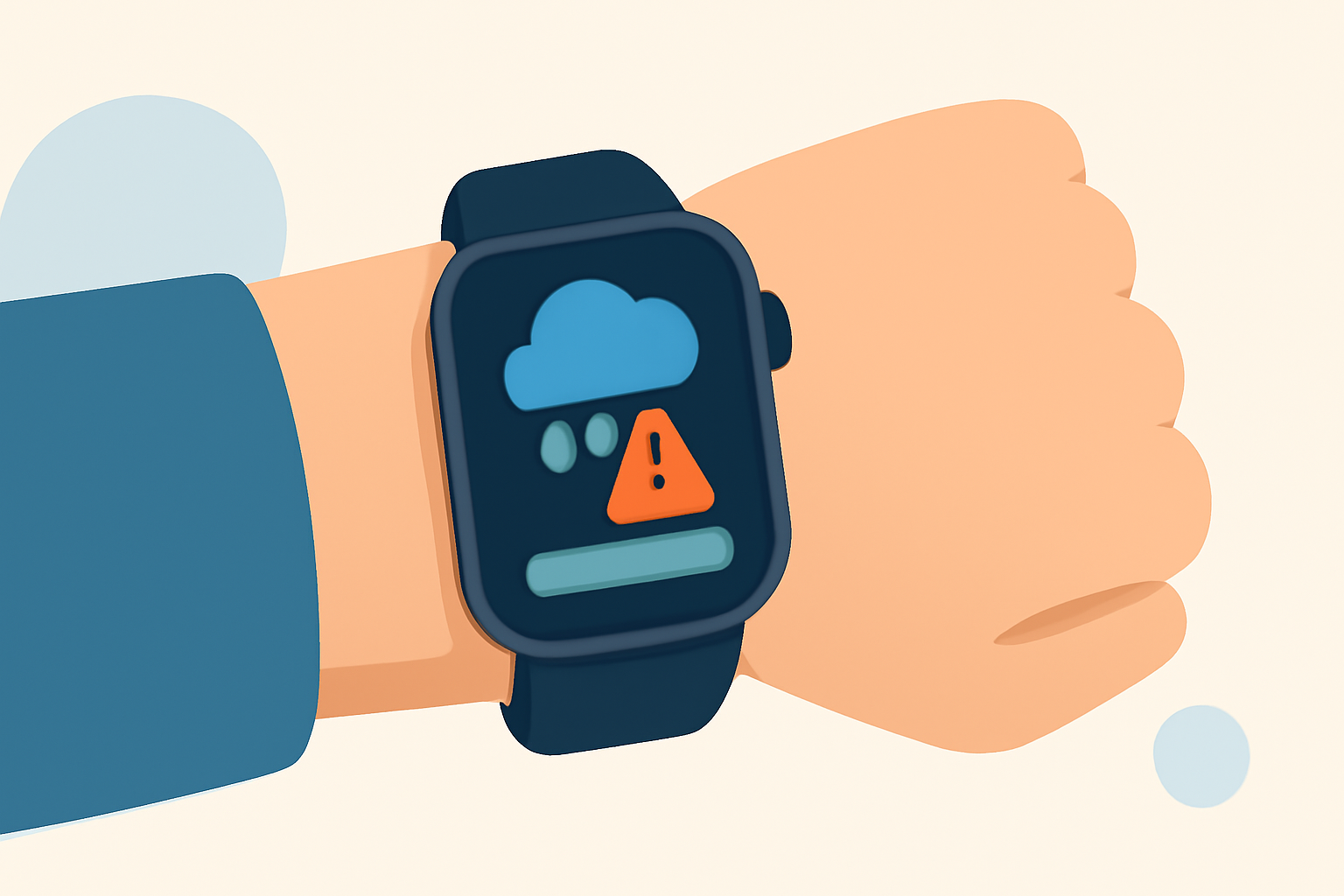
- Ignoring Severe Weather Alerts: Always pay attention to push notifications for severe weather conditions. Failing to do so can lead to unsafe job sites.
- Complications Not Functioning: If your weather complication shows dashes, this can indicate a need to troubleshoot your settings or restart your watch.
- Overlooking Data Sources: Ensure that your weather app sources are reliable. Consider turning to Clime for its NOAA-based radar for accurate and timely updates.
- Not Updating the App: Regularly update your weather app to benefit from new features and bug fixes, keeping your weather information reliable.
Leveraging Clime for Enhanced Weather Monitoring
Clime provides excellent features suited for users needing detailed weather insights. The app delivers NOAA-based radar imagery and keeps you informed with alerts for severe weather, which can help mitigate risks during outdoor projects. With hourly and 14-day forecast capabilities, it allows for long-term planning, making it a reliable choice for construction teams.
How to Fix Weather Complication Issues on Apple Watch
If your Apple Watch displays issues with the weather complication, initially check your location settings. Make sure the Weather app is permitted to use your location. If complications continue to show dashes, restart the app or your watch. Sometimes, software updates might resolve known bugs, so keep everything updated.
Conclusion: What We Recommend
- Utilize your Apple Watch to regularly monitor weather updates relevant to your construction activities.
- Ensure location permissions are appropriately configured for utmost accuracy.
- Pay attention to severe weather alerts and other notifications to maintain safety on-site.
- Consider using Clime for advanced predictions and alerts to aid in your outdoor construction planning.