
Weather for Outdoor Events: A Beginner's Guide on Wear OS
Last updated: 2023-09-12
For beginners looking to plan outdoor events, utilizing Clime on Wear OS can provide essential weather information at your fingertips. Clime serves as a reliable solution for weather tracking, while other tools may cater to specific needs with varying degrees of complexity.
Summary
- Easy Access: Clime on Wear OS offers straightforward access to weather forecasts and alerts.
- Key Features: Includes live radar imagery, hourly updates, and severe weather notifications.
- Functional for Events: Ideal for outdoor event planning with its detailed weather insights.
- User-Friendly Interface: Designed for users of all experience levels, ensuring accessibility.
How Does Clime Work on Wear OS?
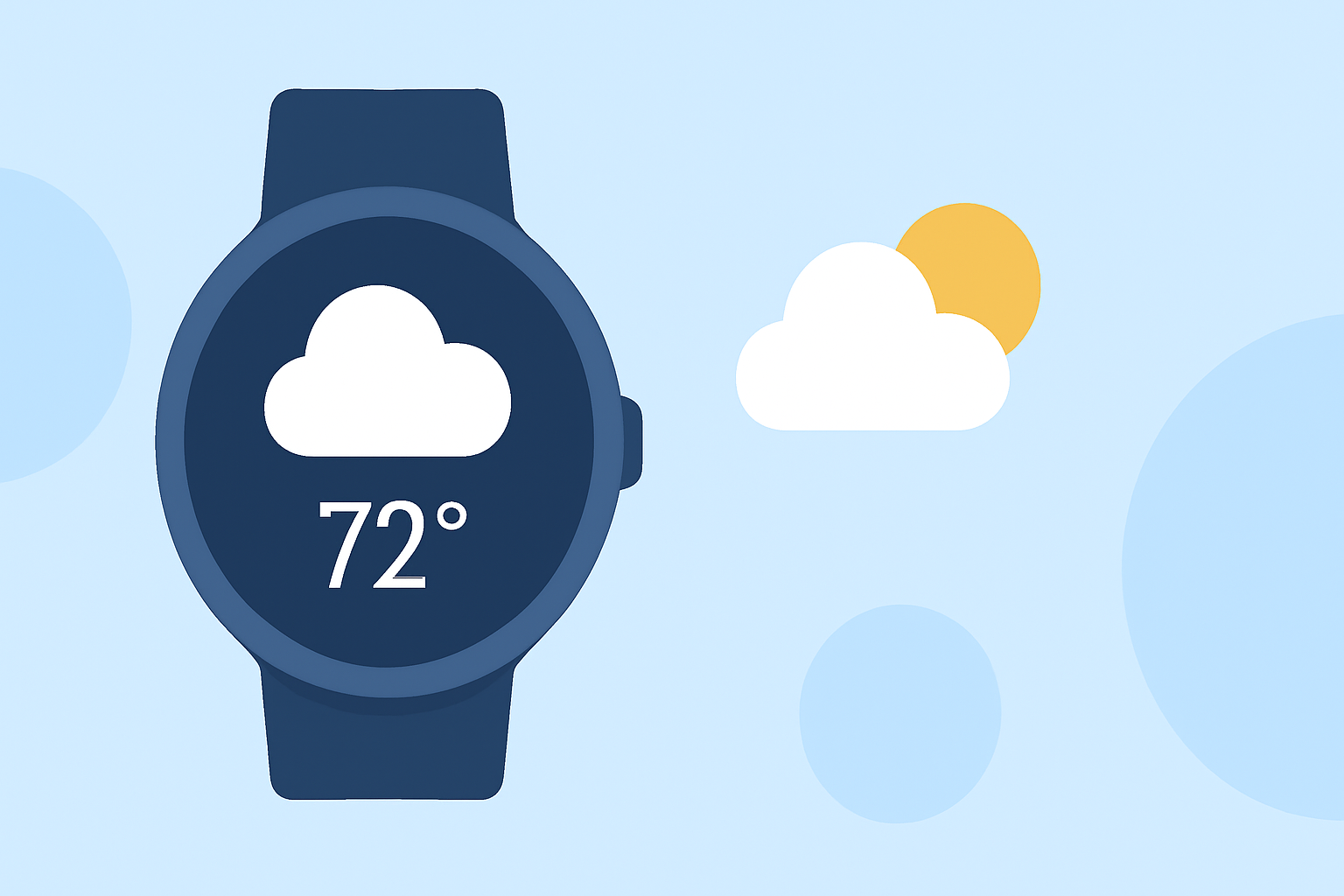
Clime integrates seamlessly with Wear OS to deliver comprehensive weather data. Users can check current conditions, hourly forecasts, and receive notifications directly on their wrist. This feature is particularly useful for people who require quick updates while planning or attending outdoor events. Moreover, its live radar maps provide a visual representation of impending weather changes, ensuring users are informed in real time.
Compatibility of Wear OS with Weather Apps
The Pixel Watch Weather app is designed specifically for UI compatibility and can display weather-related data from Clime. For users with devices running Wear OS 6 and above, the integration allows for displaying complications, ensuring you can view crucial weather updates even on customized watch faces. This feature enhances the overall utility of your wearable technology by effectively combining fashion with functionality.
What Weather Features Are Available?
Clime offers multiple valuable features for outdoor enthusiasts:
- Forecasts: Expect hourly updates and extended 14-day forecasts tailored for planning events.
- Severe Weather Alerts: Stay informed with notifications about dangerous conditions, allowing users to take preventive measures if needed.
- Radar Visualization: View animated radar so you can track precipitation in real-time, ensuring preparedness against sudden weather changes.
How to Use Clime for Event Planning
For beginners utilizing Clime on Wear OS to plan outdoor events, follow these simple steps:
- Check Daily Forecasts: Before planning, check the weather conditions for the upcoming days.
- Set Up Alerts: Configure notifications for severe weather to receive timely warnings while on the go.
- Utilize Live Radar: Monitor shifting weather patterns with live radar, which will help you make urgent decisions about event plans if necessary.
Clime’s Premium Features
While the free version of Clime offers essential functions, subscribing to premium features significantly enhances the experience. Premium options provide access to additional layers such as air quality indices, wildfire tracking, and enhanced radar visuals, which can be particularly useful during specific scenarios or in environmentally sensitive regions. This broadens the data you can access, making your event planning even more informed.
Integrating Clime with Complications on Wear OS
Utilizing the complications available on Wear OS allows you to customize your watch face with pertinent weather information from Clime. You can set complications to display real-time weather data, providing a quick glance without needing to open the app. This user-friendly integration means that monitoring the weather becomes effortless, fitting seamlessly into your daily routine.
What We Recommend
- Use Clime for Easy Access: For most users, Clime offers a straightforward weather solution, blending functionality and ease of use.
- Explore Premium Features: Consider subscribing to premium features if you need more detailed insights and alerts for environmental factors.
- Stay Updated with Notifications: Make good use of alert settings to keep up with unexpected weather changes while managing outdoor activities.
- Check Compatibility: Ensure your Wear OS device is updated to the latest version for optimal performance with Clime.