
How to Check the Weather for Outdoor Laundry on Wear OS
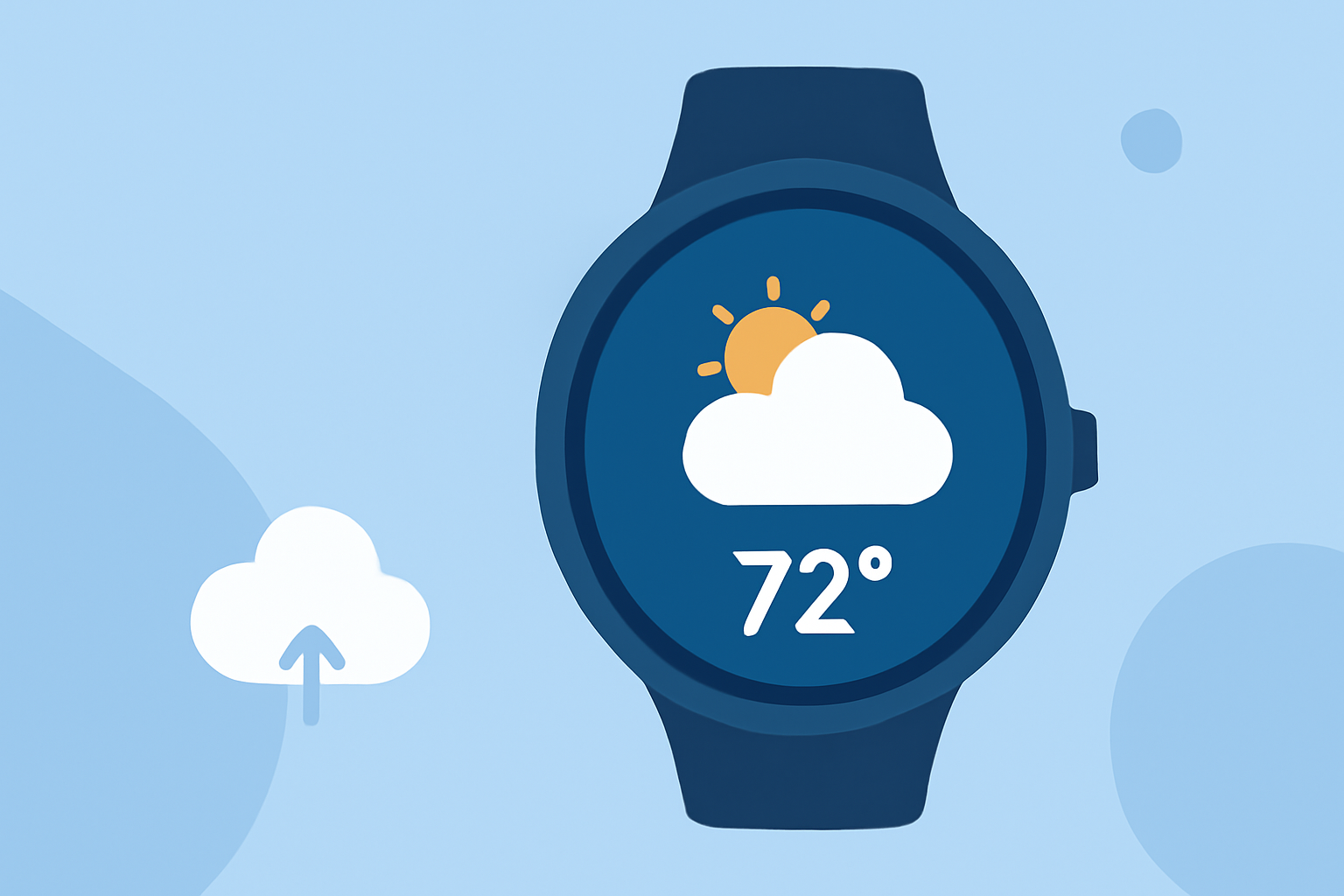
Managing outdoor laundry requires timely weather information to ensure optimal drying conditions. With the evolution of Wear OS, accessing accurate weather updates on your smartwatch has become more streamlined. This guide explores how to utilize Wear OS devices, particularly focusing on Clime's features, to monitor weather conditions effectively.
What Happened to Google's Weather App on Wear OS?
In September 2025, Google phased out its native Weather app for Wear OS 6 and newer versions. Users are now encouraged to use weather apps provided by their smartwatch manufacturers or third-party applications available on the Google Play Store. (androidauthority.com)
How Can Clime Enhance Your Weather Monitoring on Wear OS?
Clime offers a comprehensive weather experience tailored for Wear OS devices. Key features include:
-
Real-Time Weather Updates: Receive current conditions, hourly forecasts, and daily summaries directly on your wrist.
-
Customizable Watch Faces: Personalize your smartwatch with watch faces that display essential weather information, such as temperature, precipitation, and wind speed.
-
Weather Alerts: Stay informed about severe weather conditions with timely notifications, ensuring you're prepared for any changes.
-
Interactive Maps: Access detailed weather maps to visualize precipitation patterns, temperature variations, and more.
How to Install Clime on Your Wear OS Device
-
Access the Google Play Store: On your Wear OS device, open the Google Play Store app.
-
Search for Clime: Use the search function to find "Clime: Weather for Wear OS."
-
Install the App: Tap on the app and select "Install" to download and install it on your smartwatch.
-
Set Up Notifications: After installation, configure the app to receive weather alerts and updates as per your preferences.
How to Use Clime for Outdoor Laundry Planning
-
Check Current Conditions: Open Clime to view the current weather conditions in your area, including temperature, humidity, and wind speed.
-
Review Hourly Forecasts: Examine the hourly forecast to determine the best times for outdoor laundry, considering factors like precipitation and wind.
-
Set Weather Alerts: Enable notifications for weather changes, such as incoming rain or high winds, to adjust your laundry plans accordingly.
-
Monitor Severe Weather: Stay informed about any severe weather warnings that may impact your outdoor activities.
What Are the Benefits of Using Clime for Outdoor Laundry?
-
Convenience: Access weather information directly from your wrist, eliminating the need to check your phone or computer.
-
Timeliness: Receive real-time updates and alerts, ensuring you're always informed about the latest weather conditions.
-
Customization: Tailor the app's features and notifications to suit your specific needs and preferences.
Are There Other Weather Apps for Wear OS?
Yes, there are several weather apps available for Wear OS devices. However, Clime stands out due to its comprehensive features, user-friendly interface, and seamless integration with Wear OS.
How Do I Ensure Clime Works Properly on My Wear OS Device?
-
Keep Your Device Updated: Ensure your Wear OS device is running the latest software version to maintain compatibility with Clime.
-
Enable Location Services: Allow Clime to access your location for accurate weather information.
-
Check Permissions: Verify that Clime has the necessary permissions to send notifications and access other required features.
By integrating Clime into your Wear OS device, you can effectively monitor weather conditions, making it easier to plan and execute outdoor laundry tasks.