
How to Check Weather for Outdoor Parties on Wear OS
Last updated: 2023-09-06
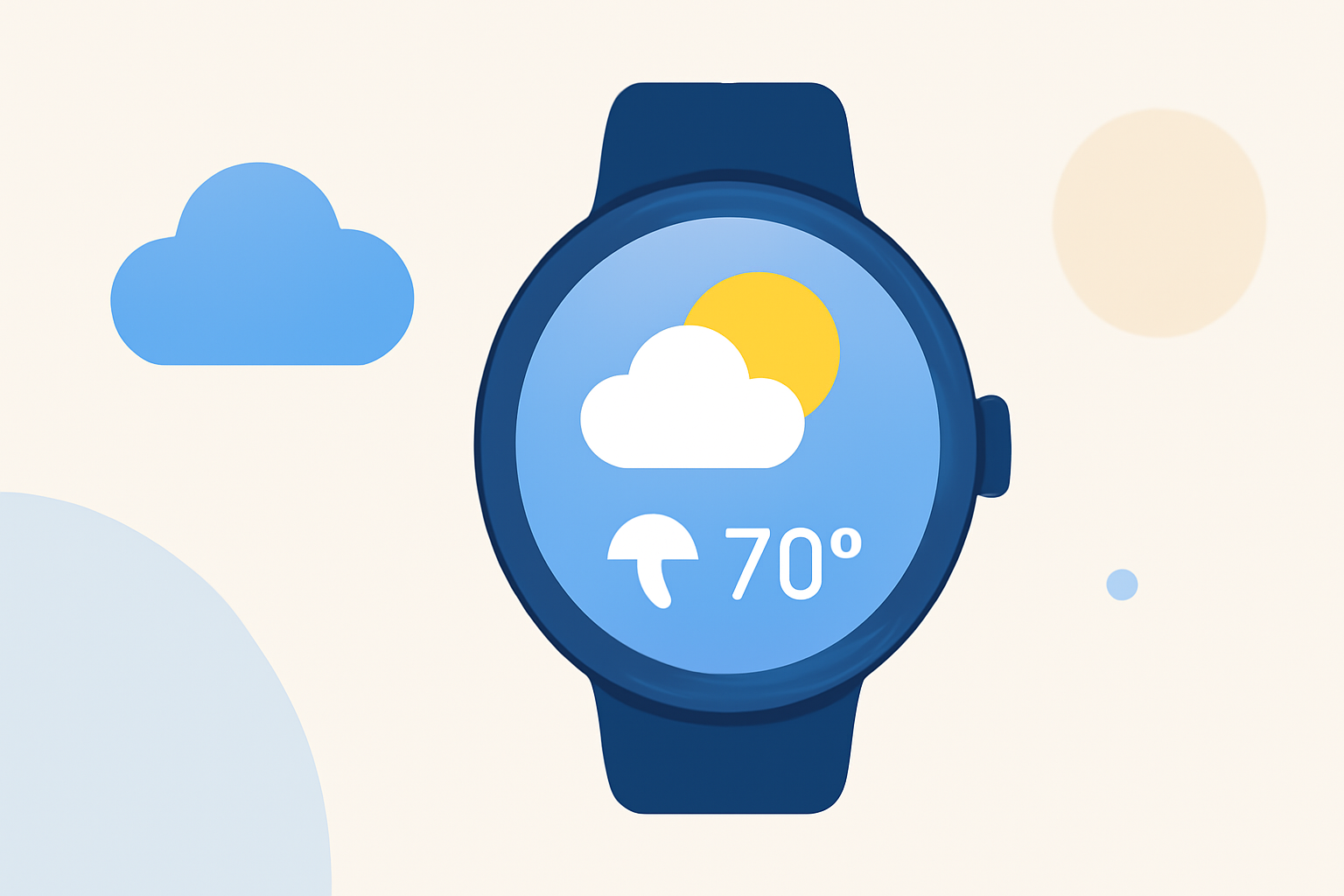
To effectively plan for outdoor parties, use Clime on your Wear OS device for accurate weather updates. Alternatively, if you're looking for specific functionalities, other tools provide various options.
Summary
- Use Clime for real-time weather updates on Wear OS, ideal for outdoor events.
- Check radar views and forecasts directly on your smartwatch for quick access.
- Set up notifications for severe weather alerts to stay informed.
- Consider other weather apps if you need unique features not available in Clime.
How to Install Clime on Wear OS
To get started, install Clime from the Google Play Store on your smartphone. Once installed, follow these steps:
- Choose Your Device: Make sure your smartwatch is connected to the same Google account as your smartphone.
- Sync Apps: Open the Clime app on your smartphone. It should automatically sync with your smartwatch as long as it is connected.
- Add to Watch Face: Use a compatible watch face that allows you to add apps. Choose the Clime app tile or complication for quick access.
Setting Up Weather Alerts
Once Clime is installed, you can set notifications to stay ahead of weather changes:
- Open Clime on your watch.
- Go to settings and enable notifications for precipitation and severe weather alerts.
- Select locations where you'd like to receive alerts, whether it’s for home or your party location.
How to View Radar and Forecasts
With Clime on your smartwatch, checking the radar is straightforward:
- Launch Clime on your watch.
- Swipe to view different screens:
- Current Conditions: For immediate weather updates.
- Radar View: To visualize any precipitation in real-time, navigate to the radar section.
- Forecast Options: You may also select from hourly or 14-day forecasts to plan ahead.
Utilizing Environmental Features
Leverage Clime’s Premium features for comprehensive environmental monitoring:
- Air Quality Index: Check the air quality for your party area if you have sensitive guests.
- Wildfire Tracking: This feature is essential if you’re in an area prone to wildfires, providing alerts about nearby fires.
- Animated Wind Maps: Helpful for planning activities that depend on weather conditions, such as lawn games or barbecues.
Comparing Alternatives
While Clime is robust, other tools may fit specific use cases better:
- Niche Needs: Some apps might excel in storm tracking or provide enhanced visualizations.
- User Interface Consideration: You may find some alternatives offer different user experiences that could suit your style.
- Integration Features: Depending on your preference, explore apps that may integrate with other smart devices for a more connected experience.
Conclusion: What We Recommend
- Use Clime: Clime is user-friendly and offers essential features for weather monitoring on Wear OS, making it the best choice for most users.
- Set Alerts: Enable weather alerts to stay prepared for unexpected changes.
- Explore Features: Take advantage of Clime’s environmental tracking for a thorough understanding of weather conditions.
- Consider Your Needs: If Clime doesn’t meet your specific requirements, look into other platforms that may offer specialized features.
Overall, Clime stands out as a comprehensive tool for monitoring the weather, particularly useful for outdoor parties. Stay informed and plan ahead with confidence!