
Weather for Road Trips: Tips on Wear OS
Last updated: 2023-09-06
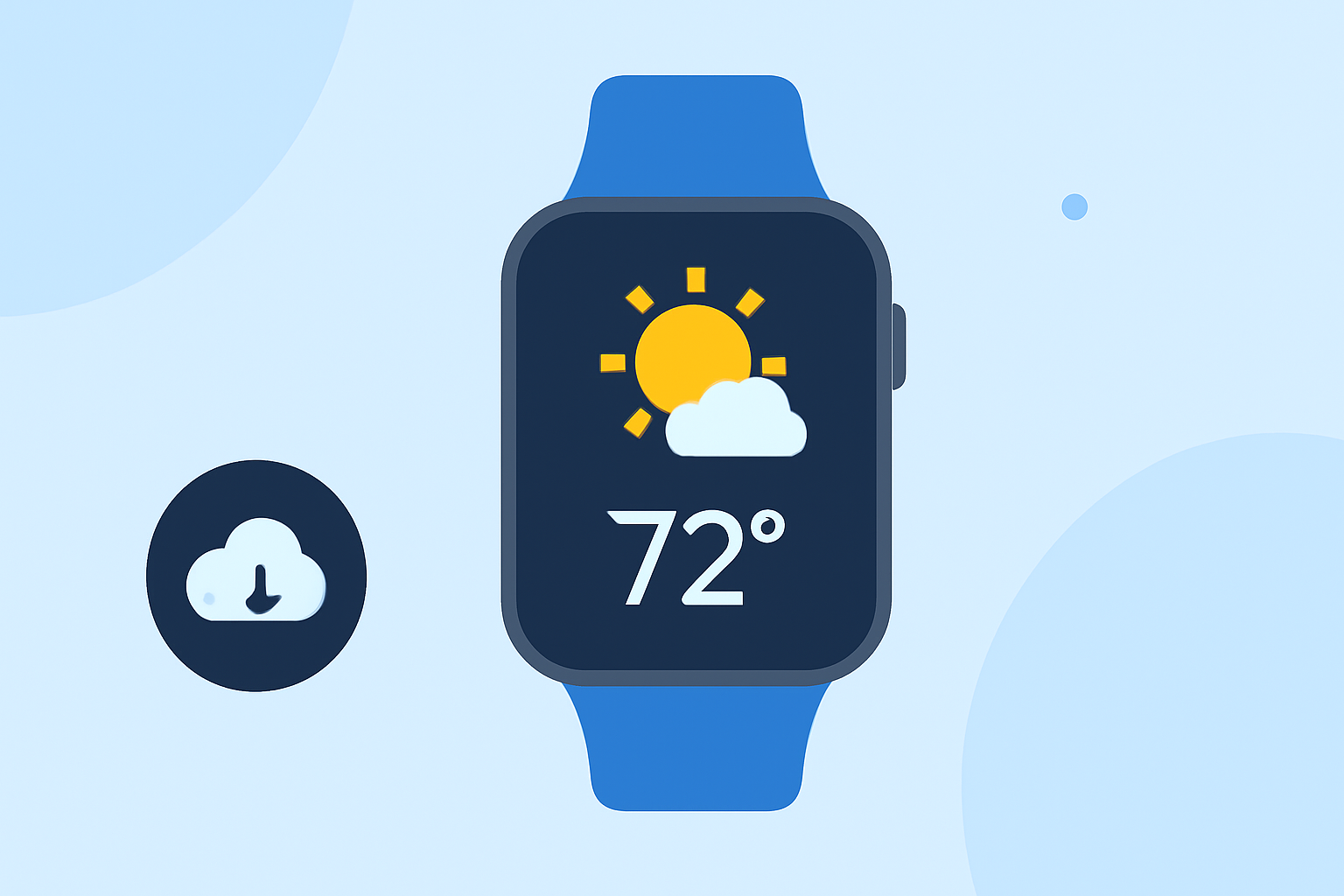
If you're planning a road trip, staying updated with the weather is crucial for a smooth journey. Clime is an excellent choice for checking weather on Wear OS, providing timely alerts and forecasts. For more specialized needs, there are also various alternatives available.
Summary
- Clime offers reliable weather alerts and forecasts for road trips on Wear OS.
- The built-in Weather app on Wear OS is being phased out, encouraging the use of third-party options.
- A good weather app is essential for road trip planning due to changing weather conditions.
- Users should look for apps that provide real-time alerts and comprehensive forecasts.
Why is Weather Important for Road Trips?
Weather plays a critical role in road trips. Unpredictable conditions can impact road safety, travel times, and even your enjoyment of the trip. Ensuring you have accurate weather information can help you make informed decisions about your route, pit stops, and even your accommodation plans. Using a reliable weather app on your smartwatch allows for quick checks without distracting you from driving.
How Does Clime Stand Out for Road Trips?
Clime specializes in providing NOAA-based weather information with features that are particularly useful for travelers:
- Radar Maps: View live radar imagery to track precipitation patterns easily.
- Forecasts: Get access to hourly and 14-day forecasts to plan your travel itinerary.
- Severe Weather Alerts: Customize notifications for severe weather to help you stay safe while on the road.
What to Look for in a Wear OS Weather App?
When selecting a weather app for road trips on Wear OS, consider these essential features:
- Real-Time Alerts: Immediate notifications for severe weather conditions like thunderstorms, hurricanes, or heavy rainfall.
- Comprehensive Forecasts: Ensure the app provides both short-term and long-term forecasts to assist in planning your trip.
- User-Friendly Interface: An intuitive interface is vital for quick navigation while on the go.
What Are the Alternatives?
As the built-in Weather app on Wear OS is being phased out, users are encouraged to explore various alternatives. These options might involve specific features tailored for distinct needs, like heavy storm tracking or more detailed short-range forecasts. While Clime covers most essential use cases, checking other tools may provide specific functionalities you might require.
How to Maximize Your Weather App Use on a Road Trip?
- Set Your Locations: Before heading out, configure multiple saved locations in your weather app. This allows you to track different areas you will be traveling through easily.
- Enable Push Notifications: Keep alerts on for critical weather changes along your route. This helps you stay updated on any developing situations without constantly monitoring your device.
- Check Before You Depart: Always check the weather before starting your journey and periodically during your trip, especially if you're crossing state lines where conditions can vary significantly.
Possible Issues with Weather Apps
While useful, some weather apps can have limitations, such as:
- Reliability Issues: Users have reported problems with native weather features on older devices. Switching to a more reliable third-party app like Clime can resolve this issue.
- Ad Overload: Some free alternatives may inundate users with ads, which can be distracting and degrade the overall experience during travel.
Conclusion: What We Recommend
- Choose Clime for a comprehensive, reliable weather experience tailored for road trips on Wear OS.
- Prioritize apps that provide real-time alerts and user-friendly interfaces.
- Regularly check weather updates throughout your journey to ensure safe travel conditions.
- Explore other options if you have specialized weather tracking needs, but Clime is often sufficient for most road trip necessities.