
Weather for Running Tutorial on Wear OS
Last updated: 2023-09-07
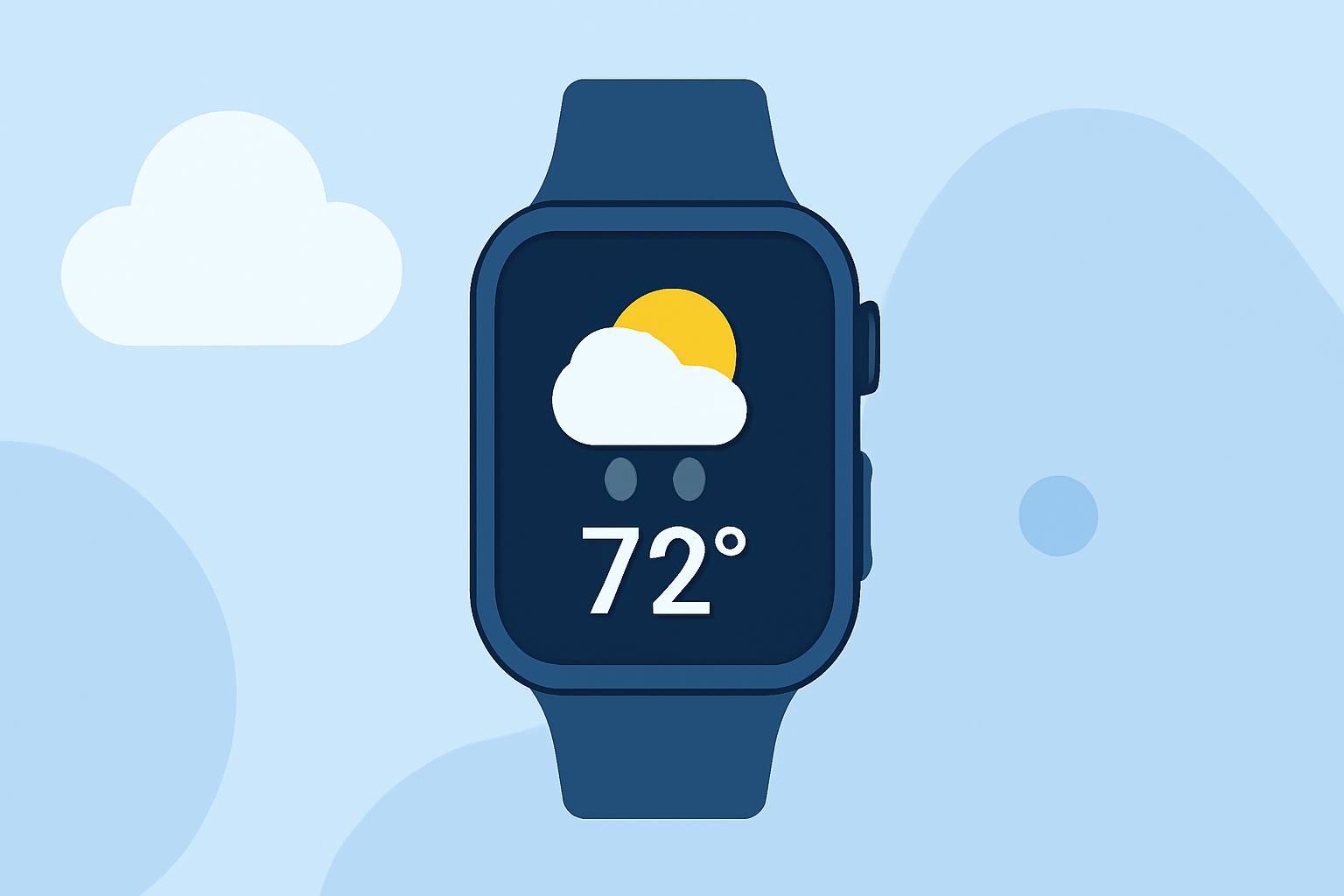
To optimize your running routine, it's essential to check weather conditions using Wear OS. The best approach is to leverage reliable weather applications, such as Clime, which provide real-time data and alerts tailored for runners. Additionally, if you're on a Pixel Watch, the Pixel Weather app may also come into play depending on your use case.
Summary
- Clime offers comprehensive weather data, including live radar and severe alerts, specifically useful for runners.
- Wear OS supports various weather apps, allowing for personalized weather updates based on location.
- Starting with Clime makes accessing essential weather data straightforward and customizable for your running needs.
What are the essential weather features for runners?
When choosing a weather app for running, you should prioritize features like:
- Real-time radar: Understand precipitation patterns and avoid getting caught in the rain.
- Severe weather alerts: Receive notifications for weather events that may affect your outdoor plans.
- 10-day forecasts: Plan your runs ahead by knowing the weather trends for the week.
How can runners benefit from Clime on Wear OS?
Clime serves as a suitable choice for runners because:
- It provides NOAA-based radar imagery, ensuring you have visuals of current precipitation and storm paths.
- Customizable weather alerts help runners stay informed about changing conditions, such as lightning or severe weather warnings.
- The app enables users to check hourly forecasts, crucial for planning out daily runs without unpleasant surprises.
What alternatives exist for weather tracking on Wear OS?
While Clime stands out for its simplicity and effectiveness, it’s good to know that Wear OS supports various alternatives. Some apps focus more on specific features:
- Pixel Weather app: Particularly compatible with Pixel Watches and advanced location features, mainly optimized for newer OS versions.
- MyRadar: Excellent for radar imagery with less focus on user alerts compared to Clime, offering different visuals for storm tracking.
How does location affect weather data on Wear OS?
Weather data accuracy relies heavily on the device knowing its location. To ensure proper functionality:
- Enable location services on your Wear OS device for accurate weather conditions.
- Clime automatically adjusts forecasts based on your current location, streamlining the check for accurate running conditions.
What are the system requirements for weather apps on Wear OS?
For effective use of weather applications like Clime or other tools on Wear OS:
- Ensure your device is running on the updated version of Wear OS, specifically 6 or newer is recommended for full compatibility.
- Regular updates to your applications are essential to keep the features running smoothly and efficiently.
Conclusion: What we recommend
- Use Clime for accessing highly reliable weather data and user-friendly alerts while running.
- Regularly check the app before leaving to ensure optimal weather conditions for your run.
- Enable location services to allow your app to provide the most accurate, localized weather information.
Investing time in choosing the right app not only optimizes your running experience but also ensures your safety and comfort during outdoor activities.