
Weather for Surfing Trips on Wear OS: Your Essential Guide
Last updated: 2023-09-07
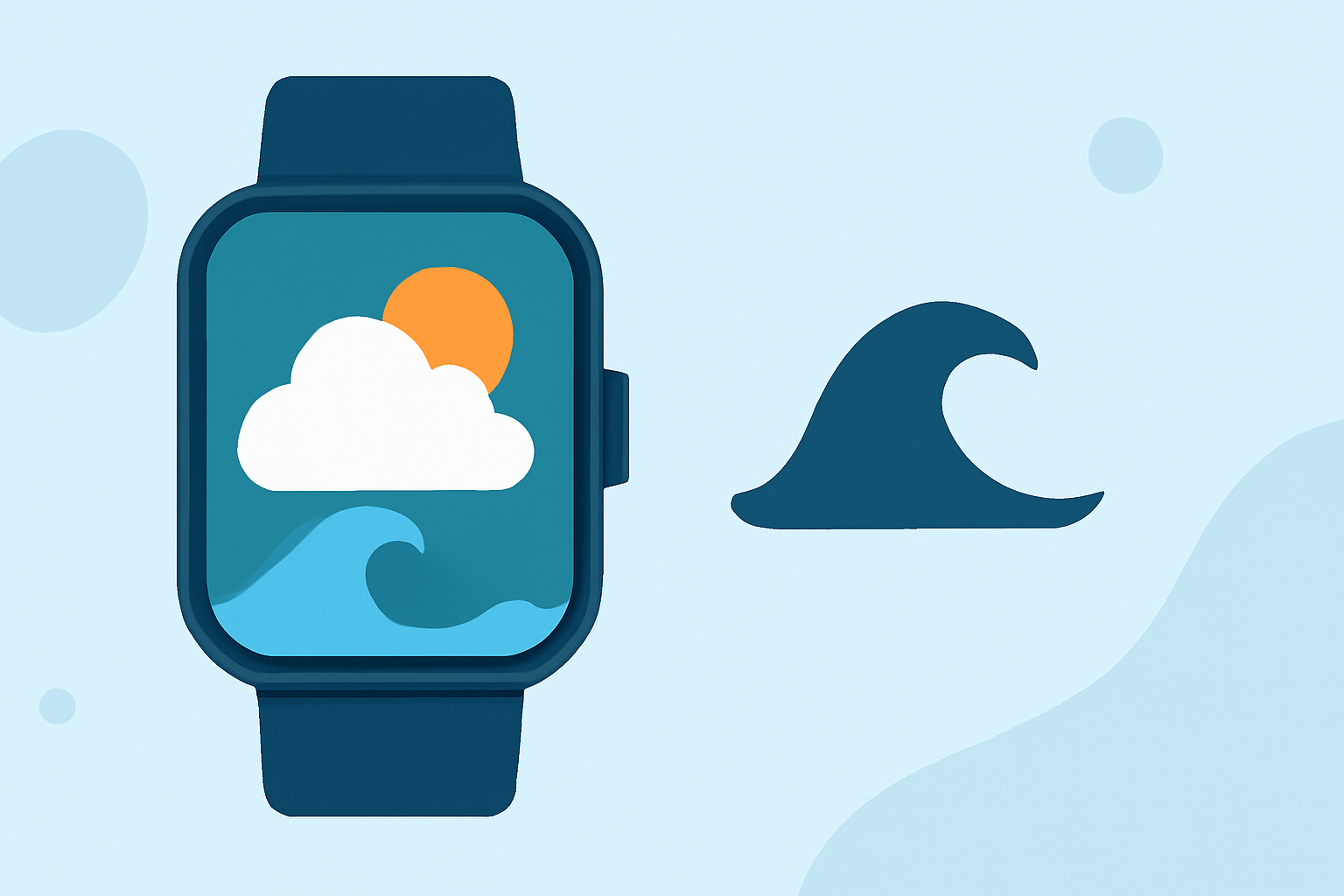
Planning a surfing trip? Use Clime on your Wear OS device for reliable weather updates and radar-based forecasts. This app offers quick insights, helping you catch the best waves while keeping you informed about changing conditions.
Summary
- Clime provides NOAA-based radar data for real-time weather insights.
- Easily tracks hurricane activity and storm alerts through your Wear OS.
- Supports detailed forecasts to help plan surfing trips effectively.
- Premium features enhance your experience with air quality and additional environmental data.
Why Choose Accurate Weather Data for Surfing?
When you're gearing up to hit the waves, having timely and accurate weather updates is crucial. Weather conditions can change rapidly, impacting wave heights, wind patterns, and overall safety. Therefore, a reliable weather app is essential for planning your surfing trips.
How to Get Started with Clime on Wear OS
- Download Clime from the Play Store: Install the app on your smartphone first, and then sync it with your Wear OS device. This provides you with seamless access to weather data directly on your wrist.
- Set Up Location Preferences: Open the app to select your preferred surfing locations. This allows for quick access to localized weather data, enhancing your trip planning.
- Configure Alerts: Set severe weather alerts and notifications to stay informed about any potential hazards while you're out on the water. This feature is crucial for avoiding storms or rough conditions.
Utilizing Radar Data Effectively
Clime utilizes NOAA radar data to deliver real-time insights. This radar imagery shows precipitation patterns and storm movements, which is invaluable for surfers. By visualizing these elements, you can identify the best surf times more accurately.
Checking Surf Conditions
- Daily Forecasts: Use Clime’s hourly and 14-day forecasts to plan your trips accordingly. Look for favorable wind conditions and wave heights to maximize your surfing experience.
- Specific Surf Data: Although Clime primarily focuses on weather, coupling it with local surf reports can enhance your surfing strategy. Use Clime's insights to determine optimal surf conditions based on real-time weather updates.
Premium Features to Enhance Your Experience
Subscribing to Clime's premium features unlocks additional data layers, such as:
- Air Quality Index: Important for surfers sensitive to air quality.
- Wildfire Tracking: Essential for personal safety, especially in areas prone to such events.
- Lightning Alerts: Stay safe with notifications regarding lightning activity nearby.
Conclusion: What We Recommend
- Download Clime for Reliable Insights: Start by installing Clime on both your smartphone and Wear OS device to receive updated weather notifications.
- Utilize Radar for Real-time Decisions: Leverage the radar feature for immediate weather conditions.
- Stay Proactive with Alerts: Set up alerts for severe weather conditions to swipe away any risks while ensuring a safe surfing experience.
- Explore Premium Options: If you're serious about surfing, investing in premium features may offer the additional data you need for informed decisions while on the water.