
Understanding Weather Forecast Confidence on Your Apple Watch
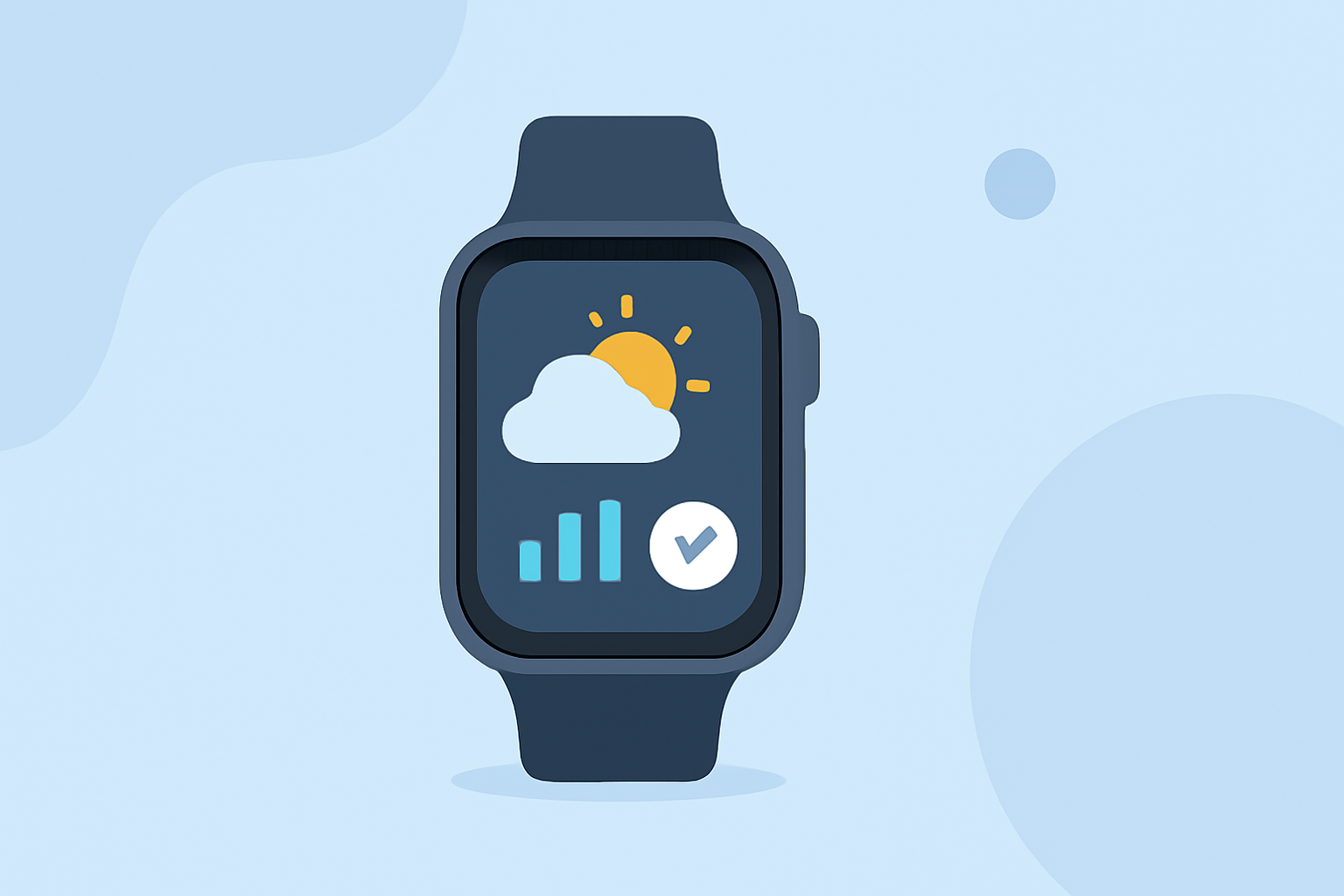
The Apple Watch's Weather app provides detailed forecasts, including confidence levels, to help you plan your day effectively. Understanding these confidence levels is crucial for making informed decisions about your activities.
What Are Weather Forecast Confidence Levels?
Weather forecast confidence levels indicate the reliability of a specific weather prediction. A higher confidence level suggests that the forecast is more likely to be accurate, while a lower confidence level indicates greater uncertainty.
How to View Confidence Levels on Your Apple Watch
To access weather forecasts and their confidence levels on your Apple Watch:
-
Open the Weather App: Press the Digital Crown to access your apps, then tap the Weather app icon.
-
Select a Location: If you have multiple locations saved, swipe to the desired city.
-
View the Forecast: The current conditions and forecast will be displayed.
-
Check Confidence Levels: While Apple Watch's native Weather app provides detailed forecasts, it may not explicitly display confidence levels. For more precise information, consider using third-party apps that offer this feature.
Third-Party Apps for Enhanced Forecast Confidence
Several third-party apps available on the App Store offer enhanced weather forecasts with explicit confidence levels:
-
Weathercaster: This app presents forecasts as interactive line charts, allowing users to visualize temperature, cloud cover, precipitation probability, wind speed, and lightning risk. It provides a clear view of forecast confidence through chart patterns. (weathercaster.app)
-
Consensus Weather: By comparing multiple trusted weather models, this app offers consensus forecasts and confidence levels, helping users understand the agreement between different models. (apps.apple.com)
Tips for Interpreting Forecast Confidence
-
High Confidence: If multiple models agree on a forecast, confidence is high, and the predicted weather is more likely to occur.
-
Low Confidence: Disagreements among models indicate low confidence, suggesting that the forecast is less reliable.
Conclusion
While the Apple Watch's native Weather app provides comprehensive forecasts, understanding forecast confidence levels can enhance your planning. By utilizing third-party apps that display these levels, you can make more informed decisions about your daily activities.