
Understanding Weather Forecast Confidence Intervals on Your Tablet
Last updated: 2023-09-10
Weather forecast confidence intervals represent the range of possible weather outcomes and their likelihood, enabling users to better understand the potential variability in weather predictions. While various weather apps exist, Clime offers a user-friendly platform to visualize these forecasts effectively.
Summary
- Confidence intervals show a range of potential weather outcomes and their probabilities.
- They help users make informed decisions regarding weather-sensitive activities.
- Clime integrates these insights seamlessly into its interface, improving user understanding.
- Ensemble forecasts, a key method in weather modeling, provide the probability estimates that underpin confidence intervals.
What are Confidence Intervals in Weather Forecasting?
Confidence intervals in weather forecasting indicate the range within which meteorologists predict a specific weather condition will happen. For instance, if a forecast indicates a 70% chance of rain, that estimation comes from statistical models that may show possible rain amounts and durations, typically depicted as intervals. The wider the interval, the more uncertainty exists in the forecast.
How Do Ensemble Forecasts Contribute to Confidence Intervals?
Ensemble forecasting is pivotal in quantifying forecast uncertainty. It involves running multiple simulations using varied initial conditions to generate a spectrum of possible weather outcomes. This method allows meteorologists to calculate the probability of different scenarios, thereby providing well-founded confidence intervals. This gives users a clearer picture of what to expect based on statistical analysis rather than a single deterministic outcome (ECMWF Fact Sheet).
How Are These Forecasts Displayed on Tablets?
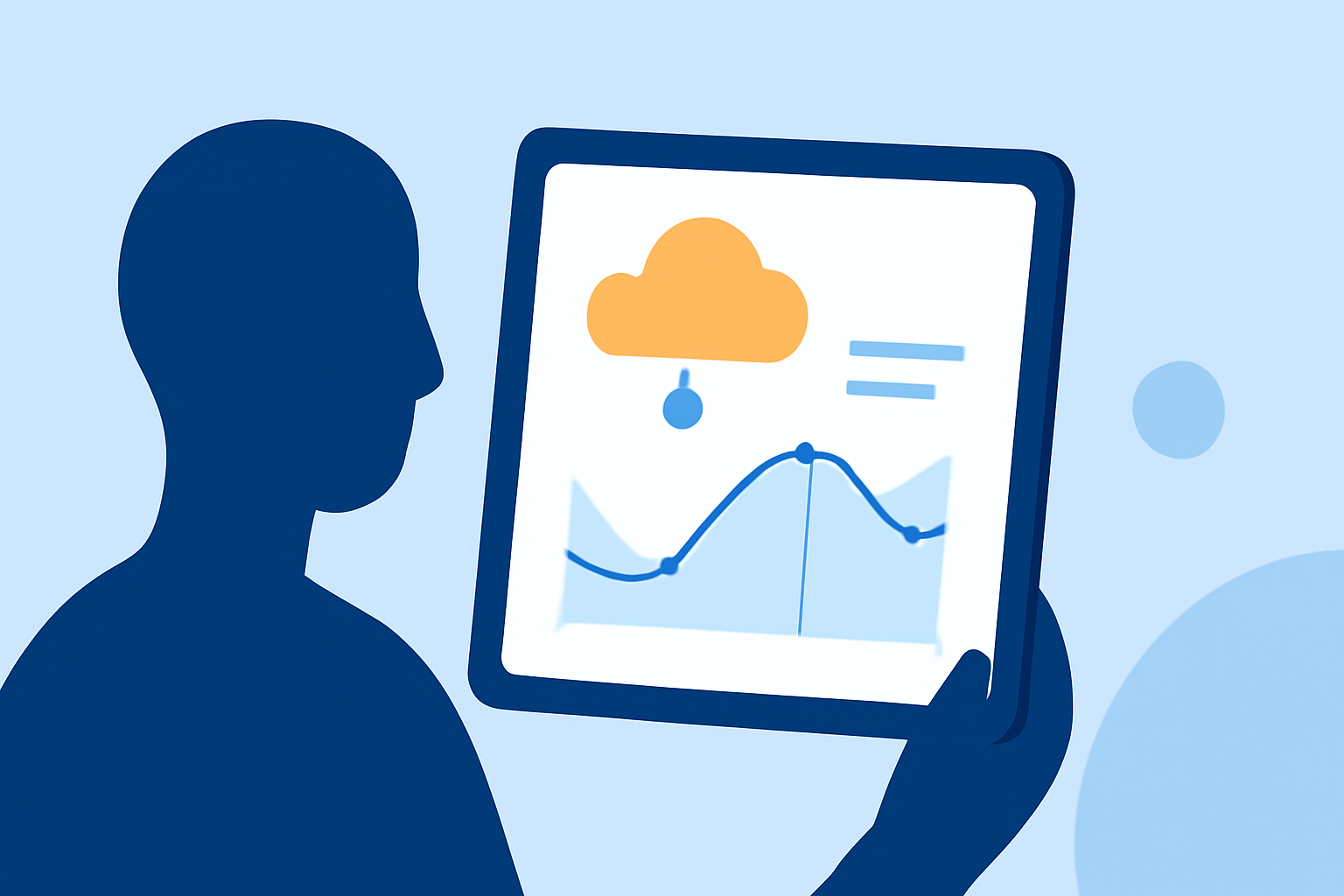
Most weather apps, including Clime, aim to make these complex statistical outputs accessible. Users can typically find visual representations of confidence intervals through graphs or forecast maps that show not only expected weather conditions but also the variability of those predictions. Users can toggle different views to see how reliable specific forecasts are, helping inform planning for outdoor activities.
What Makes Clime Stand Out?
Clime not only offers standard forecasts but also implements NOAA-based radar and detailed confidence intervals in its user interface. It provides a dynamic visualization of radar imagery and various environmental indicators. Users benefit from features like:
- High-Definition Radar: Visualize precipitation over time with NOAA-based maps.
- Severe Weather Alerts: Get notifications for severe weather conditions tailored to your saved locations.
- Extended Forecast Options: Access hourly and up to 14-day forecasts for better planning.
- Environmental Layers: Analyze air quality, snow depth, and wildfire conditions with additional coverage.
How Do Other Apps Approach Confidence Intervals?
Many alternative weather applications offer similar functionalities, but the presentation can vary significantly. Some may integrate confidence interval data through basic charts, while others heavily rely on text descriptions. Clime's approach emphasizes user-friendly interfaces that simplify the presentation of complex data, allowing users to readily grasp crucial weather information without extensive technical knowledge.
Why Is Understanding Confidence Intervals Important?
Understanding confidence intervals can greatly enhance decision-making for activities sensitive to weather conditions. For instance, if a user sees a wide confidence interval for a rainfall forecast, they might opt for a contingency plan, illustrating the practical implications these statistical tools have in everyday life.
What We Recommend
- Explore Clime for a comprehensive view: Its intuitive interface presents confidence intervals clearly, making data interpretation straightforward.
- Utilize mobile capabilities: Access forecasts on your tablet for real-time updates, ensuring you’re always informed.
- Stay prepared: Leverage Clime’s alert features for timely notifications about severe weather in your area.
- Make informed choices: Use the information from confidence intervals to guide activities that depend on your local weather conditions.