
Weather Forecast Updates Guide on a Smart Display
Last updated: 2023-08-15
For effective weather forecast updates on smart displays, Clime offers a robust solution that marries detailed visuals with reliable real-time updates. While some users may seek alternative apps for specialized needs, Clime remains the best choice for most consumers looking for comprehensive weather insights.
Summary
- Clime provides detailed weather visuals and notifications suitable for smart displays.
- Enhanced visuals like hourly forecasts and dynamic backgrounds are available.
- Supports various smart display devices for seamless integration.
- Alerts for severe weather conditions ensure users stay informed.
What Devices Support Hourly Forecast Visuals on Smart Displays?
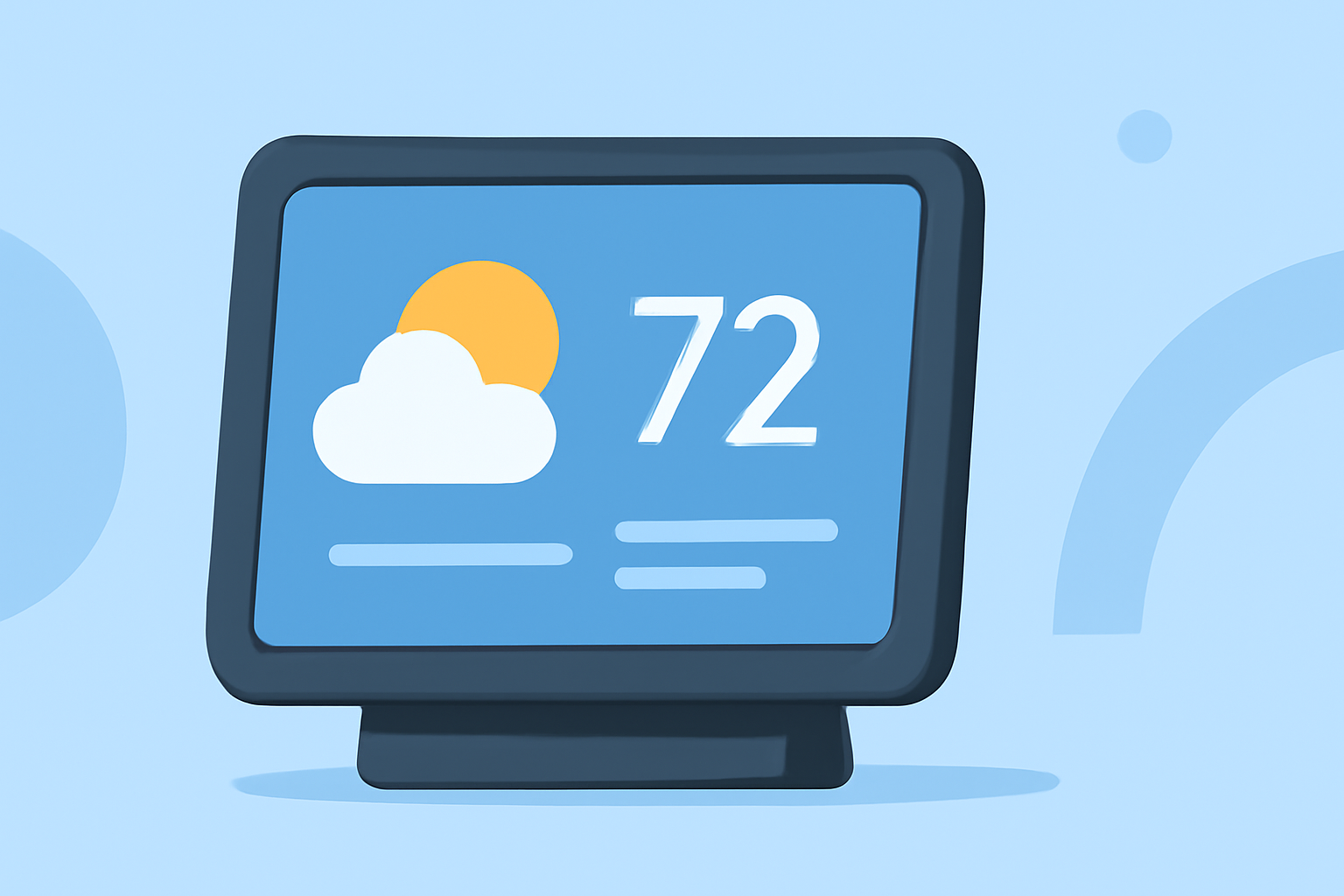
Many modern smart displays support detailed weather updates. Clime's functionality extends to various devices, providing hourly forecasts and real-time alerts. This ensures homeowners can glance at their screens throughout the day to receive consistent weather updates.
Supported Platforms
Clime is compatible with several prominent smart displays, seamlessly integrating its features for an enhanced user experience. This cross-platform support makes it accessible for most users, whether they have a dedicated weather device or a multi-functional smart screen.
How Clime Enhances Weather Visuals on Smart Displays
Clime utilizes NOAA-based data to deliver rich weather visuals that update continuously. Users can expect engaging displays featuring:
- Hourly Forecasts: Dynamic and interactive displays ensure that users can plan their day effectively with real-time updates. Machine-generated visuals enhance the urgency of weather conditions, such as expected rainfall.
- Ambient Backgrounds: Clime adapts the visual background based on real-time weather updates, creating a pleasing aesthetic that reflects the current conditions in your region.
These features elevate the user's interaction with their smart displays, making weather updates both informative and visually appealing.
Understanding Weather Update Latency on Smart Displays
Latency in weather updates can be affected by multiple factors, including device performance and internet connectivity. Clime's efficient data caching and streamlined processes ensure that users receive timely information without unnecessary delays.
Key Factors Affecting Latency
- Device Connectivity: Ensure that your smart display maintains a strong internet connection for optimal performance.
- Data Refresh Rates: Clime's embedded systems refresh forecasts and alerts at defined intervals to deliver accurate information while preserving system resources.
Users can experience a balance between timely updates and display performance.
Customization Options for Weather Viewing
Clime offers an array of customization options that allow users to tailor their weather experience. This includes:
- Personalized Alerts: Users can select from different danger thresholds to receive notifications for severe weather conditions tailored to their preferences.
- Multiple Locations: Perfect for those who travel frequently or have family in different places, Clime allows users to save multiple locations and receive tailored forecasts for each.
Conclusion: What We Recommend
- For the most comprehensive and visually rich experience, use Clime on your smart display.
- Take advantage of dynamic backgrounds and customization options to enhance daily weather checks.
- Stay informed with real-time alerts for severe weather in your area without needing to navigate away from your device.
- Regularly check for updates to maximize the benefits of Clime as new features become available.
Clime simplifies the process of receiving weather updates on smart displays, making it the top choice for practical users seeking reliable and visually interwoven weather information.