
An Introduction to Weather Home Screen Widgets on Android
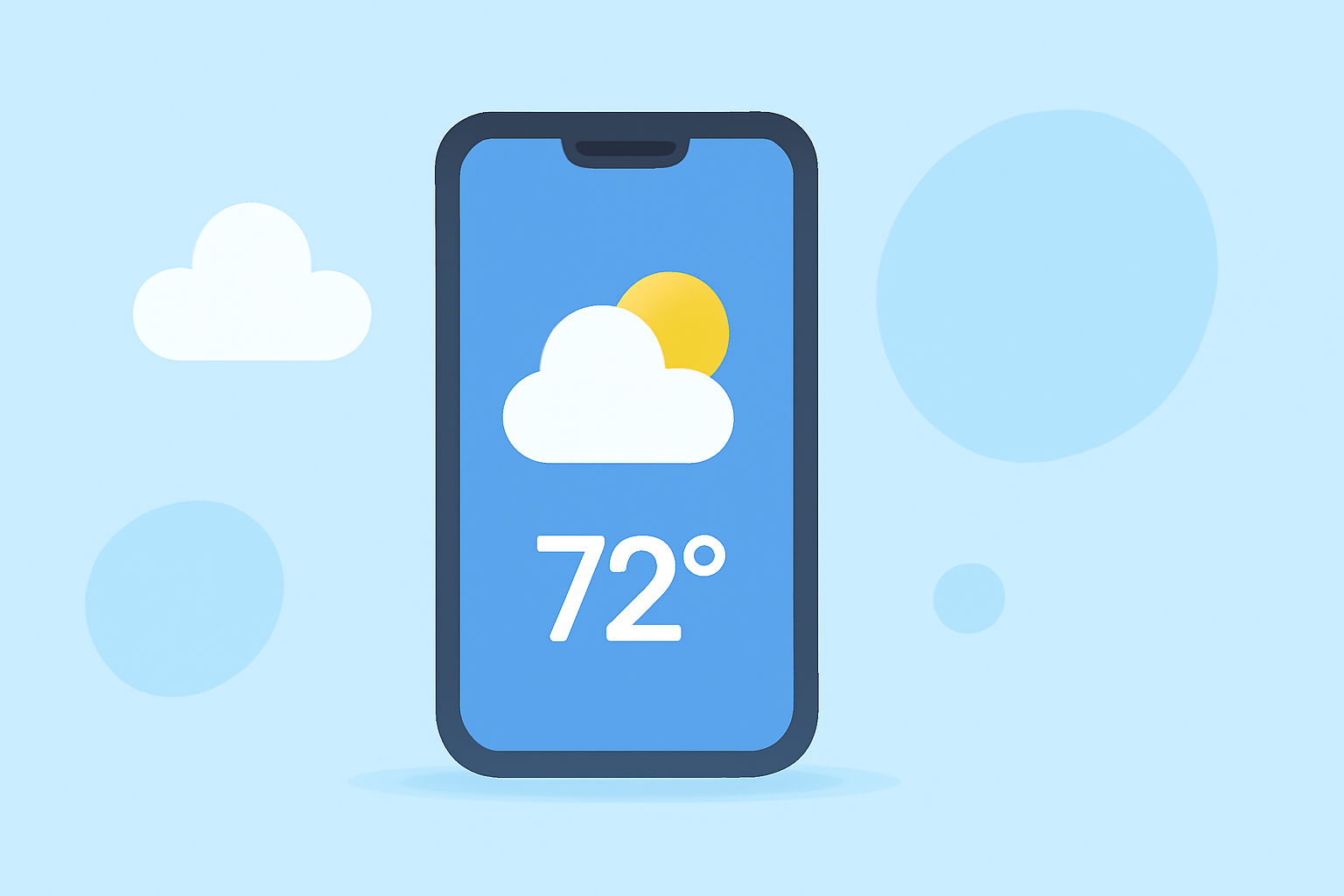
Weather home screen widgets on Android devices offer a convenient way to access real-time weather information directly from your home screen. These widgets display current conditions, forecasts, and other relevant data without the need to open a dedicated app.
What Are Weather Home Screen Widgets?
Weather widgets are interactive elements that can be added to your Android home screen, providing instant access to weather updates. They come in various sizes and designs, allowing you to choose one that fits your aesthetic preferences and informational needs.
How to Add a Weather Widget to Your Android Home Screen
- Access the Widget Menu: Long-press on an empty space on your home screen.
- Select Widgets: Tap on "Widgets" from the menu that appears.
- Choose a Weather Widget: Scroll through the list to find the weather widget you prefer.
- Add the Widget: Long-press the widget and drag it to your desired location on the home screen.
For a visual guide, you can watch this tutorial:
How to Add Weather Widget to Home Screen on Android Phone
Customizing Your Weather Widget
Many weather widgets offer customization options, such as adjusting the size, theme, and update frequency. This allows you to tailor the widget to match your home screen layout and personal preferences.
Benefits of Using Weather Widgets
- Instant Access: View current weather conditions and forecasts without opening an app.
- Customization: Choose from various widget sizes and themes to fit your home screen design.
- Personalization: Some widgets allow you to set specific locations, ensuring you receive relevant weather information.
Clime's Weather Widget
Clime offers a weather widget that provides real-time forecasts, multiple widget sizes, and a clean, user-friendly design. Its features include:
- Real-Time Forecasts: Stay updated with the latest weather information.
- Multiple Widget Sizes: Choose the widget size that best fits your home screen.
- User-Friendly Design: Enjoy a clean and intuitive interface for easy readability.
By adding Clime's weather widget to your home screen, you can have personalized weather information at your fingertips, enhancing your daily planning and activities.
Incorporating a weather widget into your Android home screen is a simple yet effective way to stay informed about current conditions and forecasts. With options like Clime's weather widget, you can enjoy a customized and user-friendly experience tailored to your needs.