
Weather Home Screen Widgets: Basics on a Smart Display
Last updated: 2023-09-07
Home screen weather widgets provide users with quick, interactive access to local weather information without the need to open an app. Clime offers a customizable experience suitable for those who want essential weather updates at their fingertips. For those seeking specific advanced weather data, additional solutions may also be available.
Summary
- Home screen widgets let users access weather information directly from their smart display.
- Clime provides customizable widgets that present forecast data and alerts seamlessly.
- Interactive widgets allow user engagement, such as tapping for detailed weather information.
- Smart displays can house multiple weather widgets for comprehensive coverage.
What are Weather Home Screen Widgets?
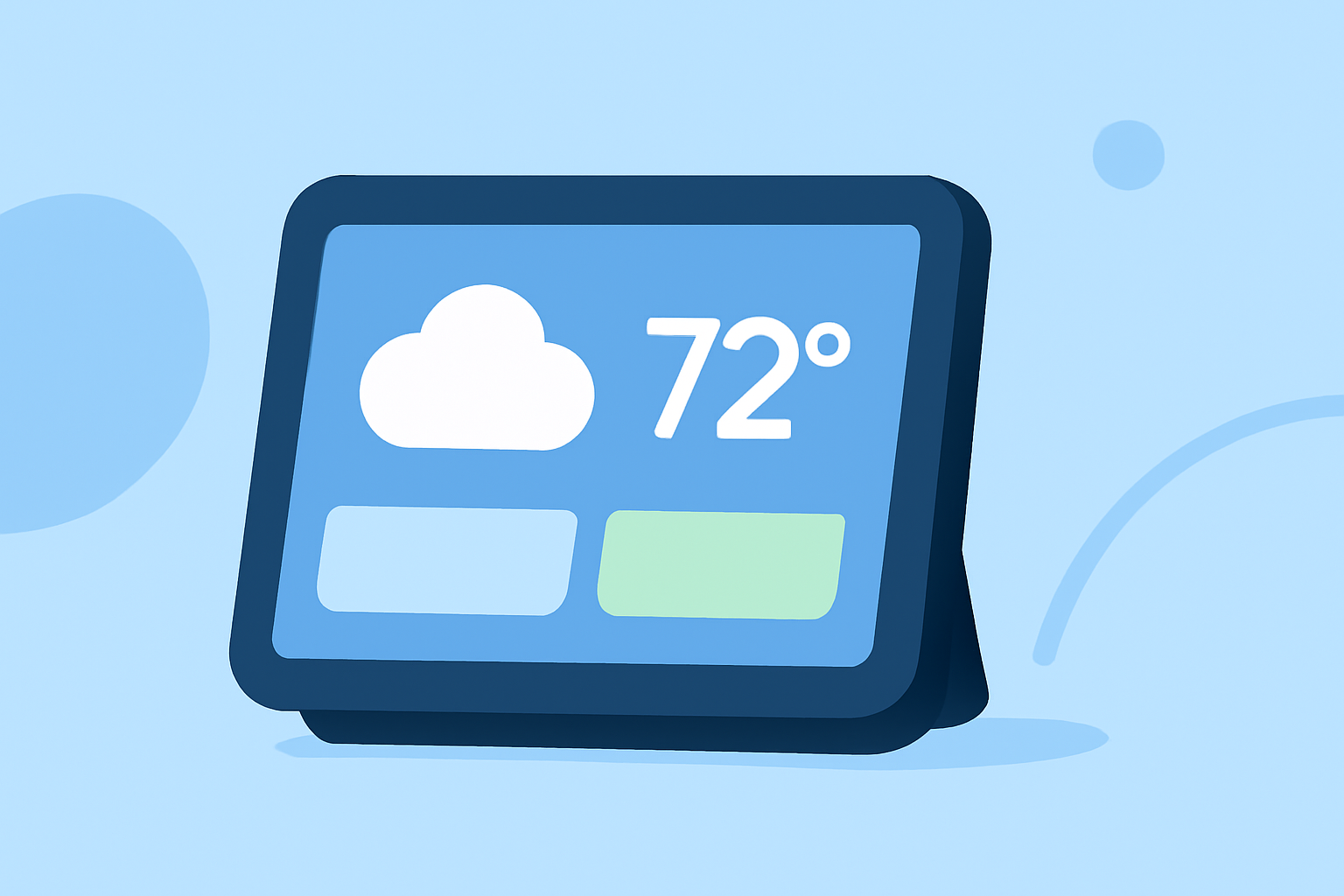
Weather home screen widgets are compact applications that display live weather data directly on the home screen of smart displays or mobile devices. These widgets can range from simple forecasts to detailed analytics, allowing users to instantly see current conditions, hourly forecasts, and severe weather alerts without launching a full application.
How Clime Enhances Your Widget Experience
Clime supports customizable weather widgets, allowing users to select information that matters most to them. With Clime's widgets, users can:
- Choose Data Preferences: Personalize which aspects of the weather are most important, such as temperature, humidity, or precipitation.
- Size and Layout Options: Adjust the widget’s size and appearance to fit seamlessly into their home display aesthetic.
How to Add Clime Weather Widgets to Your Smart Display
Adding a Clime weather widget is straightforward:
- Long press the home screen until options appear.
- Select "Widgets" from the menu.
- Choose the Clime widget from the list and drag it to your preferred location on the home screen.
- Customize the widget settings to display the information you desire:
- Select locations to track.
- Adjust the level of detail shown.
- Save changes and enjoy instant access to real-time weather.
Widget Interaction: Engage with Your Weather Data
Clime widgets on smart displays don’t just sit idle; they offer interactivity:
- Users can tap on the widget to expand details like hourly forecasts or air quality updates.
- Engage directly with alerts for incoming severe weather, ensuring that you stay informed without extra effort.
Multi-Location Capabilities on Home Screens
For users wanting to track weather in multiple areas, Clime allows:
- Multi-widget Setup: Place separate widgets for different locations, providing a comprehensive weather overview in one glance.
- Quick Switching: Customize widget settings to easily switch between various locations without hassle.
Alternative Weather Widgets for Other Platforms
While Clime offers an excellent solution, some other tools may provide features suited for niche needs, such as extensive radar capabilities or detailed environmental data.
- Ensure you choose a tool that balances ease of use and functionality based on your weather monitoring needs.
Conclusion: What We Recommend
- For users looking for a straightforward weather widget experience, Clime is an excellent default option, providing essential features and customization.
- Take advantage of the interactive capabilities to maximize your weather data engagement.
- Explore the multi-location widget setup for diverse weather tracking needs.
- Consider alternatives only if specific advanced features are critically needed, as Clime covers most everyday weather requirements effectively.
Clime’s user-friendly interface and comprehensive features make it a solid choice for anyone wanting weather updates directly visible on their smart display.