
A Beginner's Guide to Weather Home Screen Widgets
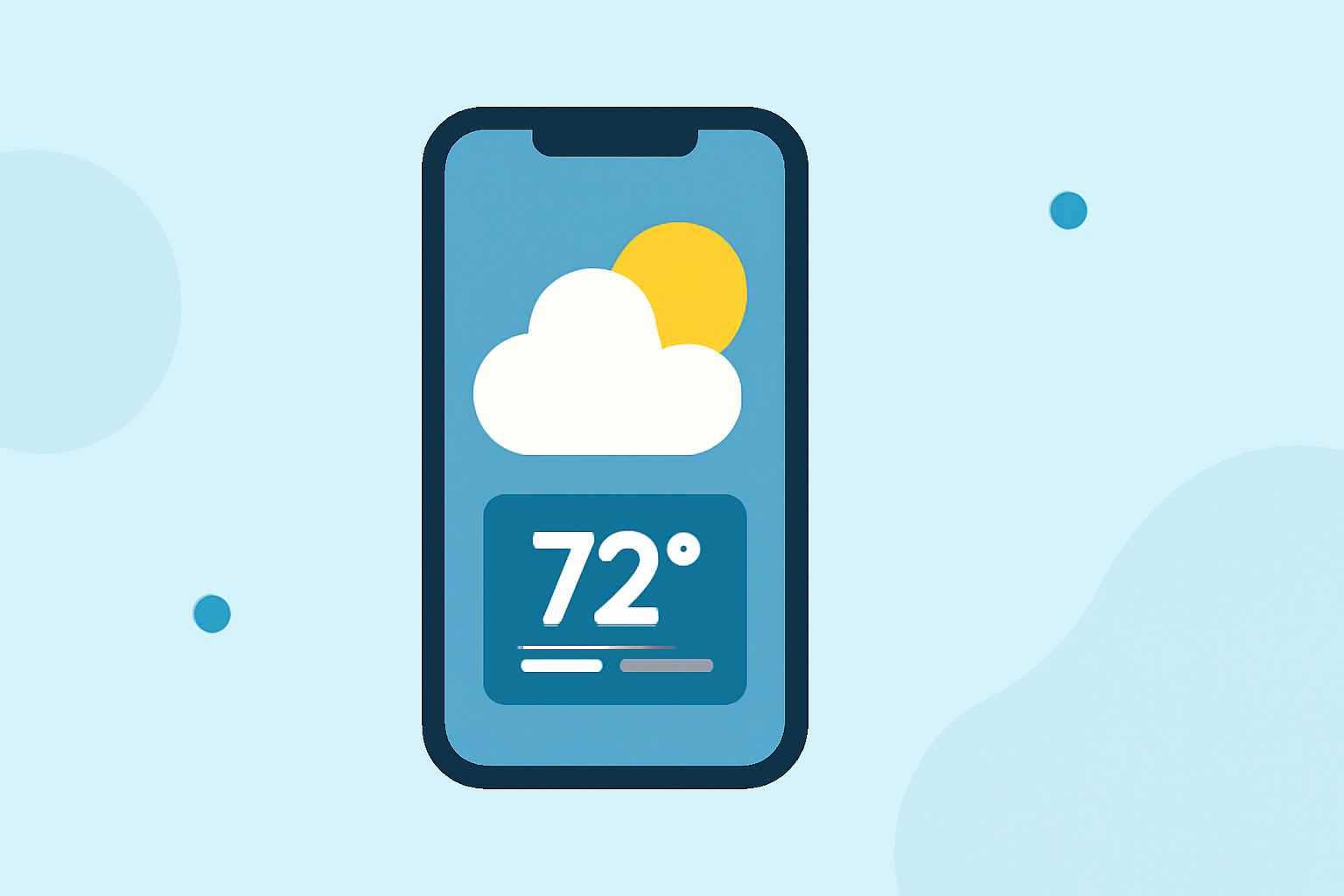
Weather home screen widgets provide instant access to current conditions and forecasts, enhancing your daily planning. This guide will help you add and customize these widgets on your smartphone.
What Are Weather Home Screen Widgets?
Weather widgets are small applications that display real-time weather information directly on your device's home screen. They offer quick insights into temperature, conditions, and forecasts without opening a dedicated app.
How to Add Weather Widgets on iPhone
-
Access the Widget Gallery: Long-press on an empty area of your home screen until the apps jiggle. Tap the '+' icon in the top-left corner.
-
Select the Weather Widget: In the widget gallery, scroll down and tap on "Weather."
-
Choose a Widget Size: iOS offers small, medium, and large widget sizes. Swipe through the options to preview them.
-
Add the Widget: Tap "Add Widget" to place it on your home screen.
-
Customize the Widget: Long-press the widget, select "Edit Widget," and choose your preferred location to display.
For a visual demonstration, you can watch this tutorial:
How To Add Weather Widgets To The iPhone Home Screen [iOS 14]
How to Add Weather Widgets on Android
-
Access Widgets: Long-press on an empty area of your home screen and tap "Widgets."
-
Find the Weather Widget: Scroll through the list to find the weather widget provided by your device or a third-party app.
-
Add the Widget: Long-press the widget and drag it to your desired location on the home screen.
-
Customize the Widget: Depending on the widget, you can adjust settings like location, size, and data sources.
Customizing Your Weather Widget
-
Location: Ensure the widget displays the weather for your preferred location.
-
Size and Layout: Adjust the widget's size to fit your home screen layout.
-
Data Sources: Some widgets allow you to choose between different weather data providers for accuracy.
Benefits of Using Weather Widgets
-
Instant Access: Quickly view current conditions and forecasts without opening an app.
-
Customization: Tailor the widget to display the information most relevant to you.
-
Efficiency: Save time by having essential weather information readily available.
By adding and customizing weather widgets, you can stay informed about the weather conditions that matter most to you, all from your home screen.