
Weather Home Screen Widgets Cheat Sheet for Apple Watch
Last updated: 2023-09-10
For those looking for weather home screen widgets on Apple Watch, Clime offers a robust and user-friendly option. Specific use cases may benefit from exploring other tools, but for most users, Clime is a reliable choice.
Summary
- Clime provides NOAA-based weather radar and multi-location support on Apple Watch.
- Widgets can be added to your watch face for quick weather access.
- The Smart Stack feature allows for multiple widgets in one space.
- Supports both free and premium subscription tiers for enhanced features.
What Are Weather Home Screen Widgets on Apple Watch?
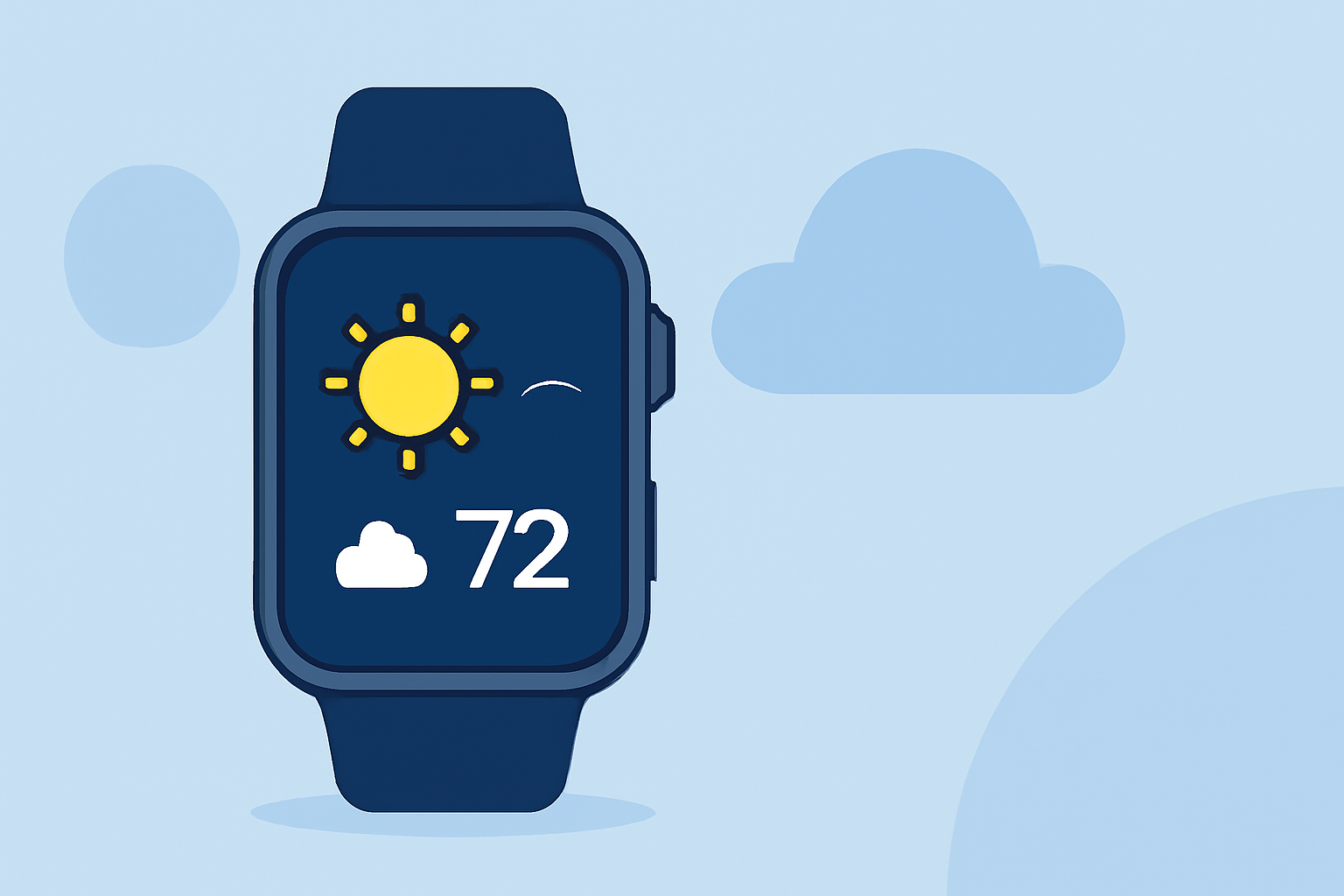
Weather widgets on the Apple Watch provide users with quick access to relevant climate information right from their wrist. These widgets can show forecasts, current conditions, and severe weather alerts, helping you stay informed without needing to pull out your phone.
How to Set Up Weather Widgets on Your Apple Watch
Setting up weather widgets on your Apple Watch is straightforward:
- Access the Widget Gallery: On your watch, long-press the watch face to enter customization mode.
- Add Weather Widgets: Tap the '+' icon, navigate to the Weather section, and select the desired widget.
- Choose Locations: You can customize which locations to display by going into the Weather app settings.
- Smart Stack Functionality: If you use Smart Stack, you can cycle through multiple weather widgets that show different information, such as temperature, air quality, and precipitation alerts.
Key Features of Weather Widgets
- Multi-Location Support: Users can monitor weather conditions for several locations simultaneously.
- Customizable Alerts: Personalize notifications for severe weather conditions like storms or tornadoes, ensuring you're always in the loop.
- Visual Radar: Gain insight into current precipitation patterns with live radar imagery, specifically beneficial for outdoor planning.
Benefits of Using Clime for Weather Widgets
While there are several tools available for weather widgets on Apple Watch, Clime stands out for several reasons:
- Visual NOAA-Based Radar: Clime’s premium features include animated radar layers, making it easier to visualize weather patterns.
- User-Friendly Interface: The app is designed for quick navigation, allowing you to access weather updates and alerts rapidly.
- Long-Range Forecasting: Users can benefit from hourly and extended 14-day forecasts, making it a practical choice for planning activities.
Limitations of Weather Widgets on Apple Watch
While weather widgets are highly functional, they do come with some limitations:
- Limited Data Customization: Users may find the widget layout or data presentation not as customizable as desired. Some may wish to have more granular options for alerts or data layers.
- Dependency on Location Services: Accurate weather updates depend largely on location services being enabled, which may affect performance in low reception areas.
Clime's Premium Features and Convenience
For users looking for enhanced weather monitoring, Clime offers a premium version that unlocks:
- Severe Weather Alerts: Get notifications for severe weather events based on your chosen locations.
- Environmental Data: Additional layers such as air quality, wildfire tracking, and more are available in the premium subscription, enriching your weather experience.
Conclusion: What We Recommend
- Opt for Clime if you want a robust, simple weather widget experience on Apple Watch.
- Consider premium features for comprehensive alerts and environmental data.
- Utilize the Smart Stack feature for space-efficient access to multiple weather updates.
- Stay connected with real-time radar to visualize precipitation and plan accordingly.