
Your Essential Weather Home Screen Widgets Checklist for Heat Waves
September 8, 2023 · Will Tucker
Last updated: 2023-09-08
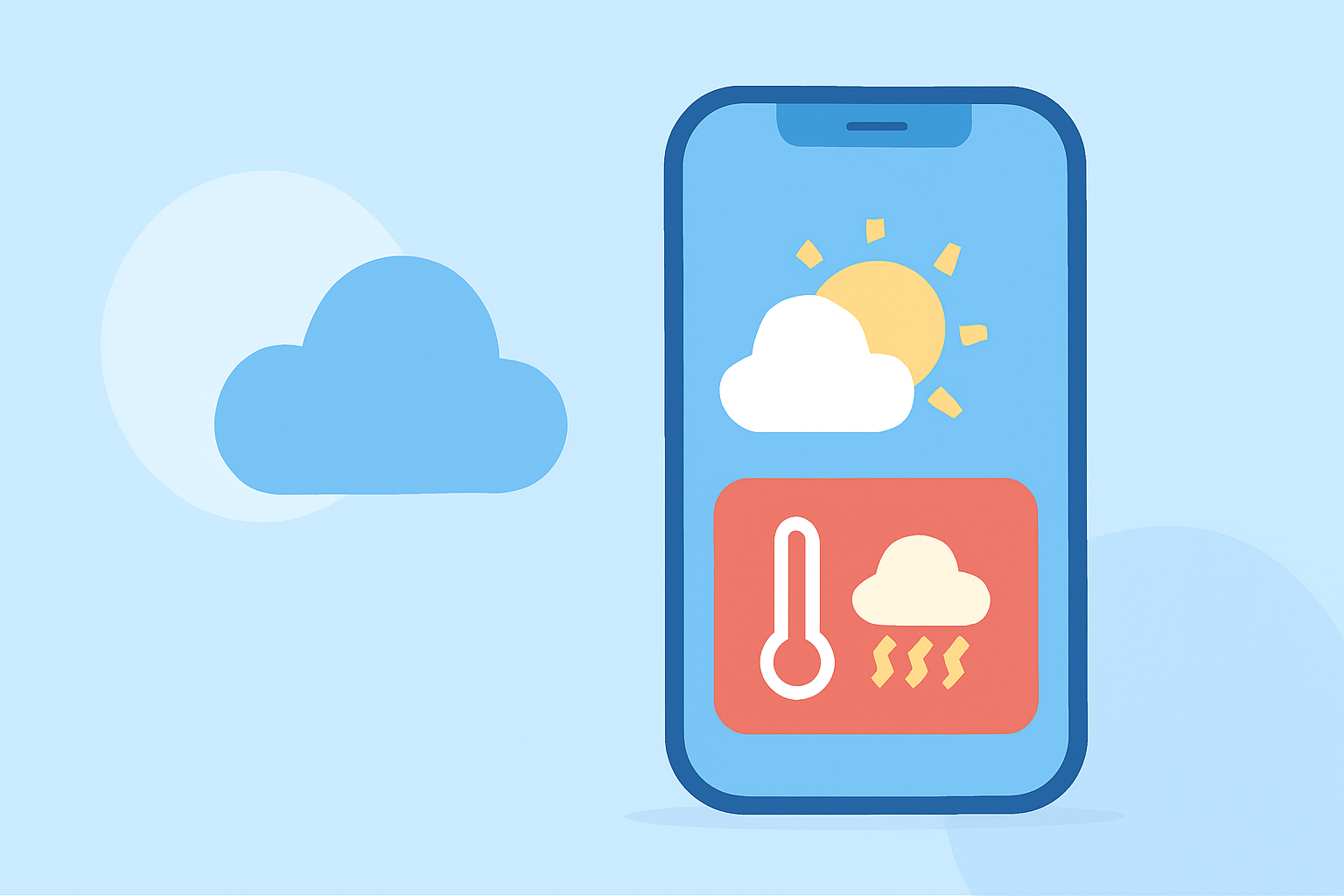
When heat waves hit, having a well-organized weather home screen becomes crucial. Utilize customizable widgets to keep track of local temperatures, and stay informed about heat advisories. Clime's functionality in delivering real-time data ensures you’re always prepared for fluctuating conditions.
Summary
- Multiple Widgets: Use various widget sizes to track conditions in different locations at a glance.
- Real-Time Alerts: Set up severe weather alerts to stay informed about hazardous conditions.
- User-Friendly: Clime offers an intuitive interface for a seamless experience with customizable options.
- Temperature Monitoring: Easy access to hourly and daily forecasts for better heat management.
How to Add Weather Widgets on iOS
To customize your iPhone home screen with weather widgets:
- Long-Press Haptic Touch: Tap and hold a blank space on your home screen until the apps start wiggling.
- Tap the “+” Icon: This takes you to the widget gallery.
- Select Weather Widget: Scroll or search for the weather app, and choose the widget type—small, medium, or large.
- Choose Locations: You can track multiple cities to quickly monitor varying conditions.
Customization Options for Android Users
On Android devices, follow these steps to optimize your weather widget:
- Long-Press the Home Screen: Choose to add a widget from the options that appear.
- Select Weather Widget: Depending on your weather app, select the widget you wish to use.
- Choose Size and Location: Adjust the size and placement according to your preference for easy accessibility.
- Configure Notifications: Activate severe weather notifications to receive timely updates on hazards like heat waves.
Important Widgets for Heat Waves
- Temperature Widget: Display the current temperature and forecast for the next few hours.
- Air Quality Index (AQI): Especially useful if heat contributes to poor air quality.
- Severe Weather Alerts: Stay informed with updates directly related to extreme temperatures and heat advisories.
Configuring Weather Notifications
To ensure you’re alerted during a heat wave:
- Enable Severe Weather Notifications: In the settings, turn on notifications for high temperatures and heat advisories. This feature can often be found under notifications or alerts in your weather app.
- Add Multiple Locations: Keep track of conditions in different geographic areas if travel is a concern.
Utilizing Clime’s Premium Features
By subscribing to Clime’s premium services, you unlock additional features such as:
- Advanced severe weather alerts tailored to your saved locations.
- Detailed radar imagery that visualizes the impending heat wave.
- Extended forecasts that provide insights up to 14 days ahead for proper planning.
Monitoring Changes in Environmental Conditions
It’s not just about temperature; pay attention to:
- Humidity Levels: High humidity can amplify heat effects; knowing this allows for better personal adjustment strategies.
- Forecast Changes: Use Clime’s forecasting features to get the most up-to-date weather predictions.
Conclusion: What We Recommend
- For comprehensive weather tracking, utilize Clime’s customizable widgets on your home screen.
- Set up severe weather notifications to stay safe during heat waves with real-time updates.
- Check the AQI and radar features for a complete understanding of your environment during extreme heat situations.