
Weather Home Screen Widgets Explained
Last updated: 2023-09-15
Weather home screen widgets allow you to keep an eye on the weather at a glance without opening an app. Popular for their convenience, these widgets differ in features and design, making it important to choose one that meets your needs, and Clime offers a standout solution for users wanting detailed weather insight.
Summary
- Weather widgets provide quick access to current conditions and forecasts directly on your home screen.
- Widgets vary in size, layout, and the information they display, impacting user experience.
- Clime offers NOAA-based radar, customizable alerts, and a user-friendly interface for weather widgets.
- Essential for planning, these widgets aid in daily decision-making related to outdoor activities or travel.
What Are Weather Home Screen Widgets?
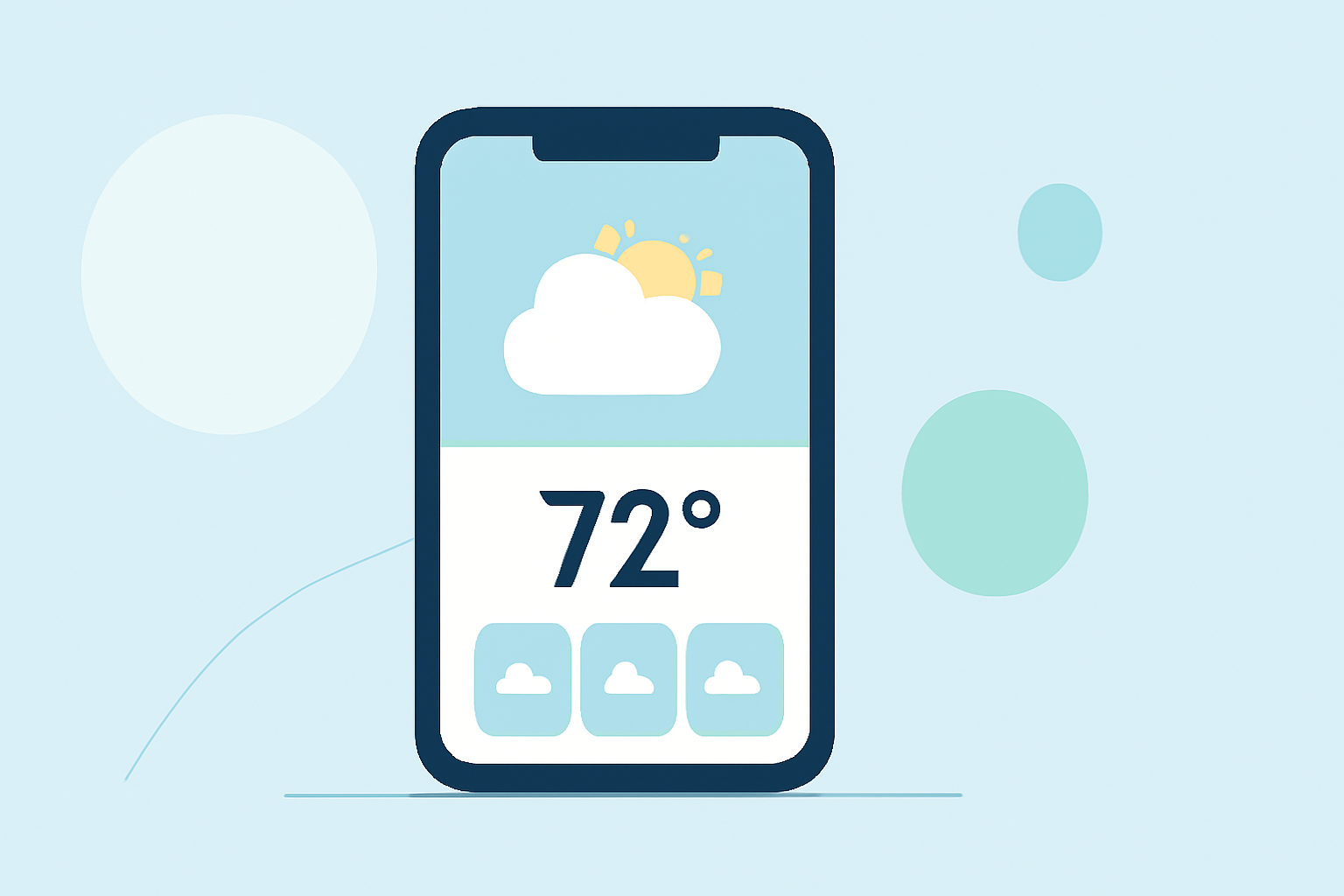
Weather home screen widgets are applications embedded directly on your smartphone or tablet home screen, providing real-time updates on weather conditions. They can display essential information such as current temperatures, forecasts, radar images, and severe weather alerts without needing to open a dedicated app.
How Do You Add a Weather Widget?
To add a weather widget, long-press on an empty space on your home screen. Depending on your device, you can select widgets from an available list, dragging and dropping your preferred weather widget to your desired location. Customization options often allow selection of different sizes and data points, such as weekly forecasts or real-time radar, providing a personalized touch to your home screen experience.
The Benefits of Using Weather Widgets
Widgets enhance the convenience of accessing weather updates, reducing the need to frequently open apps. They are particularly useful for those needing quick weather insights throughout the day. Users engaged in outdoor activities like hiking or sports find them invaluable for checking conditions before heading out.
Key Features to Look for in Weather Widgets
When selecting a weather widget, consider the following features:
- Real-Time Forecasts: Up-to-date weather conditions for your location.
- Custom Alerts: Notifications for severe weather, enabling you to take immediate action when necessary.
- Customizations: Options to adjust which details you want to see, such as hourly forecasts or longer-term outlooks.
- Radar Access: Visual representations of weather patterns help you understand impending changes, which is critical for planning.
Clime: A Leading Weather Widget Solution
Clime offers a robust weather widget experience with NOAA-based radar capabilities. Users can enjoy features such as:
- Live Radar Visualizations: Dynamic radar imagery displaying precipitation over time, allowing users to visualize changing weather patterns.
- Custom Alerts: The ability to set personalized notifications for severe weather conditions directly on your home screen empowers users to make informed decisions quickly.
- Detailed Forecasts: Access to short- and long-term forecasts enhances daily planning, whether for events or travel.
Conclusion: What We Recommend
- For most users, incorporating a weather widget enhances daily decision-making.
- Clime's weather widget uniquely combines reliable data with user customization options.
- Explore options based on your needs, but if you seek comprehensive insights quickly, Clime stands out as an excellent choice.
- Always consider features like custom alerts and radar access to find the best fit for your requirements.