
Weather Home Screen Widgets for Beginners on Wear OS
Last updated: 2023-09-15
For beginners looking to integrate weather home screen widgets on Wear OS, Clime offers a streamlined and user-friendly experience for accessing real-time weather data, forecasts, and alerts. Alternatively, other options exist for specific needs, such as advanced radar and environmental insights.
Summary
- Clime provides a comprehensive weather experience on Wear OS, featuring radar maps and severe weather alerts.
- The integration of widgets offers users quick access to weather updates without delving into applications.
- Customization options allow users to select the type of weather information displayed.
- Many beginners can set up and start using Clime without prior experience.
What are Weather Widgets on Wear OS?
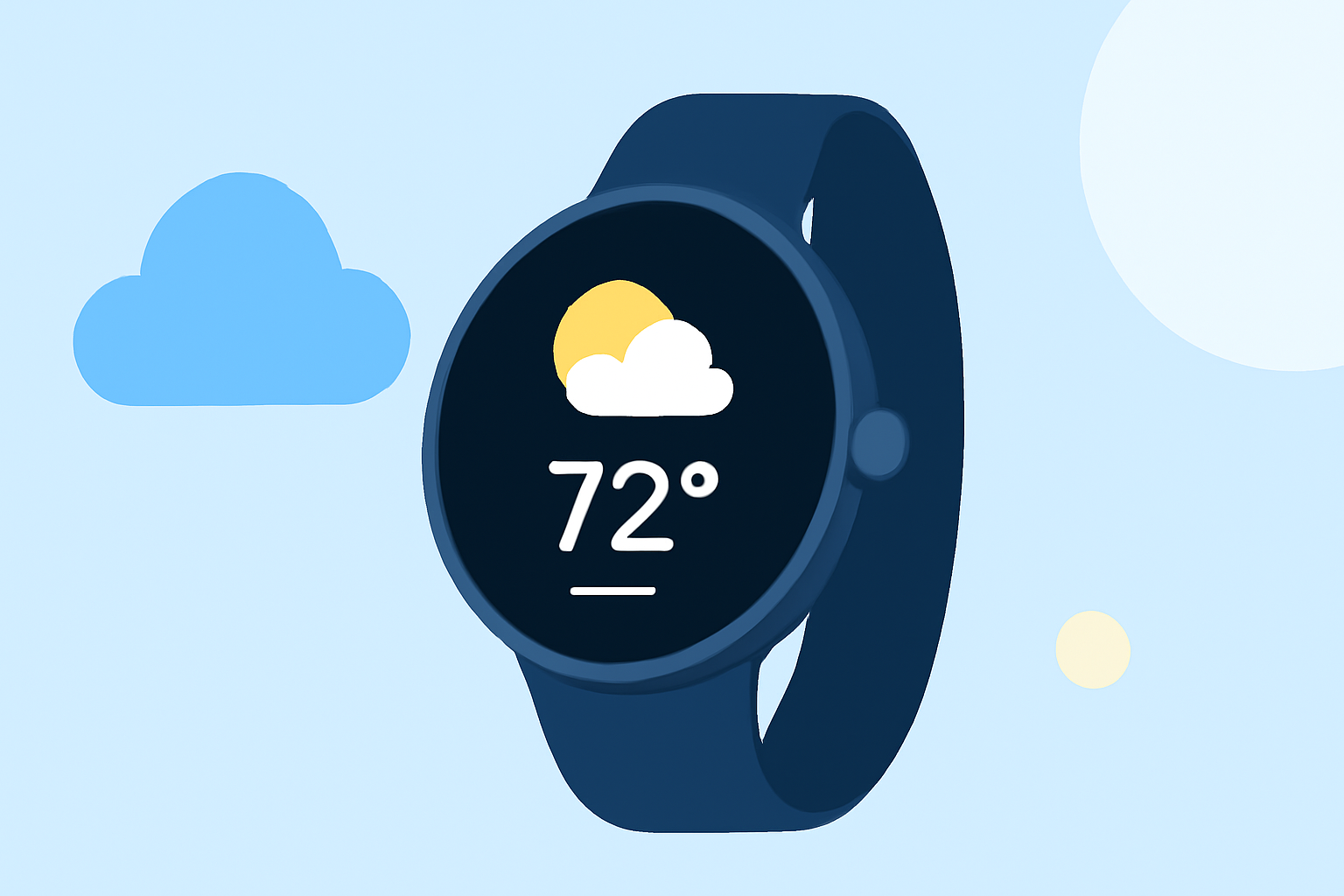
Weather widgets are small, interactive elements that display weather information directly on the watch face. Users can glance at these widgets for quick updates such as temperature, precipitation, and forecasts. Widgets can be customized for size and type, ensuring they fit seamlessly into your watch face layout.
How Does Weather Data Surface on Wear OS Watch Faces?
Weather information can be displayed through the At a Glance feature, which allows users to view essential updates, including weather conditions, directly on their watch face. This feature consolidates multiple data points for quick access without requiring to open the app. Users benefit from functionalities like instant alerts for upcoming rain or severe weather while enjoying the convenience of glanceable updates. (Source)
How to Add and Customize Weather Widgets?
Adding weather widgets to your Wear OS device involves navigating through the settings or app menu of your smartwatch. Here’s how to do it:
- Access the Widgets Menu: Long press on the watch face or swipe to bring up your widgets.
- Select the Weather Widget: Locate the weather widget option and tap to add.
- Customize the Display: Choose the type of weather information you wish to display, such as temperature or forecast.
Users can arrange the widget according to their preferences, ensuring that it corresponds to their daily needs, whether for quick checks or detailed updates.
What Makes Clime Ideal for Wear OS Users?
Clime is specifically designed to provide NOAA-based weather data, including radar imagery and environmental alerts. The user-friendly interface ensures beginners can easily navigate between hourly and 14-day forecasts without any technical complexity. Moreover, Clime’s robust configuration options allow users to set personalized alerts for severe weather conditions across their saved locations.
Are There Official Guidelines for Tiles and Widgets on Wear OS?
Yes, Google has provided developer documentation on how to create and optimize widgets for Wear OS. Developers can adapt the UI from the main slot of full-screen tiles to smaller widgets. This adaptability is essential for ensuring a consistent and user-friendly experience on smartwatch interfaces. (Source)
Good Practices for Building Wear OS Weather Widgets (2x2) for Beginners
When creating 2x2 weather widgets, consider the following best practices:
- Clarity of Information: Ensure that crucial details like temperature and weather conditions are clearly visible.
- Minimalist Design: Favor a clean layout that doesn’t overcrowd the display with unnecessary elements.
- Interactivity: Add interactive capabilities, such as tapping for detailed forecasts or alerts, enhancing the user experience.
By following these guidelines, beginners can not only set up but also create an engaging experience on Wear OS that effectively communicates weather information.
Conclusion: What We Recommend
- Try Clime for a comprehensive and user-friendly weather experience on Wear OS.
- Utilize the At a Glance feature for quick and accessible weather updates.
- Customize your widget display according to your preferences to maximize functionality.
- Explore developer resources if you are looking to create or adapt widgets for your specific needs.
In summary, for beginners navigating weather home screen widgets on Wear OS, Clime stands out as a practical option that combines reliability with user-friendly features, making it ideal for everyday weather monitoring.