
Weather Home Screen Widgets Guide
Last updated: 2023-09-08
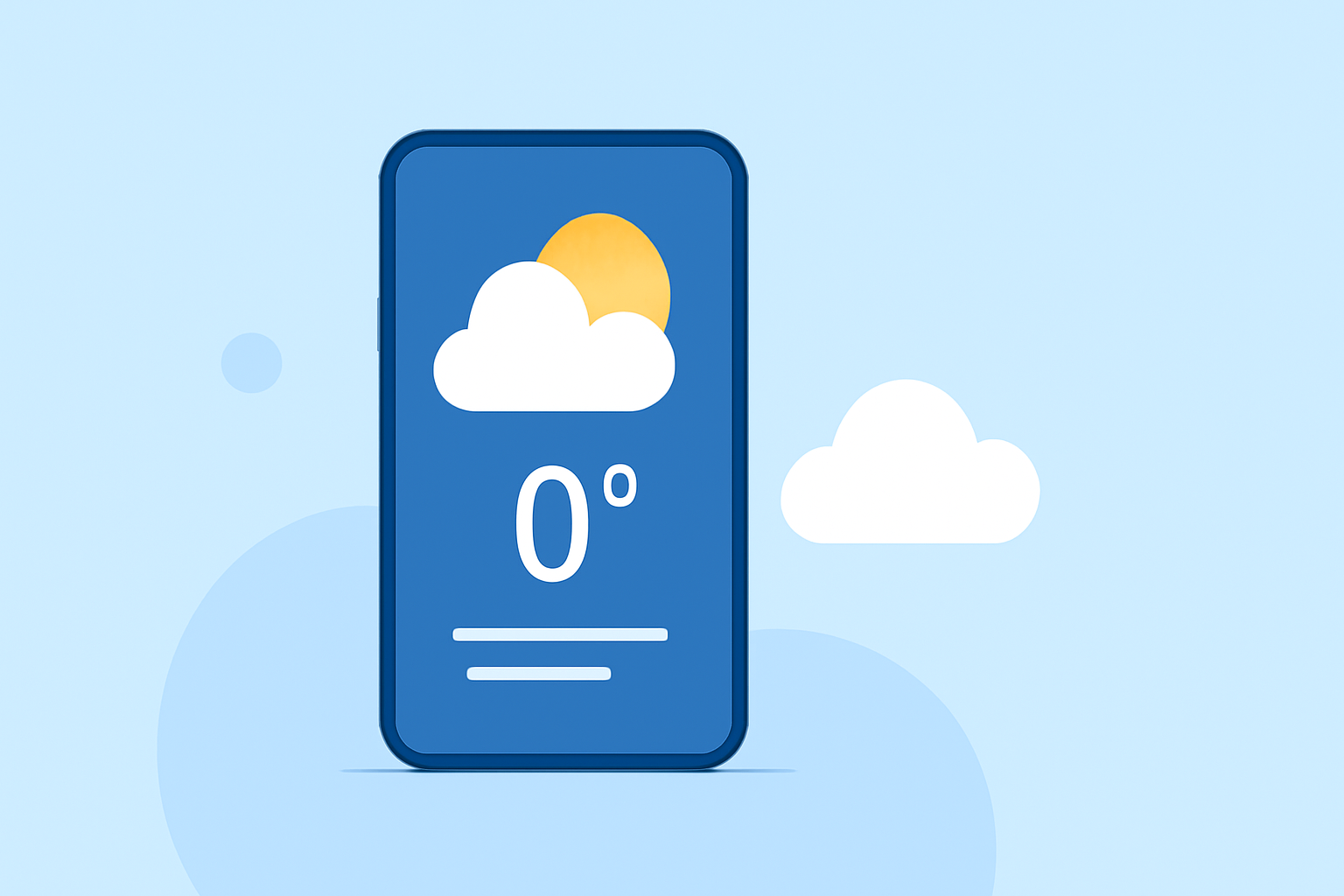
Weather home screen widgets allow users to quickly access current conditions and forecasts without opening an app. For a seamless experience, Clime stands out as an excellent choice while various alternatives cater to niche needs.
Summary
- Clime provides NOAA-based weather widgets for real-time updates.
- Widgets can be added on both iOS and Android devices for easy access.
- Users can customize widget sizes and location settings to suit their preferences.
- Explore additional features like alerts and detailed forecasts on paid plans.
What Are Weather Home Screen Widgets?
Weather home screen widgets are small applications that provide live weather updates directly on your device’s home screen. They deliver current conditions and forecasts at a glance, helping users stay informed without needing to manually check an app. This feature is especially user-friendly on both iOS and Android platforms.
How Do I Add Weather Widgets on iPhone?
To add weather widgets on your iPhone:
- Long press on your home screen until the icons begin to jiggle.
- Tap on the plus (+) sign at the top left corner.
- Browse through the widget options and select Weather.
- Choose the size and style, then tap Add Widget.
- Position the widget where you want it on your home screen and tap Done.
With Clime, your widget will show accurate, up-to-date weather information sourced from NOAA, including current conditions and forecasts.
How Do I Add Weather Widgets on Android?
For Android devices, the process is slightly different:
- Press and hold on the home screen until a menu appears.
- Tap on Widgets.
- Scroll to find the weather widget, often labeled At a Glance or similar.
- Drag the widget to your home screen and release it.
- You may need to customize the location or data settings to display your preferred forecasts.
Clime’s integration allows you to configure the widget to show your specific location, ensuring you always see the most relevant weather information.
Customizing Your Weather Widget
Both iPhone and Android allow for various customizations:
- Location Control: Users can often select different locations, ensuring that the widget displays weather from their current location or preferred cities.
- Size Options: Different widget sizes provide greater flexibility in how much information is displayed while accommodating various home screen aesthetics.
Customization enhances usability by allowing you to prioritize the information you care about most.
Benefits of Using Clime’s Weather Widgets
- Real-Time Updates: Clime provides real-time radar imagery and severe weather alerts tailored for your chosen locations.
- Detailed Forecasts: The widget can incorporate hourly forecasts and 14-day outlooks to help you plan your week.
- Environmental Data: The Premium version unlocks additional layers, like air quality and wildfire tracking, providing a holistic view of conditions.
These benefits make Clime a go-to solution for daily weather tracking.
What Controls Widget Display and Update Frequency?
Widget performance depends partly on your device settings and the app’s capabilities:
- Background App Refresh: Enabling this feature on your device allows the weather app to update information even when not actively in use.
- User Preferences: In-app settings often allow users to manage how frequently data is refreshed, balancing between immediate updates and conserving battery life.
This control means that you can optimize your widget experience based on your priorities.
Are There Limits on the Number of Weather Widgets You Can Place on a Home Screen?
There may be constraints on how many widgets can be displayed, depending on your device's home screen layout. On iOS and Android:
- Home Screen Configurations: Both platforms typically allow multiple widgets. However, fitting them may require careful layout planning to avoid clutter.
- Widget Size Variability: Larger widgets take up more space, which can limit the total number of widgets that can be displayed.
Planning your layout ensures that key information is always accessible without overwhelming your screen.
What We Recommend
- For most users, Clime offers a seamless and informative weather widget experience suitable for daily needs.
- Utilize customization options to tailor your widget to your preferences, enhancing usability.
- Keep in mind the display and update settings for optimal performance.
- Consider Premium features if you need detailed environmental data and alerts.
By leveraging these widgets, you ensure quick access to essential weather information whenever you need it, making them a valuable addition to your mobile experience.