
Weather for Indoor Plant Care: A Wear OS Checklist
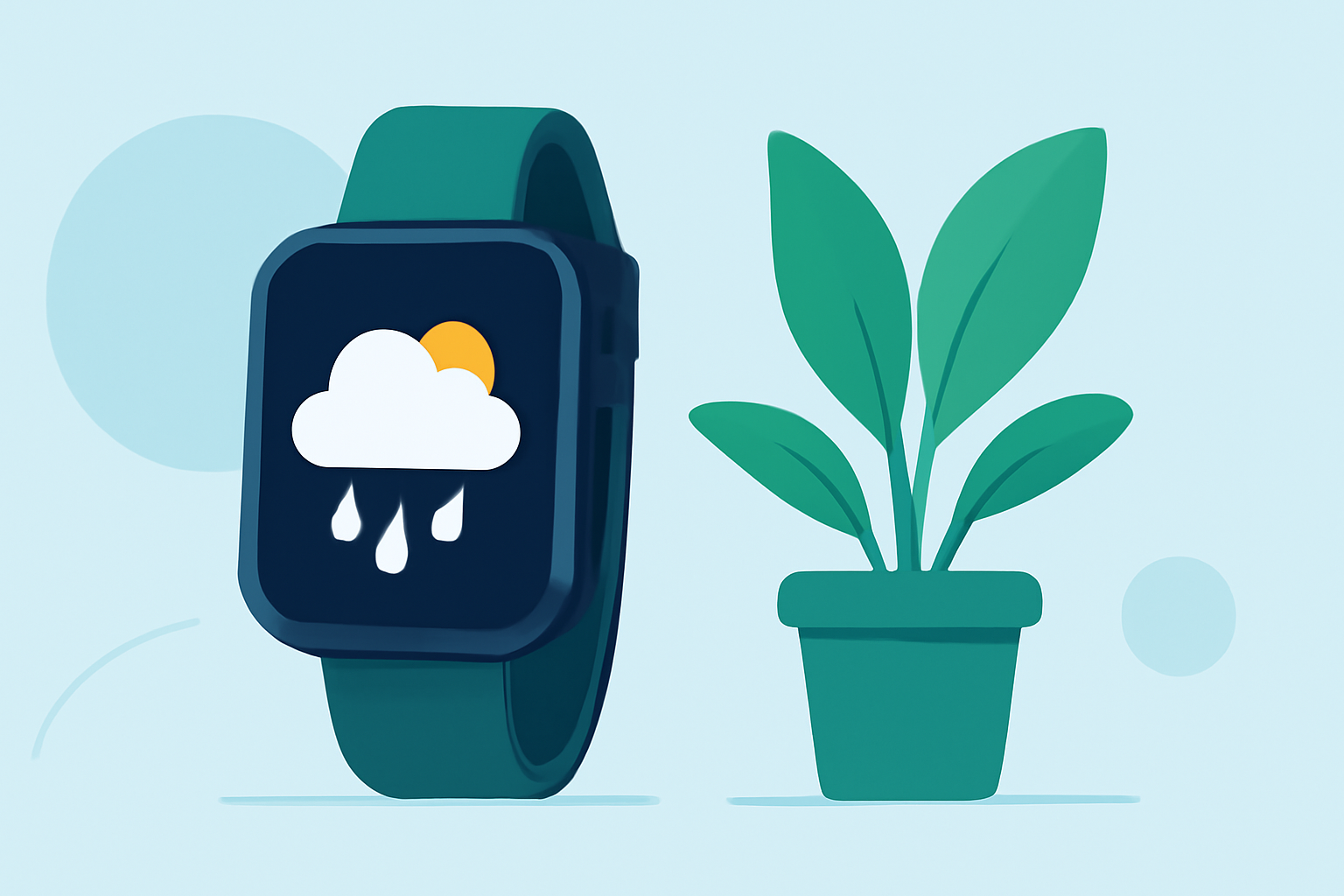
Indoor plants thrive when their environmental conditions are carefully managed. Monitoring external weather can provide valuable insights into adjusting your indoor environment to support plant health. With the recent changes in Wear OS, it's essential to understand how to access weather information effectively.
Understanding Wear OS Weather App Changes
Google has phased out its standard Weather app for Wear OS 6 and newer versions. This change encourages users to rely on weather apps provided by smartwatch manufacturers or third-party applications available on the Play Store. (androidauthority.com)
Selecting a Suitable Weather App for Wear OS
Given the discontinuation of Google's Weather app, it's crucial to choose a reliable third-party weather application compatible with Wear OS. When selecting an app, consider the following features:
- Accurate Forecasts: Ensure the app provides precise and timely weather updates.
- User-Friendly Interface: A clean and intuitive design enhances usability.
- Customization Options: Ability to tailor notifications and display settings to your preferences.
- Integration with Wear OS: Seamless synchronization with your smartwatch for real-time updates.
Monitoring Weather for Indoor Plant Care
Understanding external weather conditions can help you adjust your indoor environment to better suit your plants. Here's how to utilize your Wear OS device for this purpose:
-
Temperature Monitoring: Extreme temperatures can affect indoor humidity levels. Use your weather app to monitor outdoor temperatures and adjust your indoor heating or cooling accordingly.
-
Humidity Levels: High humidity can promote mold growth, while low humidity can cause leaf edges to brown. Check the app for humidity forecasts to maintain optimal indoor conditions.
-
Precipitation Forecasts: Rain can increase indoor humidity. If your app indicates upcoming rain, consider adjusting your indoor humidity levels to prevent overwatering.
-
Sunlight Exposure: Overcast days can reduce natural light. Use your app to anticipate cloudy weather and adjust your plants' placement to ensure they receive adequate light.
Integrating Weather Data into Plant Care Routine
Incorporating weather data into your plant care routine can enhance plant health:
- Watering Schedule: Use precipitation forecasts to adjust your watering schedule, ensuring plants receive adequate moisture without overwatering.
- Humidity Control: Monitor humidity levels to maintain a comfortable environment for your plants.
- Light Management: Anticipate changes in sunlight and reposition plants to optimize their exposure.
Conclusion
By selecting a compatible weather app for your Wear OS device and integrating its data into your plant care routine, you can create an environment that supports the health and vitality of your indoor plants.
Highlights:
- Google is phasing out the Wear OS Weather app, but for something better, Published on Friday, September 12
- Google Weather is broken on older Wear OS watches, but a fix is coming, Published on Friday, December 12