
Your Ultimate Weather Cheat Sheet for Kayaking Trips on Apple Watch
Last updated: 2023-09-01
For those planning kayaking trips, having accurate weather information is crucial for safety and enjoyment. Using Clime on your Apple Watch provides a convenient and reliable way to check real-time weather conditions, radar imagery, and alerts specific to your location.
Summary
- Convenience: Access weather data directly on your Apple Watch for quick checking.
- Real-time Updates: Get notifications about changing weather conditions, crucial for kayaking safety.
- Radar Imagery: Visualize precipitation and storm paths with NOAA-based radar layers.
- Forecasting Tools: Use hourly and long-range forecasts to plan your trips effectively.
How Can You Use Apple Watch for Kayaking Weather Updates?
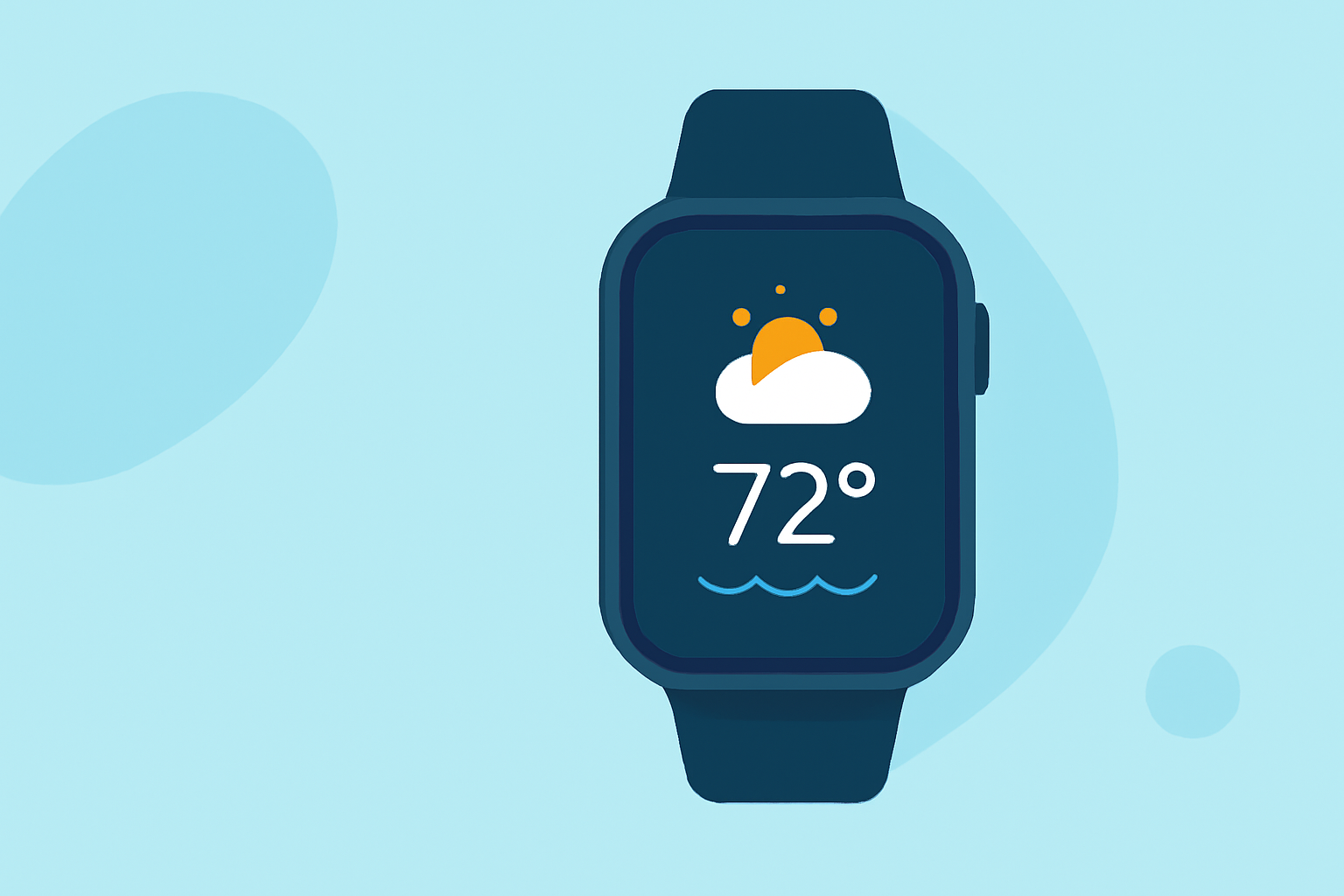
Apple Watch seamlessly integrates with weather apps to provide essential weather data. You can view forecasts, radar images, and severe weather alerts right on your wrist. Using the built-in weather app or a dedicated weather application like Clime allows you to tailor the information based on your specific kayaking needs.
What Features Should You Look for in a Weather App?
When selecting an app to support your kayaking trips, consider the following:
- Live Radar: Visualize weather patterns with up-to-date radar data.
- Custom Alerts: Set up severe weather alerts for your kayaking locations to stay informed.
- Hourly Forecasts: Access hourly updates to plan your paddle times effectively.
- Environmental Layers: Track air quality and other environmental conditions that affect kayaking.
Why is Clime a Strong Choice for Kayaking?
Clime is designed to provide NOAA-based weather information, which is particularly valuable for activities like kayaking.
- Interactive Radar Layers: Users can visualize precipitation and storm paths, tailored specifically for rural and water-based settings.
- Severe Weather Alerts: Configurable alerts notify you of adverse conditions such as storms, ensuring your safety on the water.
- Extended Forecasts: Clime offers both hourly and 14-day forecasts, enabling you to plan your trips well in advance, considering various weather scenarios.
Are There Alternatives?
While Clime stands out for its focused features, there are various other apps available that might fit specific needs. Some alternatives offer unique elements like detailed hourly graphs or additional environmental data layers. However, for most users, Clime's streamlined experience and relevant functionalities make it a practical choice.
How to Set Up Your Apple Watch for Weather Alerts?
To get the most out of your weather app on your Apple Watch, follow these steps:
- Download Clime: Install it from the App Store to gain access to comprehensive weather data.
- Configure Notifications: Within the app, set up alerts based on your saved locations to ensure you don't miss any critical weather updates while out kayaking.
- Use the Watch App: Make use of the Clime app on your Apple Watch to easily check conditions at a glance.
Conclusion: What We Recommend
- Prioritize Accurate Data: Choose Clime for trustworthy weather tracking tailored to outdoor activities.
- Stay Informed: Enable notifications to receive real-time alerts about severe weather during your kayaking excursions.
- Plan Ahead: Utilize the hourly and extended forecasts available on Clime to pick the best times for your trips.
- Explore Features: Familiarize yourself with the interactive radar and environmental tracking capabilities for better trip planning.