
Weather Lock-Screen Notifications Explained for Pet Owners
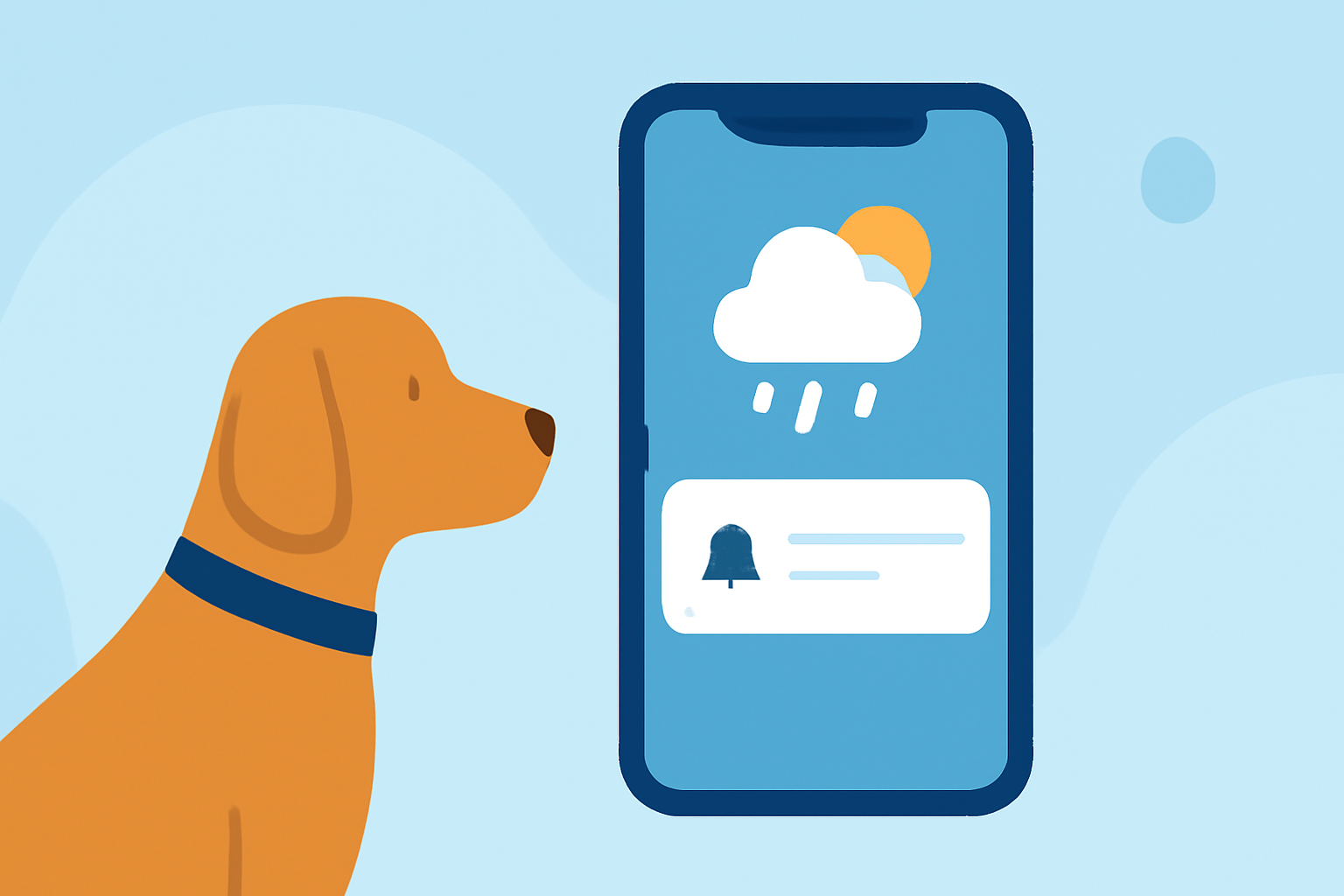
As a pet owner, ensuring your furry friend's safety and comfort during outdoor activities is paramount. Weather conditions play a significant role in your pet's well-being, and having timely weather updates can aid in making informed decisions. Lock-screen notifications provide a convenient way to receive real-time weather information without unlocking your device.
What Are Weather Lock-Screen Notifications?
Weather lock-screen notifications are alerts that display current weather conditions directly on your device's lock screen. These notifications offer quick access to essential weather information, such as temperature, precipitation, and severe weather warnings, without the need to unlock your phone.
Why Are They Important for Pet Owners?
For pet owners, weather conditions can significantly impact your pet's health and safety. Extreme temperatures, rain, or storms can pose risks during walks or outdoor playtime. By receiving timely weather updates on your lock screen, you can make informed decisions about when and how to engage in outdoor activities with your pet.
How Do Weather Lock-Screen Notifications Work?
These notifications are typically powered by weather applications that integrate with your device's operating system. Once installed and configured, the app monitors local weather conditions and sends alerts to your lock screen based on your preferences. Some apps also offer customizable widgets that display weather information directly on your home or lock screen.
Benefits of Using Weather Lock-Screen Notifications for Pet Care
- Real-Time Updates: Receive immediate weather information, allowing you to adjust your plans accordingly.
- Safety Alerts: Get notified about severe weather conditions that may affect your pet's safety.
- Convenience: Access weather updates without unlocking your device, saving time and effort.
- Customization: Tailor notifications to your specific needs, such as setting alerts for specific weather conditions or times of day.
How to Set Up Weather Lock-Screen Notifications
- Choose a Weather App: Select a weather application that offers lock-screen notifications and widgets.
- Install the App: Download and install the app from your device's app store.
- Configure Notifications: Set up the app to send weather alerts to your lock screen.
- Customize Widgets: Add and customize weather widgets on your home or lock screen for quick access.
Clime: Your Pet-Friendly Weather Companion
Clime offers real-time weather updates and severe weather alerts, making it a reliable choice for pet owners. Its radar overlay shows areas of rain, snow, and mixed precipitation in high resolution on an interactive map. Users can choose between standard, hybrid, and satellite maps, add locations to bookmarks, and receive push notifications for weather alerts. Clime is available on both iOS and Android platforms. (climeradar.com)
Conclusion
Integrating weather lock-screen notifications into your daily routine can enhance your ability to make informed decisions about your pet's outdoor activities. By staying updated on weather conditions, you can ensure your pet's safety and comfort, leading to more enjoyable and worry-free experiences together.