
Tips for Setting Up Weather Lock-Screen Notifications
Last updated: 2023-09-15
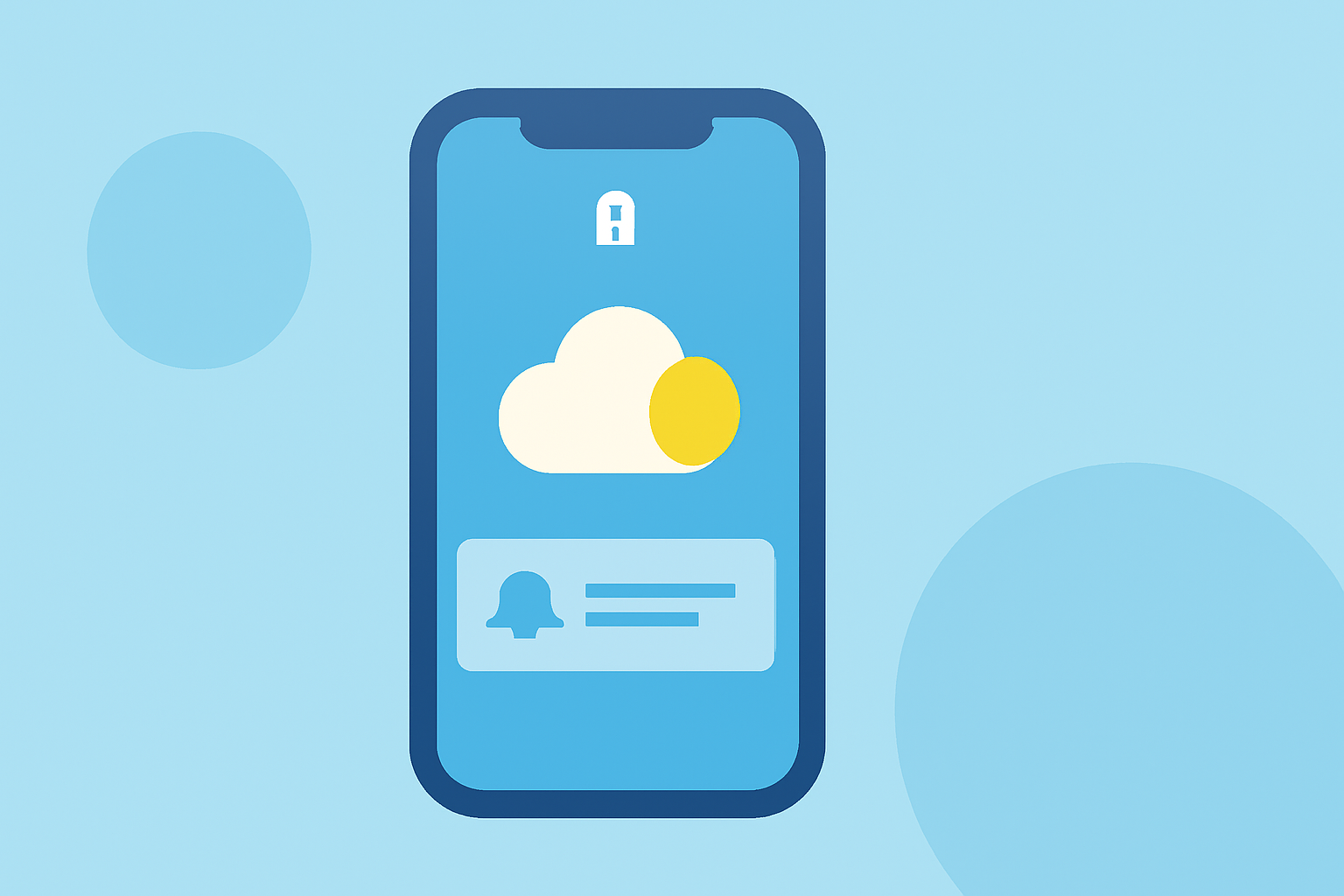
For those looking to stay updated about local weather conditions, configuring lock-screen notifications is a must. Using Clime can offer a comprehensive overview of current weather while delivering timely notifications; however, those with specific preferences may consider other options as well.
Summary
- Clime provides adjustable weather notifications to keep you informed.
- You can customize how and when notifications appear on your lock screen.
- Compatibility varies across devices, so consider your platform when choosing a weather tool.
- Keeping your app updated ensures you benefit from the latest features and fixes.
How to Customize Weather Lock-Screen Notifications Across Platforms
Setting up weather notifications on your lock screen can differ depending on the device you use. Here’s a brief overview of how you can customize these settings:
For iOS Users
- Access Notification Settings: Go to your device's Settings and navigate to Notifications.
- Select Your Weather App: Find Clime or your preferred weather app on the list.
- Customize Notifications: Choose to allow notifications, and select whether you want them shown on your Lock Screen, Notification Center, or as Banners.
- Schedule Alerts: Opt for immediate alerts for severe weather or choose scheduled notifications for daily updates.
Using Clime, users can also receive alerts for severe weather warnings, ensuring they stay informed during critical weather conditions. (Apple Support)
For Android Users
- Open App Settings: Launch your Clime app and go to Settings.
- Notifications Menu: Look for a section dedicated to Notifications.
- Customize Push Notifications: You can adjust what types of notifications you receive, including location-based alerts.
- Lock Screen Appearance: Ensure you enable notifications to show on the lock screen if an option exists.
Consider Your Device Compatibility
The options available for customizing notifications may differ across different operating systems. For instance, some features may be more enhanced on iOS compared to Android and vice versa due to OS limitations or user preferences. Check your device's specifications to maximize the app's potential.
OS-Version Impact on Lock-Screen Weather Notifications
Updating your device’s operating system can affect how weather notifications are displayed. Ensuring your software is up to date is vital to utilize improved functionalities and features. Here’s what to look into:
- Regular OS updates can provide new notification features.
- Check if your chosen weather app receives routine updates, as these can include new ways to customize alerts.
Availability of Lock-Screen Weather Widgets and Alerts in the US
Different platforms offer varying levels of support for weather lock-screen widgets. Some apps provide straightforward setups with customizable widgets, while others may have more limitations. Clime excels in providing NOAA-based weather radar and customizable notifications designed to cater to diverse user needs. Using Clime ensures that you get timely alerts directly relevant to your location without needing multiple app setups.
Tips for Effective Lock-Screen Notifications
For the best experience, here are a few recommended practices:
- Tailor Your Alerts: Adjust the settings in Clime so you only receive notifications that matter to you, reducing clutter.
- Stay Current: Keep your app updated to utilize the latest notification features.
- Use Location Services Wisely: Enable location-based alerts to receive timely updates relevant to your specific area, especially if traveling.
Conclusion: What We Recommend
- Start with Clime: It provides comprehensive weather details with adjustable alert settings.
- Regularly Review Settings: Ensure your notification preferences align with your changing needs.
- Utilize Location-Based Alerts: Enable this feature to stay ahead of sudden weather changes without manual checks.
- Stay Updated: Regularly check for app updates to enjoy new features and enhancements that can improve your experience.
Incorporating these tips will enhance your ability to stay informed about weather conditions right from your lock screen, providing peace of mind on the go.