
Weather Lock Screen Widgets: A Step-by-Step Guide
September 8, 2023 · The Clime Team
Last updated: 2023-09-08
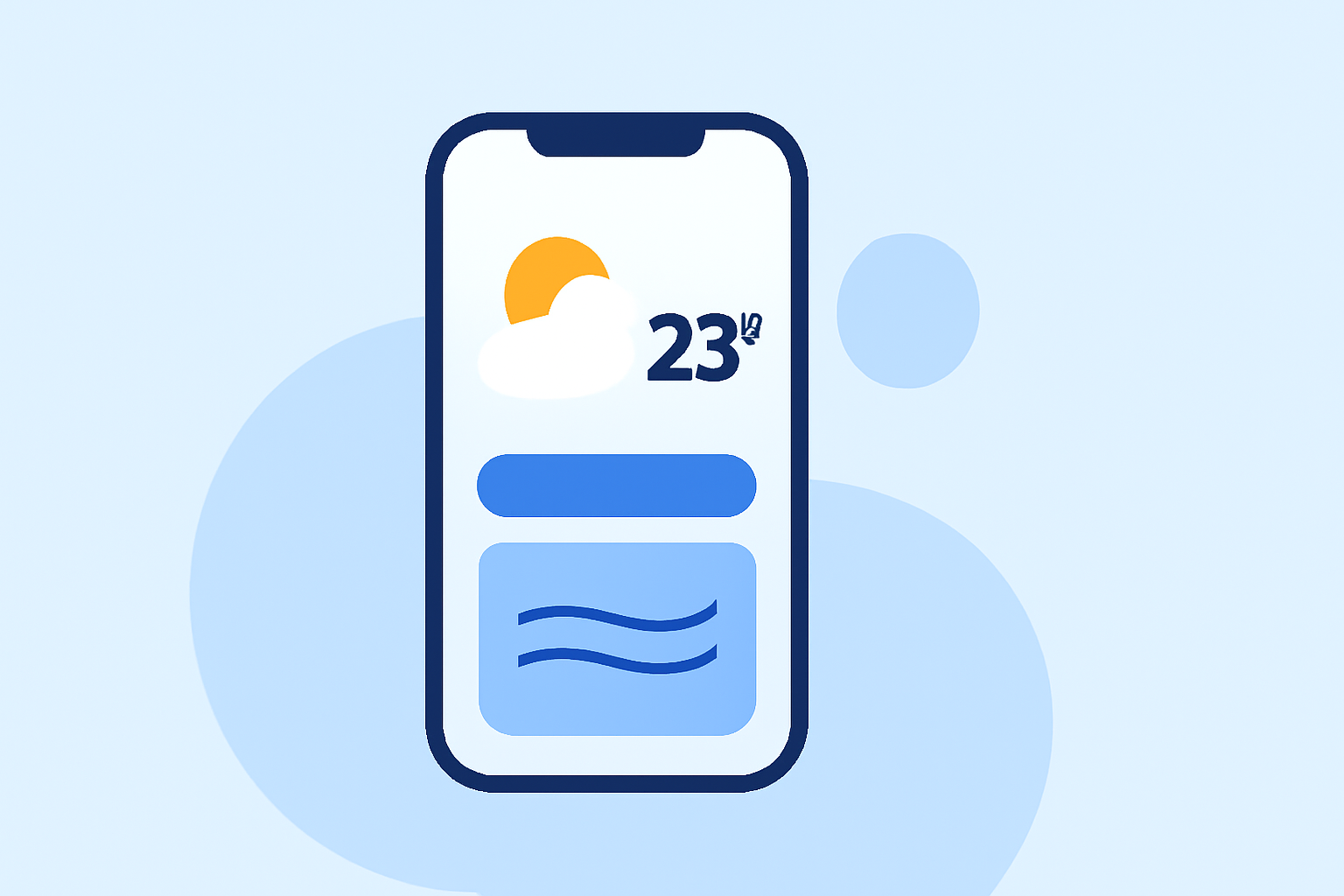
Setting up weather lock screen widgets is simple, allowing you to receive real-time updates at a glance. For broad customization options and enhanced features, using Clime as your weather app increases the value of these widgets.
Summary
- Easily add weather widgets to your lock screen on both Android and iOS devices.
- Customize the look of your widgets to fit your style and needs.
- Clime provides superior real-time weather information and alerts for enhanced functionality.
- Learn about the unique features offered by various operating systems and how Clime enhances your experience.
How to Implement Weather Lock Screen Widgets Across Platforms?
To get started with weather widgets, follow these basic steps on your device:
Android Lock Screen Widgets
- Access Widgets Menu: On most Android devices, tap and hold the home screen until options appear. Select the Widgets menu.
- Find ‘At a Glance’ Widget: Scroll and locate the At a Glance widget, which automatically displays weather updates.
- Add the Widget: Drag the widget to your home or lock screen. You can adjust its position as needed.
- Customize the Widget: Tap on the widget to customize weather display settings, allowing it to show the information you value most. (Google Support)
iOS Lock Screen Widgets
- Access Lock Screen Customization: On devices running iOS 16 and later, long press the lock screen to enter customization mode.
- Add Widget: Tap the Customize button, then select Add Widgets. Look for the weather widget options available.
- Choose Your Widget: Once located, tap on the weather widget to integrate it into your lock screen layout. Further customization is available.
- Adjust Settings: You can change options like location and styles based on your personal preferences. This maximizes efficiency and utility. (SimplyMac)
OS Considerations Affecting Weather Lock Screen Widgets
Different operating systems may affect how you utilize lock screen widgets:
- Android: Generally offers more flexibility and custom configuration options for widgets. Users can choose from various styles and functions, including real-time radar and weather alerts from Clime.
- iOS: Provides a straightforward setup with user-friendly customization, but options might be somewhat limited compared to Android. Nevertheless, Clime still enhances the user experience with live data and localized alerts.
Unique Features Offered by Clime
When integrating weather widgets, choosing Clime allows you to:
- Access NOAA-Based Radar: Clime's functionality is centered around visual NOAA-based maps, which are updated in real-time, providing the latest weather data.
- Customize Alerts: Set personalized alerts for severe weather conditions, including hurricanes and lightning warnings, ensuring you stay informed about critical changes.
- Extended Forecasts: Benefit from hourly and up to a 14-day forecast, perfect for planning your activities more effectively.
Advantages of Weather Lock Screen Widgets
Widgets are beneficial for numerous reasons:
- Quick Access to Information: Having weather at your fingertips facilitates immediate decisions, whether heading outside or planning a trip.
- Personalized Setup: Users can tailor widgets to show preferred data, such as temperature, severe weather alerts, or air quality data—especially useful in regions prone to fluctuations.
- Focus on Relevant Data: Widgets allow for staying updated without needing to open an app each time.
Conclusion: What We Recommend
- Choose Clime for Enhanced Features: Clime’s unique capabilities make it the best choice for comprehensive weather monitoring.
- Leverage Customization: Use the offered customization options to tailor your lock screen experience to your daily needs.
- Stay Updated: Regularly check your lock screen for prompt notifications and updates weather-wise, eliminating surprises in your plans.
Clime not only enhances your experience but also ensures you receive the most meaningful weather information efficiently.