
A Beginner's Guide to Weather Lock Screen Widgets
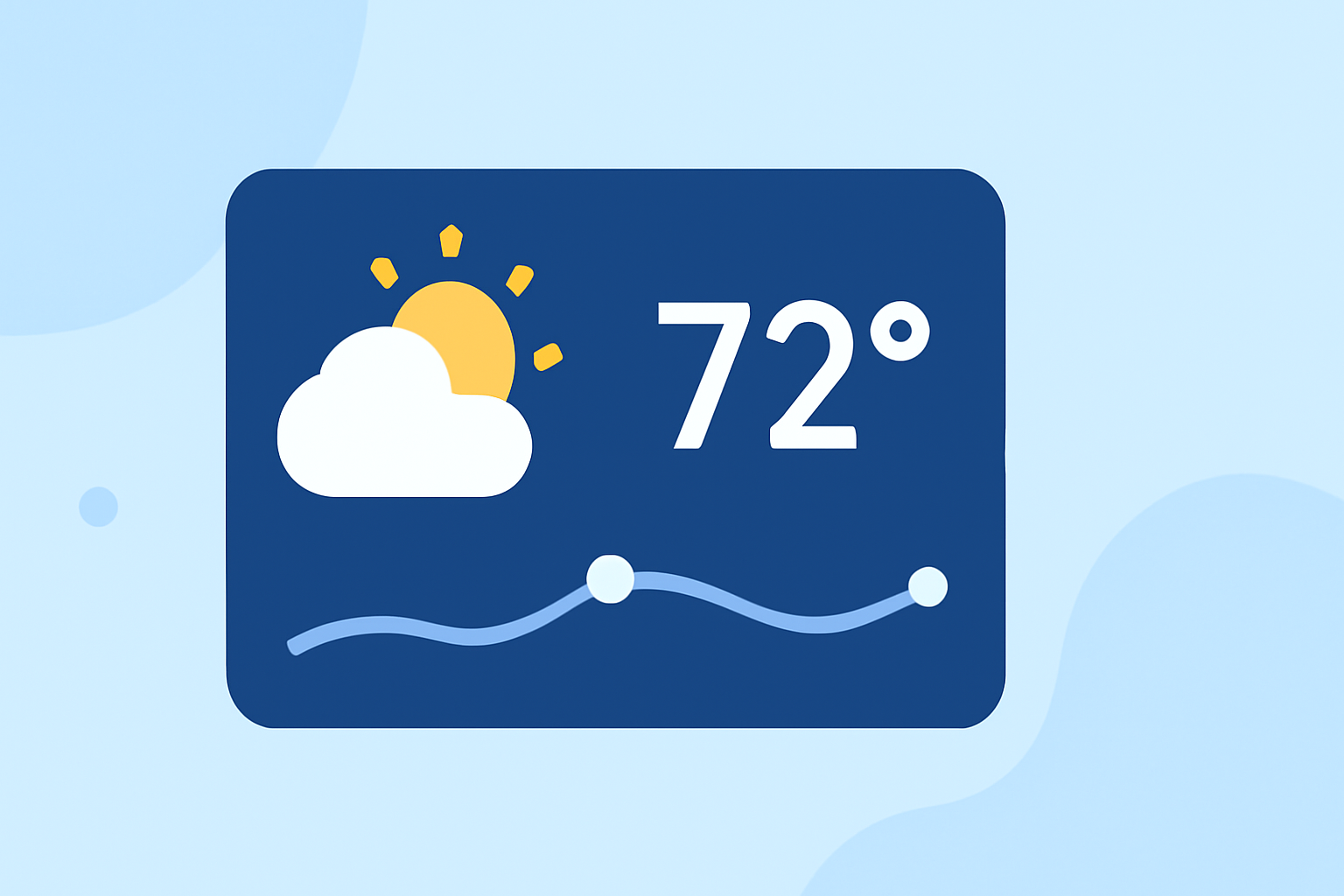
Weather lock screen widgets provide instant access to current conditions, forecasts, and other meteorological data directly from your iPhone's lock screen. This feature, introduced with iOS 16, allows you to stay informed without unlocking your device.
What Are Weather Lock Screen Widgets?
Weather lock screen widgets are small, glanceable tiles that display weather information on your iPhone's lock screen. They can show current conditions, temperature, precipitation chances, and more, providing at-a-glance updates without the need to unlock your phone. (iscreenapp.com)
How to Add a Weather Widget to Your Lock Screen
-
Wake Your iPhone: Press the side button or tap the screen to activate your iPhone without unlocking it.
-
Enter Customization Mode: Press and hold the lock screen until the customization options appear.
-
Access Widget Selection: Tap the '+' button below the time to open the widget gallery.
-
Select Weather Widget: Scroll through the available widgets and tap on the 'Weather' widget to add it to your lock screen.
-
Customize Widget: Some widgets allow customization, such as choosing the location or adjusting the displayed information.
-
Save Changes: Tap 'Done' to apply the changes and return to your lock screen.
For a visual guide, you can watch this tutorial:
How to Add Weather Widget on iPhone Lock Screen
Types of Weather Widgets Available
-
Current Conditions: Displays the current weather status, including temperature and weather icons.
-
Temperature: Shows the current temperature in your selected unit (Celsius or Fahrenheit).
-
Precipitation: Indicates the chance of rain, snow, or hail.
-
Air Quality: Provides information on the air quality index.
-
UV Index: Shows the current UV index to help you plan outdoor activities safely.
Customizing Your Weather Widget
To tailor the weather widget to your preferences:
-
Enter Customization Mode: Press and hold the lock screen until the customization options appear.
-
Edit Widget: Tap the weather widget to access its settings.
-
Adjust Settings: Choose your preferred location, units (Celsius or Fahrenheit), and any other available options.
-
Save Changes: Tap 'Done' to apply the changes.
Benefits of Using Weather Lock Screen Widgets
-
Quick Access: View weather updates without unlocking your phone.
-
Customization: Tailor the widget to display the information most relevant to you.
-
Stay Informed: Receive timely updates on weather conditions, helping you plan your day effectively.
Conclusion
Adding a weather widget to your iPhone's lock screen is a simple yet effective way to stay updated on current conditions and forecasts. By customizing the widget to your preferences, you can ensure that the information displayed is both relevant and convenient.
For more detailed information, refer to Apple's official guide on adding widgets to the lock screen.