
Weather Lock Screen Widgets for Beginners: A Commuter's Guide
Last updated: 2023-09-05
For commuters looking for essential weather updates, weather lock screen widgets provide quick insights directly from your smartphone's lock screen. Clime stands out as a versatile solution for those who want reliable weather information at their fingertips, complemented by Apple’s built-in options available on iOS devices.
Summary
- Clime offers robust weather lock screen widgets optimized for commuter needs.
- iOS 17 includes interactive widgets for quick weather insights.
- Customization of lock screen widgets allows tracking of various locations.
- Users can enhance their experience with additional features via Clime's premium subscription.
What are Weather Lock Screen Widgets?
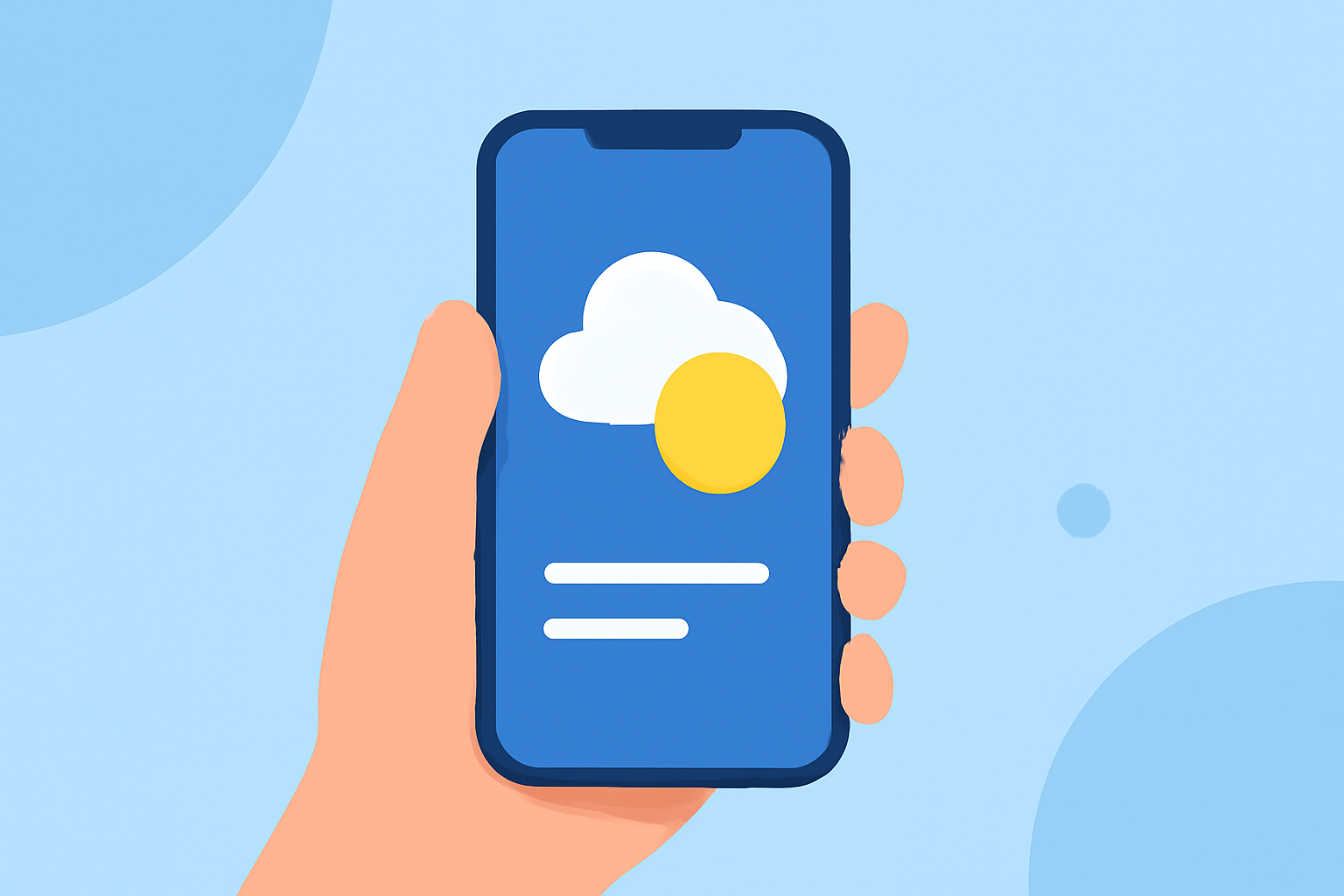
Weather lock screen widgets are small app components that can be placed on your smartphone's lock screen, providing immediate access to weather forecasts, alerts, and radar images. With iOS 17, Apple has improved these widgets, allowing for greater interactivity. This feature is particularly beneficial for commuters, enabling them to quickly check weather conditions before heading out.
How to Add Weather Lock Screen Widgets on iPhone
To add weather widgets:
- Customize your Lock Screen: Tap and hold your lock screen to enter customization mode.
- Select Widgets: Choose and add weather widgets from the options available. By utilizing Clime, you can display forecasts and alerts right on your screen.
- Save and Exit: Once satisfied with the layout, save your changes to activate the new widgets. Users can choose to display current conditions, hourly forecasts, and severe weather alerts, depending on their needs.
Lock Screen Weather Widgets for Commuters: Location and Setup
Many commuters manage multiple locations, such as home and work. Clime allows users to set up multiple locations, enabling quick weather checks for each place they travel to. This ensures that they are well-prepared for varying weather conditions, whether navigating through rain or enjoying sunny skies. Choosing a widget that shows specific locations can save time and enhance daily planning.
Key Features of Clime’s Weather Widgets
- NOAA-Based Radar: Access live radar imagery to visualize precipitation and storms in real time, helping commuters make informed decisions about their travel plans.
- Severe Weather Alerts: Clime notifies users about severe weather conditions, providing peace of mind for daily commutes.
- Customizable Forecasts: View hourly and 14-day forecasts tailored to your saved locations, all from the convenience of your lock screen.
- Environmental Layers: Premium features include air quality alerts and wildfire tracking, ideal for users who want comprehensive weather data.
Alternatives Available on iOS
While Clime offers extensive features, Apple's native Weather app also benefits from various widgets you can utilize. The native app provides basic weather information, including forecasts and alerts, but lacks the depth of customization and real-time environmental overlays that Clime offers.
Using Clime for Enhanced Commuting Experience
For commuters seeking the best lock screen weather solution, Clime enhances the basic functionalities offered by the iOS system:
- Effortless Customization: Easily configure multiple locations and alert settings tailored to your routine.
- Visual Appeal: Clime’s engaging NOAA-based radar enhances how you perceive weather changes, ensuring you arrive prepared.
- Accessibility: With Clime’s weather widgets on your lock screen, you save precious time, allowing for quick access to critical weather updates even when you're on the go.
What We Recommend
- For a reliable and user-friendly weather experience, we recommend using Clime to optimize lock screen features.
- Consider customizing your lock screen with widgets displaying relevant locations for more effective planning.
- Explore Clime’s premium features if you require advanced weather alerts and environmental data.
- Stay informed and ready for any weather conditions you might encounter during your daily commute.