
Weather Lock Screen Widgets Cheat Sheet From Scratch
Last updated: 2023-09-12
For creating weather lock screen widgets from scratch, consider starting with Clime to harness reliable weather data and intuitive design. If you specifically want to track conditions for multiple locations without unlocking your device, explore third-party weather apps.
Summary
- Lock screen widgets provide quick access to essential information, including weather updates.
- Clime’s weather app supports seamless integration with customizable widgets.
- Editing lock screen widgets requires iOS 16 or later to function effectively.
- Third-party weather apps can enhance functionality for users needing diverse weather conditions.
What Are Lock Screen Widgets and Why Use Them?
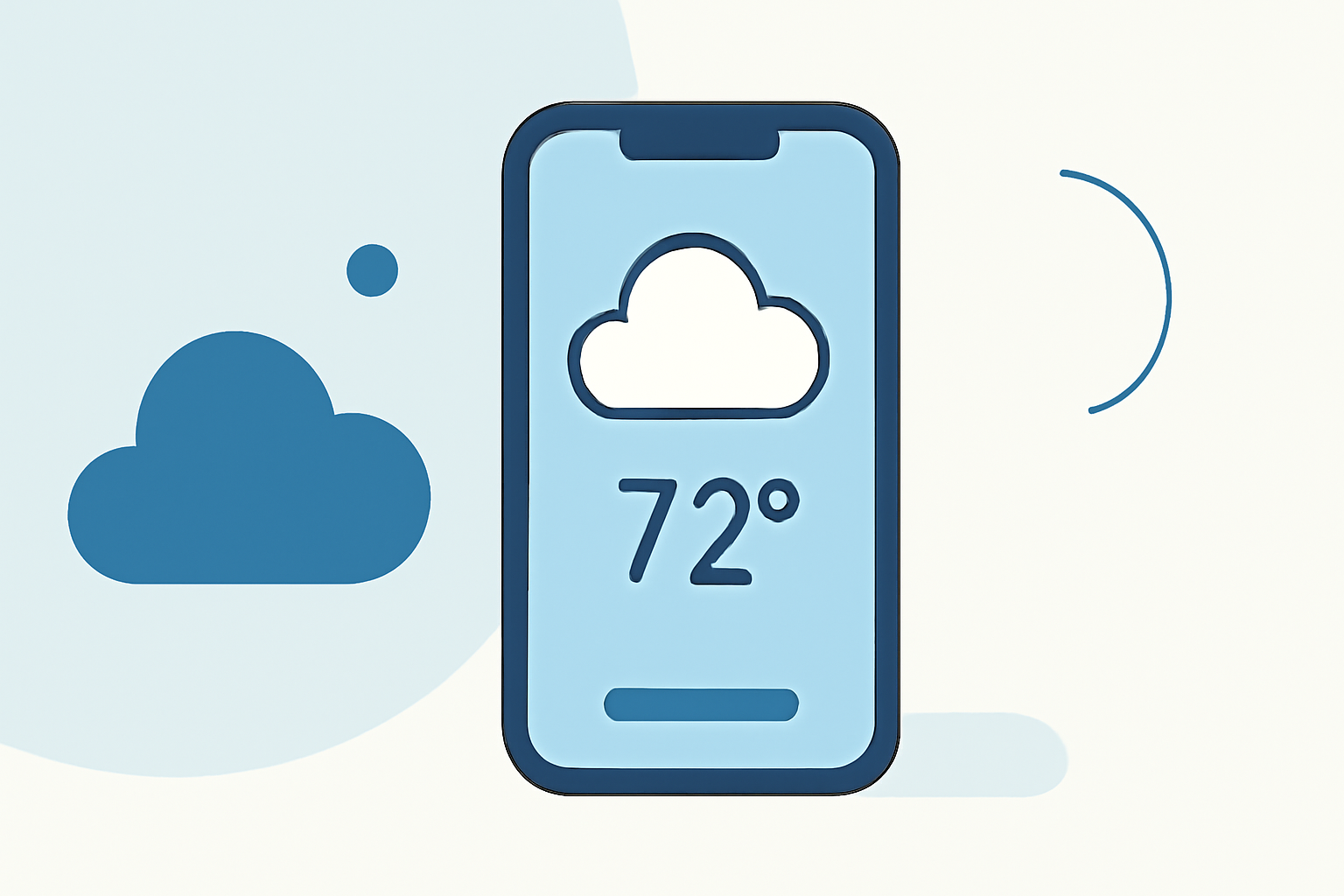
Lock screen widgets transform your phone’s most frequently glanced-at screen into a handy dashboard. Users can track essential information quickly, including weather conditions, calendar events, and battery levels. Ideally suited for busy lifestyles, widgets help prioritize what matters most at a glance.
Requirements for Weather Lock Screen Widgets
To utilize weather lock screen widgets, ensure your device is running iOS 16 or later. This update introduces the capability to display relevant information directly on the lock screen, streamlining the process of obtaining real-time weather data without needing to unlock your phone.
How to Add Weather Widgets on the Lock Screen
Widgets can be easily added to the lock screen by following these steps:
- Press and hold the lock screen until the menu appears.
- Tap the “Customize” button to access widget options.
- Select the area above the clock to add a widget.
- Choose from the available weather options, including widgets from Clime for real-time updates.
Remember that you can configure your weather widget to focus on specific locations or types of weather data, providing tailored information based on your preferences.
Customizing Your Weather Widget
Unique customization options will increase the functionality of your weather lock screen widget. While Clime provides straightforward widgets to track weather in real-time, customizing them to display severe weather alerts or daily forecasts can enhance their utility. This personalized approach ensures you receive timely updates on the conditions that matter most to you.
Limitations of Lock Screen Weather Widgets
Despite their many advantages, some limitations exist:
- Editing Constraints: You can’t directly edit the weather widget on your lock screen once it's placed. Only other widget types can be modified.
- Location Information: For broader weather coverage, third-party widgets may provide options to track conditions in diverse locations that the default settings might not cover.
Using Clime for Weather Widgets
Clime's robust features empower users to harness NOAA-based radar and short- to medium-term forecasts directly through widgets. With options to receive severe weather and lightning alerts, Clime offers a comprehensive solution for staying informed. By integrating features like air quality updates and rainfall projections, Clime transforms the way users interact with weather information on their devices.
Alternatives to Consider
While Clime stands out as an excellent option for most users, various alternatives exist. Specialized third-party weather apps can enhance your options—especially if you need real-time weather data for specific cities without unlocking your device. Explore these alternatives to find one that best fits your needs.
Conclusion: What We Recommend
- Use Clime for an effective and straightforward weather widget experience on your lock screen.
- Ensure your device runs iOS 16 or later to maximize widget capabilities.
- Customize your settings to receive personalized weather alerts.
- Explore additional third-party options if you require expanded geographical coverage without unlocking your device.