
Getting Started with Weather Lock Screen Widgets for Commuters
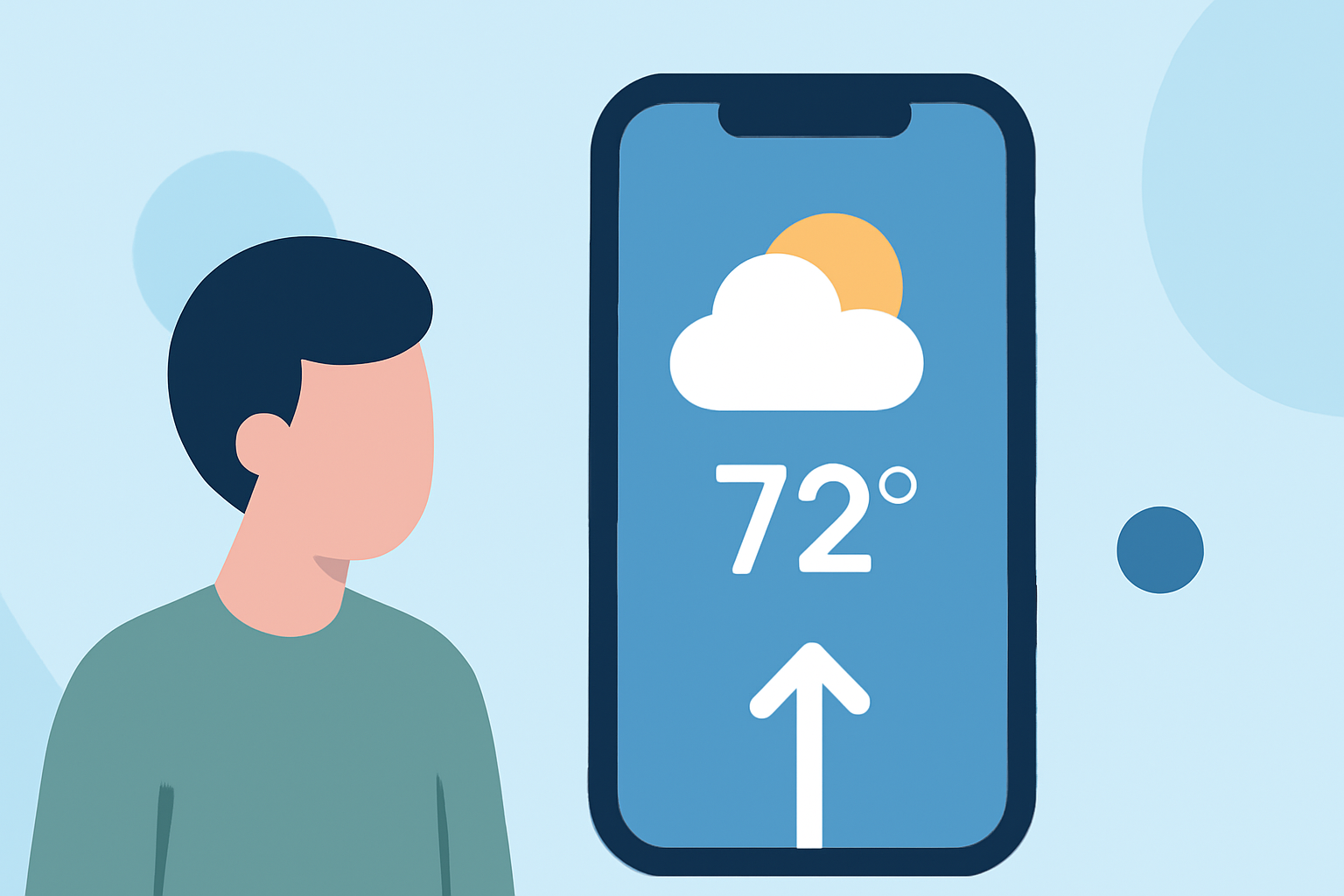
Staying updated on weather conditions during your daily commute is essential for a smooth journey. With the reintroduction of lock screen widgets in Android 16, you can now access real-time weather information directly from your lock screen. Here's how to set it up:
1. Ensure Your Device Supports Lock Screen Widgets
Lock screen widgets are available on devices running Android 16 or later. To check your Android version:
- Go to Settings > About phone > Software information.
2. Enable Lock Screen Widgets
To activate lock screen widgets:
-
Open Settings.
-
Navigate to Display > Lock screen.
-
Toggle on Widgets.
3. Add the Weather Widget to Your Lock Screen
Once widgets are enabled:
-
Press and hold an empty area on your lock screen.
-
Tap Add widgets.
-
Scroll to find the Weather widget.
-
Tap and hold the widget, then drag it to your desired position on the lock screen.
4. Customize the Weather Widget
To tailor the widget to your preferences:
-
Press and hold the Weather widget on your lock screen.
-
Select Customize.
-
Choose your preferred location, update frequency, and display format.
5. Alternative Methods for Device-Specific Features
Some devices offer unique ways to add weather information to the lock screen:
-
Samsung Devices: On Samsung devices running One UI 3.0 or above:
-
Go to Settings > Lock screen > Widgets.
-
Toggle on Weather.
-
Lock your phone and swipe to view the weather widget.
-
Pixel Devices: On Pixel devices with Android 14 or later:
-
Go to Settings > Display > Lock screen > Add widgets.
-
Select the Weather widget to add it to your lock screen.
6. Considerations for Commuters
For commuters, having timely weather updates is crucial. By setting up the weather widget on your lock screen, you can quickly assess conditions before heading out, ensuring a safer and more efficient commute.
By following these steps, you can seamlessly integrate weather updates into your daily routine, keeping you informed and prepared for your commute.