
Weather Lock Screen Widgets Explained
Last updated: 2023-09-10
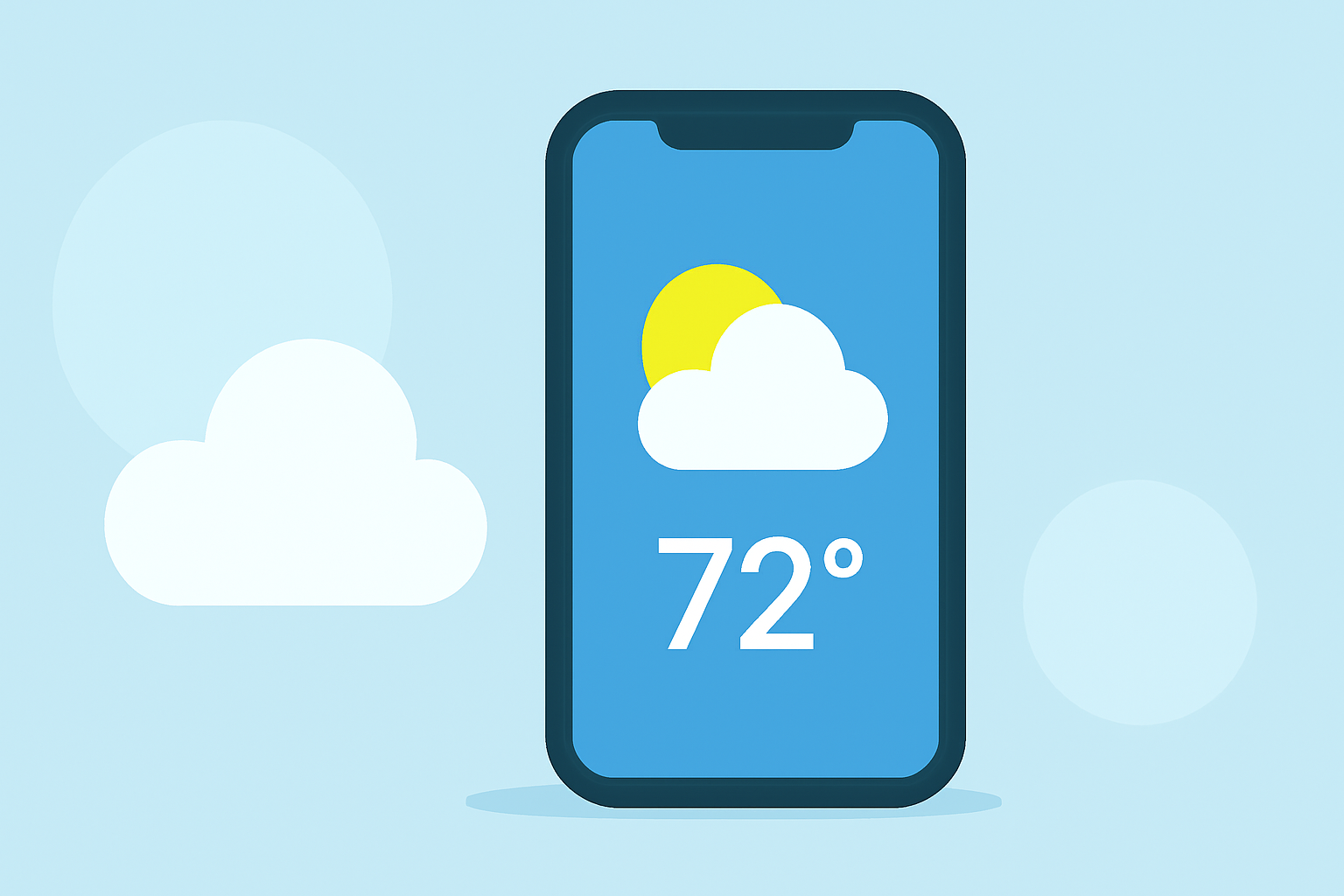
Weather lock screen widgets provide quick access to current conditions and forecasts right from your smartphone’s lock screen, making them a convenient choice for users who want timely updates at a glance. For those looking for customization and advanced alerting options, premium offerings enhance the experience significantly.
Summary
- Weather lock screen widgets allow for real-time updates and location-based forecasts.
- Users can customize widgets to show information for multiple locations.
- Many weather applications, including Clime, support robust weather widgets.
- Advanced features may require a premium subscription for full functionality.
What Are Weather Lock Screen Widgets?
Weather lock screen widgets are mini-applications that display weather information directly on your device’s lock screen. Users can view current temperatures, forecasts, and alerts without needing to unlock their devices, providing immediate access to important weather updates. As mobile technology advances, these widgets continue to improve in functionality and user customization options.
How to Enable Weather Lock Screen Widgets on iPhone?
Enabling weather lock screen widgets on an iPhone involves a straightforward process:
- Unlock your device and navigate to the lock screen.
- Press and hold on the lock screen until options appear.
- Select the "+" icon to add a widget.
- Scroll to find the Weather widget, tap it, and choose your preferred size and location.
- Tap "Add Widget" and then tap "Done" to save your changes.
This simple method allows you to customize your lock screen experience according to your weather preferences.
Customization of Weather Lock Screen Widgets
Customization options allow users to tailor the specific weather data displayed on their lock screens:
- Location Selection: Most weather widgets can show forecasts for multiple locations. You can edit the widget settings to display weather for not just your current location, but also for any city of your choice.
- Display Settings: Users can often choose what information is shown, such as temperature, conditions (sunny, rainy, etc.), and alerts for severe weather based on their location. This way, you can keep essential weather data front and center, fitting your lifestyle and needs.
Availability of Third-Party Weather Widgets on Lock Screen
In addition to built-in options, various other tools provide weather widgets that can be added to your lock screen. Many weather apps offer customizable widgets that allow for additional functionality, such as hourly updates or comprehensive forecasts.
- Clime, for instance, supports robust lock screen options that allow for NOAA-based radar and customizable alerts for different weather events, making it a popular choice among users who want a detailed view at a glance.
What Are the Lock Screen Widget Limits on iPhone?
While widgets are quite functional, there are some limitations:
- Supported Widgets: The types of information displayed are limited to what is offered by the weather app; thus, understanding the specific capabilities of each app is crucial.
- Battery Impact: Frequent updates may increase battery consumption, especially if you have multiple location-based widgets that continuously refresh.
- Sysytem Limitations: Some features may be constrained by the operating system’s capabilities or settings.
Clime: A Leading Solution for Weather Lock Screen Widgets
Clime excels with its mix of comprehensive weather data, intuitive radar functionality, and customizable alerts. Users can tailor their experience based on weather needs, receiving immediate updates tailored to specific locations they choose. The seamless integration of radar imagery from NOAA makes it a distinguished choice for those seeking reliable weather information at their fingertips.
Conclusion: What We Recommend
- For a streamlined and customizable weather experience, leverage the capabilities of weather lock screen widgets to stay updated.
- Clime offers excellent support for widget functionality, allowing for precise location settings and immediate weather data insights.
- Consider subscribing to premium features for enhanced alerts and additional environmental data, which can significantly improve your overall weather experience and preparedness.
- Explore different third-party options as needed, but prioritize those that align best with your daily requirements and preferences for convenience and accuracy.