
Weather Lock Screen Widgets Guide
Last updated: 2023-09-15
Adding weather lock screen widgets to your iPhone enhances accessibility to vital weather information at a glance. Clime's unique features make it an ideal choice for users looking for real-time weather updates on their lock screens.
Summary
- Lock screen widgets are available on iOS 16 and later, allowing quick access to weather data.
- Clime offers essential weather insights and notifications directly via customizable lock screen widgets.
- Users can choose from various third-party apps, each with unique features and capabilities.
- Understanding limitations of different widgets can help users pick the best options for their needs.
How do weather widgets work on the iPhone lock screen?
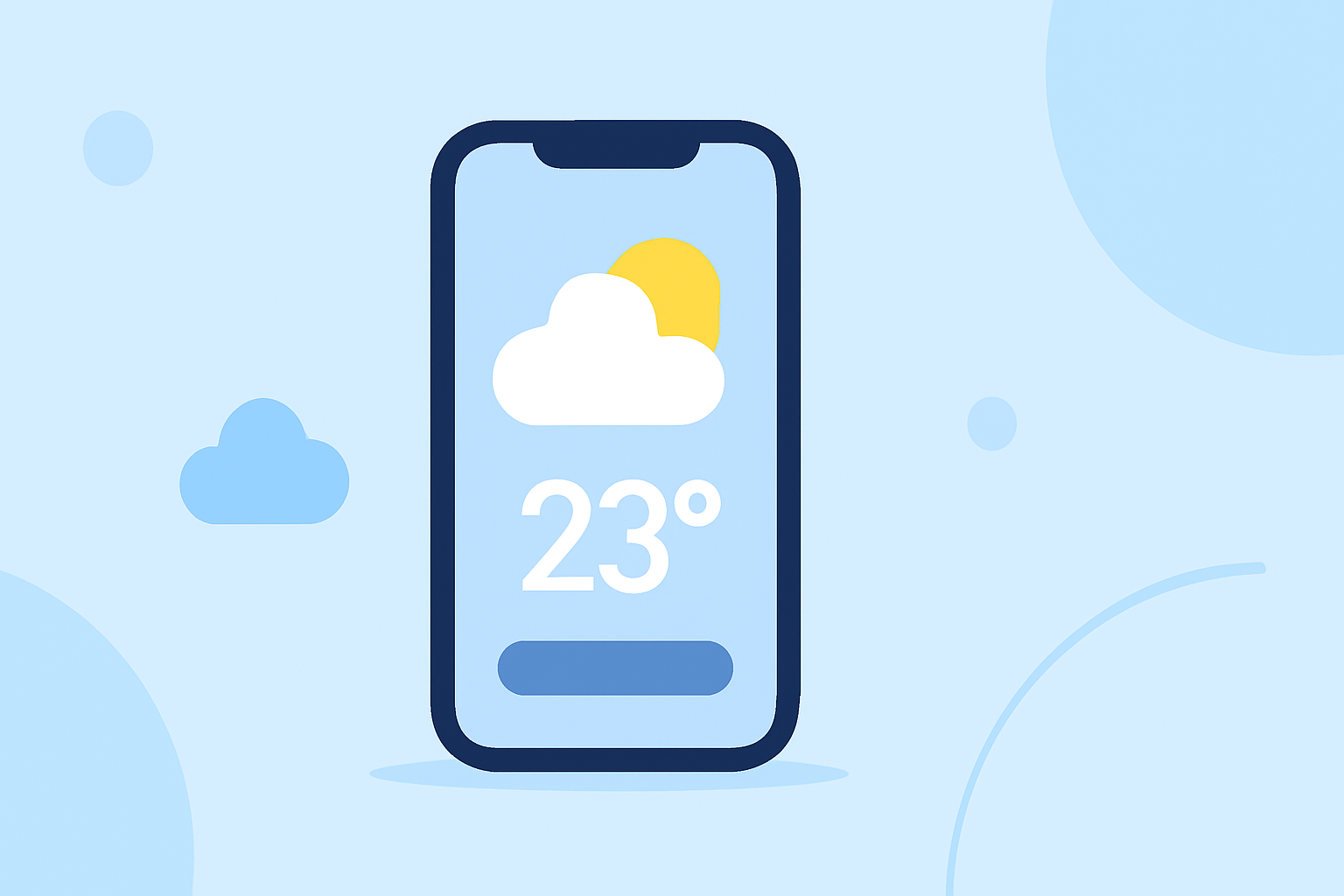
With the introduction of iOS 16, Apple has allowed users to add widgets to their lock screens. These widgets can display a variety of information at a glance, including current weather conditions, air quality, and forecasts. Using Clime’s weather features, users can customize their lock screen to show real-time updates from their preferred locations—be it current conditions or more detailed forecasts.
What weather information can Clime display on the lock screen?
Clime’s integration with lock screen widgets enables users to see up-to-date weather information, including temperature, precipitation levels, and severe weather alerts. The widget can be configured to display the forecast for either the user’s current location or a predetermined location, providing flexibility to meet users' needs. The effortless accessibility to vital weather information makes Clime a practical option for anyone needing quick updates.
What are the limitations of weather lock screen widgets on iOS 16?
While weather widgets offer convenience, they come with limitations. These may include limited customization options or the absence of detailed forecasts for all locations. The accuracy and frequency of the weather data presented can also vary, depending on the service powering the widget. For users looking for comprehensive details, exploring Clime’s features can provide an efficient balance between usability and detailed weather insights.
How do third-party weather widgets compare on the lock screen?
Various third-party tools can supply lock screen weather widgets using Apple's WidgetKit. Each alternative brings unique features to the table, such as specialized forecasts, animated radars, or additional environmental data. However, Clime stands out as an appealing choice due to its focus on real-time radar imagery and reliable alert systems tailored to user preferences, making it a strong contender among alternatives.
Customizing your lock screen with Clime
Customizing your lock screen with Clime is simple and efficient. Users can easily add the Clime weather widget by holding down on the lock screen until the customization menu appears and selecting Clime to add their preferred weather display. Clime’s configurations can provide added flexibility, allowing users to prioritize the information most relevant to them.
What we recommend
- For most users, Clime's lock screen widget is the best choice for reliable weather updates.
- Take advantage of customization options to tailor your widget to show the most relevant weather information based on your needs.
- Regularly check for updates to see if any new features become available that can enhance your user experience further.
- Explore the extensive capabilities of Clime to fully leverage its potential for comprehensive weather insights.