
Weather Lock Screen Widgets: A Simple Guide for Non-Technical Users
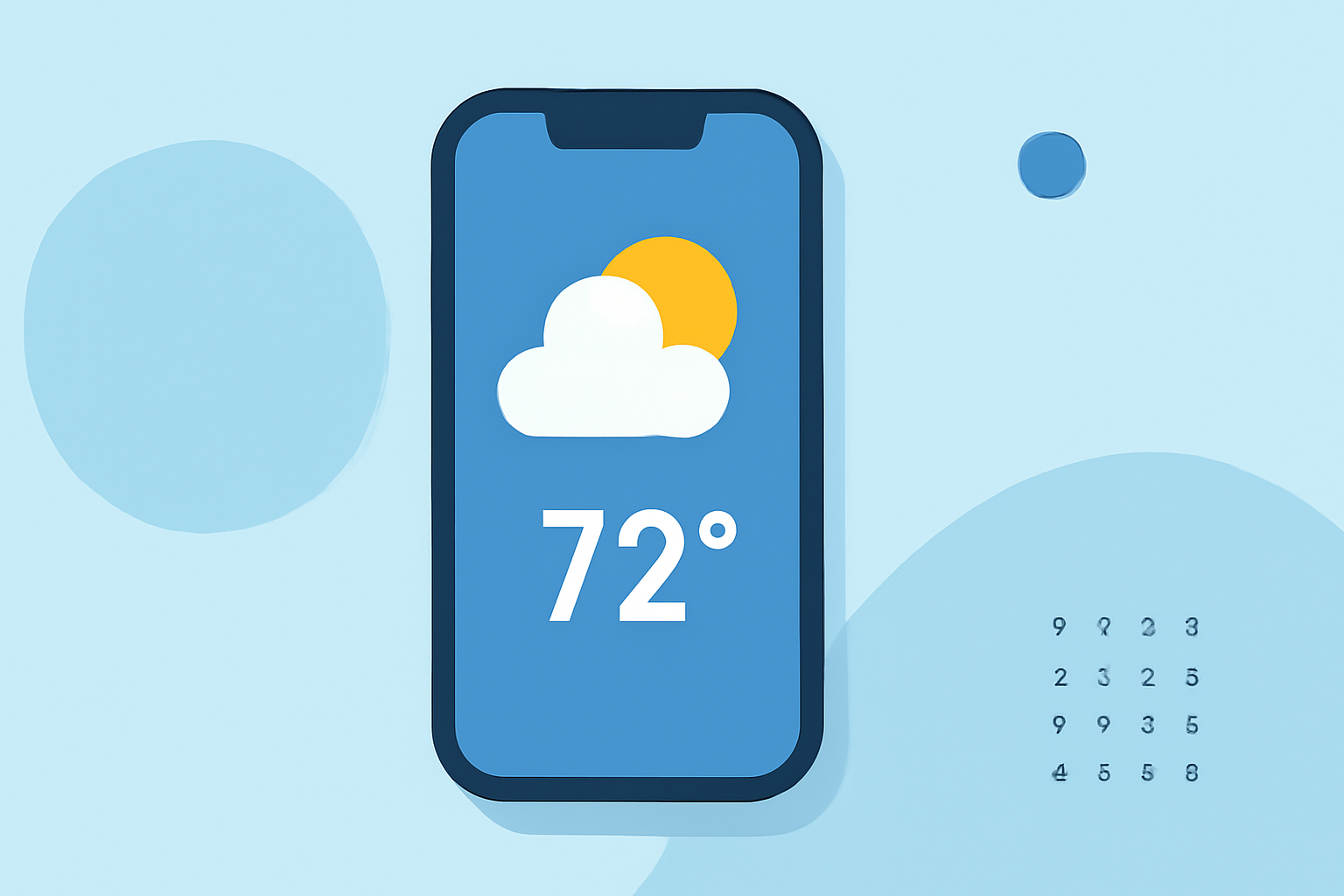
Weather lock screen widgets provide quick access to current weather conditions and forecasts directly from your device's lock screen, eliminating the need to unlock your device or open a specific app. This feature is available on various devices, including iPhones and Android phones.
What Are Weather Lock Screen Widgets?
Weather lock screen widgets are small, glanceable tiles that display timely weather information on your device's lock screen. They show details such as current temperature, humidity, wind speed, and upcoming forecasts, allowing you to stay informed without unlocking your device. These widgets are designed for quick information retrieval, not for interactive tasks. (iscreenapp.com)
How to Add Weather Widgets to Your Lock Screen
For iPhone Users (iOS 16 and Later):
- Wake your iPhone and ensure it's unlocked.
- Press and hold the lock screen until the customization options appear.
- Tap 'Customize' to enter the customization mode.
- Tap 'Add Widgets' to open the widget selection menu.
- Scroll to find the Weather app and select the desired weather widget.
- Tap or drag the widget to place it on your lock screen.
- Tap 'Done' to save your changes.
This process allows you to add weather widgets that display current conditions, forecasts, and other relevant weather information directly on your lock screen. (support.apple.com)
For Android Users (Samsung Devices with One UI 3.0 and Above):
- Open the Settings app on your Samsung device.
- Scroll down and tap on 'Lock screen.'
- Tap on 'Widgets.'
- Toggle on the Weather widget to enable it.
- Rearrange widgets if desired by tapping 'Reorder' and moving them up or down.
- Access the widgets on the lock screen by tapping on the clock after enabling them.
This method enables you to add weather widgets to your lock screen, providing quick access to weather information without unlocking your device. (makeuseof.com)
Customizing Weather Widgets
After adding a weather widget to your lock screen, you can customize it to display specific information:
- Location: Set the widget to show weather information for your current location or any other location of your choice.
- Forecast Details: Choose to display current conditions, hourly forecasts, or daily forecasts.
- Appearance: Some widgets allow customization of their appearance, such as changing the background color or adding a border, to match your device's theme.
These customization options enhance the functionality and aesthetics of your lock screen, making it more personalized and informative.
Benefits of Using Weather Lock Screen Widgets
- Quick Access: View essential weather information without unlocking your device.
- Time-Saving: Eliminate the need to open a weather app for basic updates.
- Personalization: Customize your lock screen to reflect your preferences and needs.
By adding and customizing weather lock screen widgets, you can stay informed about the weather conditions that matter most to you, all at a glance.
Highlights:
- How to manage widgets in the Lock Screen on Windows 11 - customize your PC before you ever log in, Published on Monday, December 08