
Mastering Weather Lock Screen Widgets on Your iPhone: A Beginner's Guide
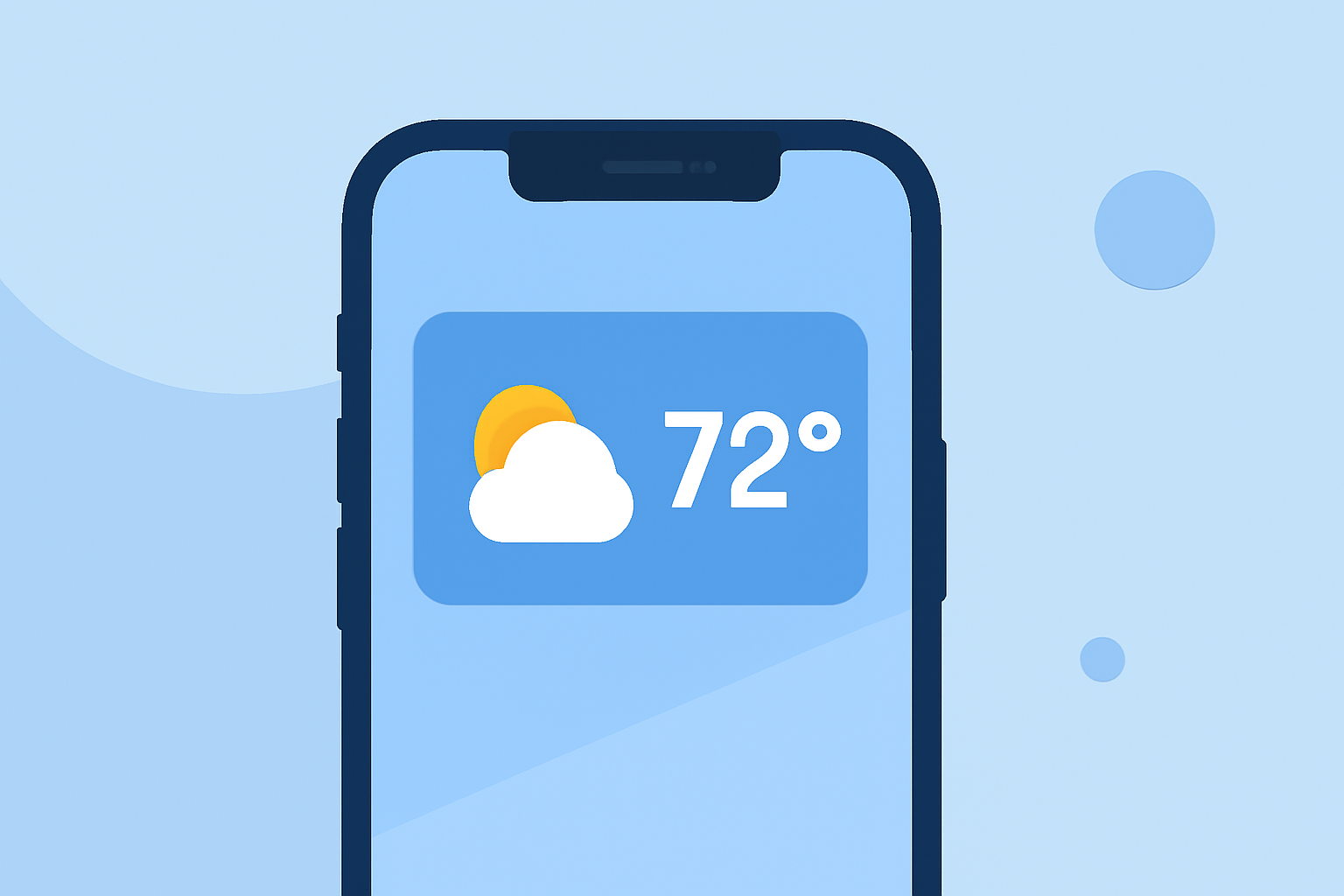
Enhancing your iPhone's lock screen with weather widgets allows you to access real-time weather information at a glance, ensuring you're always prepared for the day ahead.
What Are Weather Lock Screen Widgets?
Weather lock screen widgets are small, interactive elements that display current weather conditions, forecasts, and other meteorological data directly on your iPhone's lock screen. They provide quick access to essential weather information without the need to unlock your device or open a dedicated app.
How to Add Weather Widgets to Your iPhone's Lock Screen
-
Unlock Your iPhone: Press the side button or use Face ID to unlock your device.
-
Access Lock Screen Customization: Press and hold the lock screen until the customization menu appears.
-
Tap 'Customize': Select the 'Customize' option to enter the lock screen editing mode.
-
Add Widgets: Tap the area above or below the clock to add widgets.
-
Select Weather Widgets: Scroll through the available widgets and choose the weather widget that suits your preferences.
-
Position the Widget: Drag the widget to your desired location on the lock screen.
-
Save Your Customization: Tap 'Done' to apply the changes.
For a visual guide on adding weather widgets to your iPhone's lock screen, you can watch the following tutorial:
How To Add a Weather Widget On iPhone Lock Screen
Customizing Your Weather Widgets
After adding a weather widget, you can customize it to display specific information:
-
Current Conditions: Shows the current temperature and weather conditions.
-
Hourly Forecast: Provides an hourly breakdown of expected weather.
-
Daily Forecast: Displays a summary of the day's weather, including high and low temperatures.
To customize the widget, press and hold it, then select 'Edit Widget' to choose the desired information.
Benefits of Using Weather Lock Screen Widgets
-
Quick Access: View essential weather information without unlocking your device.
-
Personalization: Tailor your lock screen to display the weather details most relevant to you.
-
Stay Prepared: Receive timely updates on weather changes, helping you plan your day effectively.
Conclusion
Integrating weather widgets into your iPhone's lock screen is a simple yet effective way to stay informed about current conditions and forecasts. By following the steps outlined above, you can customize your lock screen to provide real-time weather updates, ensuring you're always prepared for whatever the day brings.
For more information on customizing your iPhone's lock screen, refer to Apple's official guide on adding widgets to your lock screen. (macrumors.com)