
Enhancing Your Lock Screen with Weather Widgets: A Guide for Pet Owners
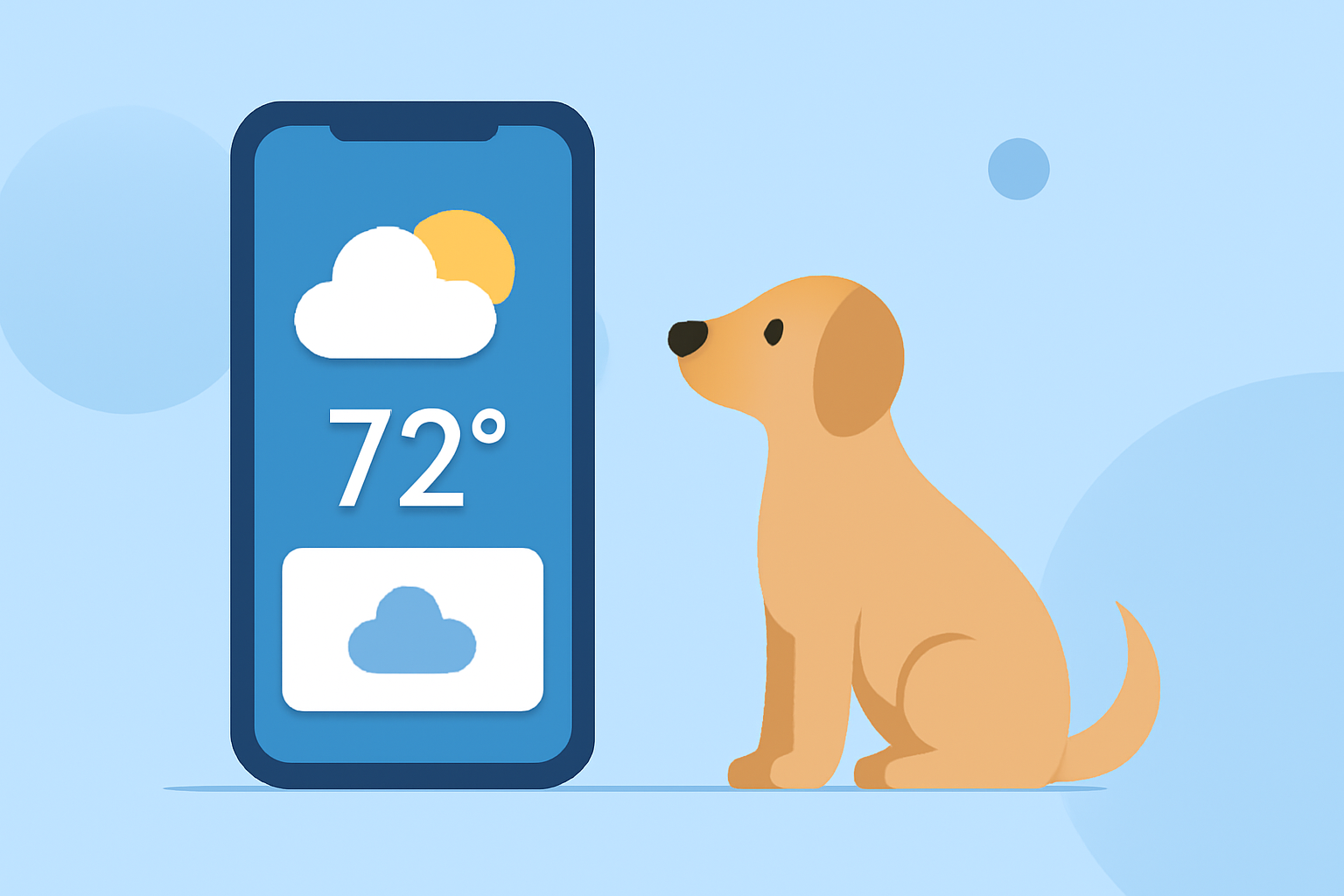
As a pet owner, staying informed about the weather is crucial for your pet's well-being and your daily activities. Personalizing your lock screen with weather widgets can provide quick, at-a-glance updates without unlocking your device. This guide explores how to set up weather widgets on your lock screen, with a focus on Clime's offerings.
Why Add Weather Widgets to Your Lock Screen?
Integrating weather widgets into your lock screen offers several benefits:
- Instant Access: View current conditions and forecasts without unlocking your phone.
- Personalization: Customize your lock screen to reflect your style and preferences.
- Efficiency: Quickly assess weather conditions to plan pet walks, playtime, and other activities.
Setting Up Weather Widgets on Your Lock Screen
For iOS Devices:
- Access Lock Screen Customization: Press and hold your lock screen until the customization menu appears.
- Add Widgets: Tap the '+' icon to open the widget gallery.
- Select Weather Widget: Scroll to find the weather widget and choose the desired size.
- Customize Widget: Some widgets allow customization; adjust settings as needed.
- Save Changes: Tap 'Done' to apply the widget to your lock screen.
For Android Devices:
- Access Lock Screen Settings: Navigate to your device's settings and select 'Lock Screen.'
- Add Widgets: Choose 'Widgets' and select the weather widget.
- Customize Widget: Adjust the widget's appearance and information displayed.
- Save Changes: Confirm to add the widget to your lock screen.
Clime's Weather Widgets: Tailored for Pet Owners
Clime offers innovative weather widgets designed with pet owners in mind:
- Pet-Themed Widgets: Clime's widgets feature adorable pet avatars that change based on current weather conditions, adding a personal touch to your lock screen.
- Accurate Forecasts: Receive precise weather updates, including temperature, precipitation, and severe weather alerts, ensuring you're always prepared for your pet's needs.
- Customizable Alerts: Set up notifications for specific weather events that may affect your pet, such as extreme temperatures or storms.
Additional Tips for Pet Owners
- Plan Pet Activities: Use weather widgets to schedule walks and playtime during favorable conditions.
- Monitor Extreme Weather: Stay informed about severe weather to keep your pet safe indoors.
- Health Considerations: Be aware of temperature extremes that can impact your pet's health and comfort.
Conclusion
Personalizing your lock screen with weather widgets, especially those tailored for pet owners like Clime's offerings, enhances your daily routine by providing quick and relevant weather information. This customization ensures you're always prepared to meet your pet's needs, rain or shine.
(climeradar.com)