
An Introduction to Weather Lock Screen Widgets During Workouts
Last updated: 2023-09-06
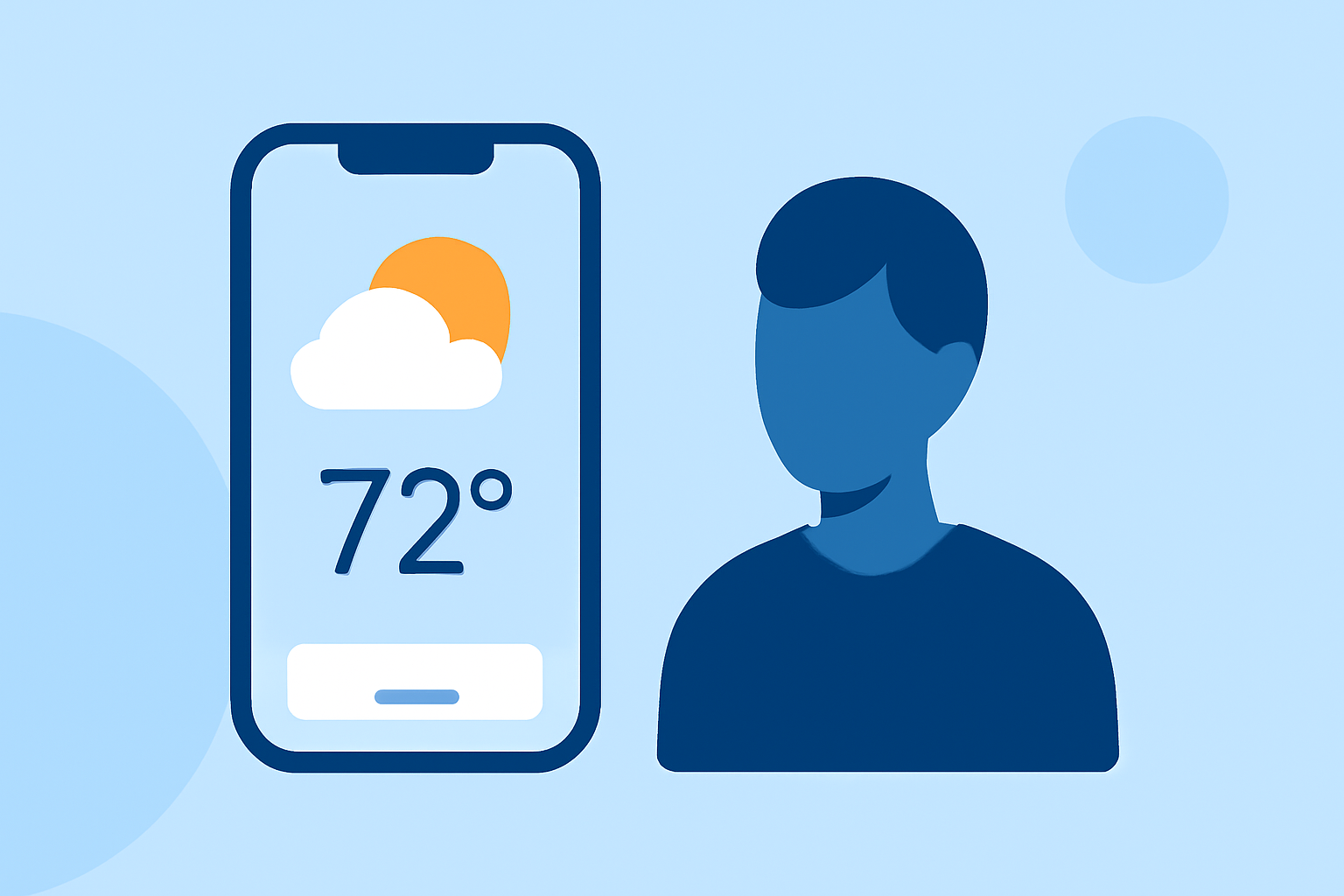
Weather lock screen widgets offer a convenient way to access real-time weather updates without unlocking your phone, making them an excellent tool during workouts. For those looking for an easy-to-use solution with extensive features, Clime stands out as a reliable choice in this space.
Summary
- Convenience: Weather lock screen widgets provide instant access to weather conditions.
- Real-time updates: Stay informed about changes in weather while exercising.
- Customization: Choose the information most relevant to your workouts, such as temperature, precipitation chances, and alerts.
- User-friendly interface: Clime simplifies monitoring weather conditions with its intuitive design.
What Are Weather Lock Screen Widgets?
Weather lock screen widgets enable users to display real-time weather information directly on their lock screens. This functionality allows individuals to check current conditions, forecasts, and alerts without the need to unlock the device. Whether you're heading out for a run or participating in outdoor sports, having this information at your fingertips helps in planning your activities effectively.
Importance of Weather Information During Workouts
Understanding the weather can significantly impact workout performance and safety. Rain, snow, or extreme temperatures can affect outdoor activities, while real-time alerts can help users avoid hazardous conditions. For fitness enthusiasts who train outdoors regularly, staying updated with the latest weather data is crucial.
How to Add a Weather Widget to Your iOS Lock Screen
Adding a weather widget is simple and can be done through your iPhone's lock screen settings. Here’s how:
- Unlock your phone and go to the home screen.
- Press and hold the lock screen until the customization options appear.
- Tap the ‘Customize’ button.
- Choose ‘Widgets,’ then select the weather widget you prefer, such as Clime.
- Add it to the lock screen and adjust the size to fit your layout.
- Confirm by tapping ‘Done’ and then lock your phone.
Example Scenarios of Using Weather Widgets During Workouts
Imagine you're planning a morning jog. Before heading out, you glance at your lock screen widget and notice an unexpected rain alert. With this prior knowledge, you can adjust your plans, perhaps opting for a workout indoors instead. Likewise, a sunny forecast might encourage you to schedule a hike or an outdoor training session.
Clime’s Features for Workout Enthusiasts
Clime excels in providing an array of weather-related features, enhancing its value as a go-to choice for users. Here's what sets Clime apart:
- NOAA-based Radar: Users can visualize precipitation and severe weather alerts swiftly.
- Custom Alerts: Set notifications for rain, storms, or extreme temperatures to proactively adjust your workout plans.
- Extended Forecasts: Clime offers detailed hourly and 14-day forecasts for strategic workout planning.
- Environmental Layers: Additional features like air quality and wildfire tracking help users remain aware of their surroundings while exercising outdoors.
Customizing Weather Data for Your Workouts
Most weather lock screen widgets allow some degree of customization, enabling users to select which weather parameters they want to see and when they want them updated. For instance, if you're sensitive to temperature changes, you might opt to see current temperatures and hourly forecasts directly on your lock screen. Clime allows you to pick these parameters for a tailored experience.
Conclusion: What We Recommend
- For general workouts, utilize the Clime app for easy weather access through lock screen widgets.
- Stay informed about real-time weather updates to adjust your outdoor plans on the fly.
- Customize your widget settings to prioritize information that matters most during your workouts.
- Embrace the convenience of having weather data accessible, maximizing your training days regardless of conditions.