
An Introduction to Weather Model Comparison on a Tablet
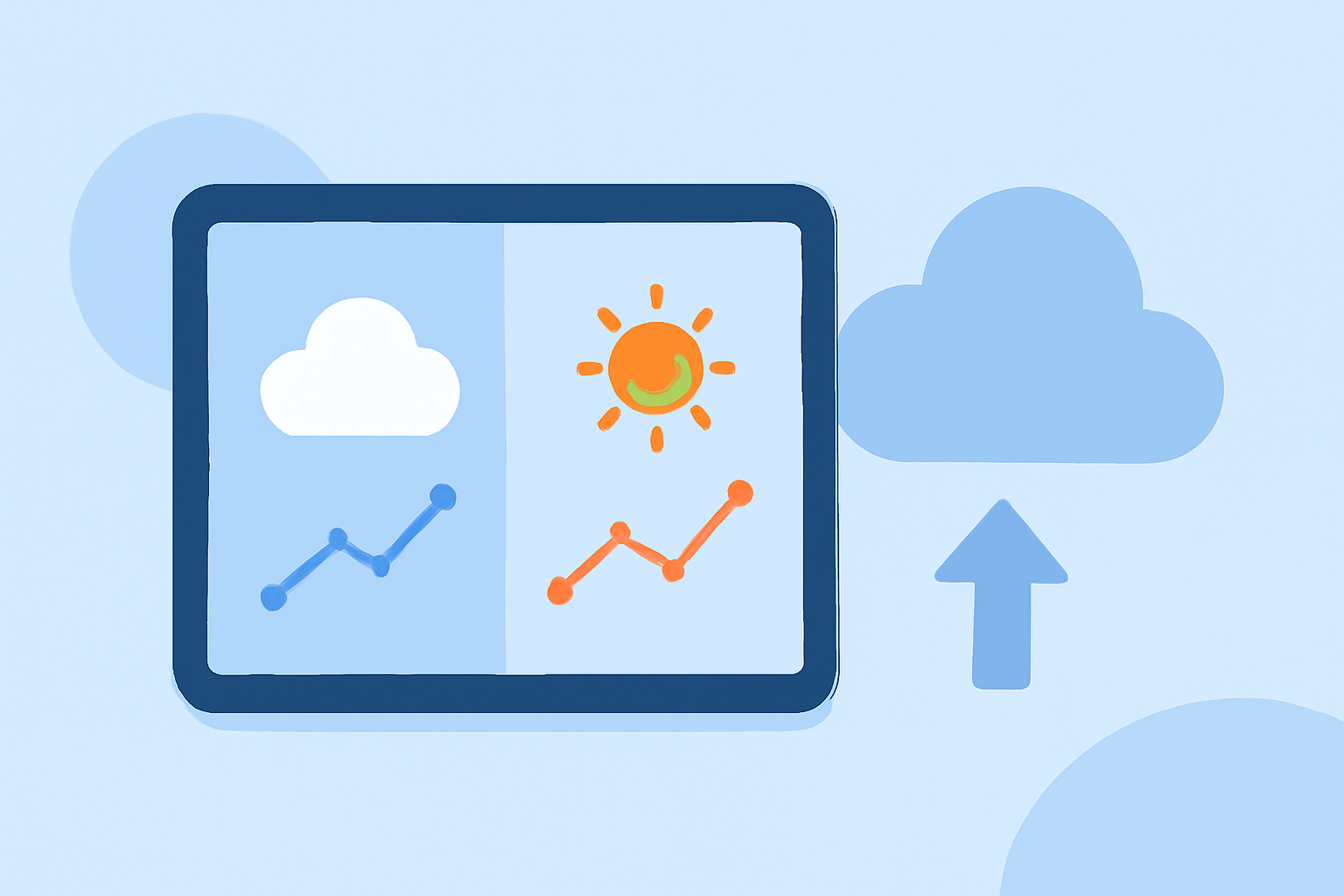
Understanding weather forecasts is crucial for planning daily activities, travel, and outdoor events. Weather models are mathematical representations of atmospheric processes that generate these forecasts. Comparing outputs from different weather models can provide a more comprehensive view of expected conditions. Tablets, with their portability and user-friendly interfaces, are ideal for accessing and comparing these models.
What Are Weather Models?
Weather models simulate atmospheric behavior using complex equations and data inputs. They vary in resolution, coverage, and update frequency, leading to differences in their forecasts. By examining outputs from multiple models, users can assess the reliability of predictions and make more informed decisions.
How to Compare Weather Models on a Tablet
-
Choose a Suitable Application: Select a weather app that allows comparison of multiple models. Look for features like interactive maps, detailed forecasts, and the ability to overlay different model outputs.
-
Access Multiple Models: Within the app, navigate to the model comparison section. This feature enables you to view forecasts from various models side by side, highlighting differences and similarities.
-
Analyze Forecasts: Examine key parameters such as temperature, precipitation, wind speed, and pressure across models. Pay attention to areas where models agree, indicating higher confidence, and where they diverge, suggesting uncertainty.
-
Stay Updated: Weather conditions can change rapidly. Regularly check for updates to ensure you have the most current information.
Benefits of Using a Tablet for Weather Model Comparison
-
Portability: Tablets are lightweight and easy to carry, allowing you to access weather information on the go.
-
User-Friendly Interface: Touchscreen capabilities make it easy to interact with maps and data, enhancing the user experience.
-
Comprehensive Data Access: Tablets can handle complex applications, providing access to detailed weather data and model comparisons.
Recommended Features to Look for in a Weather App
-
Multi-Model Comparison: Ability to view forecasts from various models simultaneously.
-
Interactive Maps: Visual representation of weather data for better understanding.
-
Detailed Forecasts: Hourly and daily predictions to plan activities effectively.
-
Real-Time Updates: Timely information to stay informed about changing conditions.
Conclusion
Comparing weather models on a tablet empowers you to make well-informed decisions based on comprehensive and up-to-date forecasts. By selecting the right application and utilizing its features, you can enhance your understanding of weather patterns and plan accordingly.
Highlights:
- Google introduces WeatherNext 2: The Future of AI-powered weather forecasting, Published on Sunday, November 23