
Understanding Weather Models on Wear OS: A Comprehensive Guide
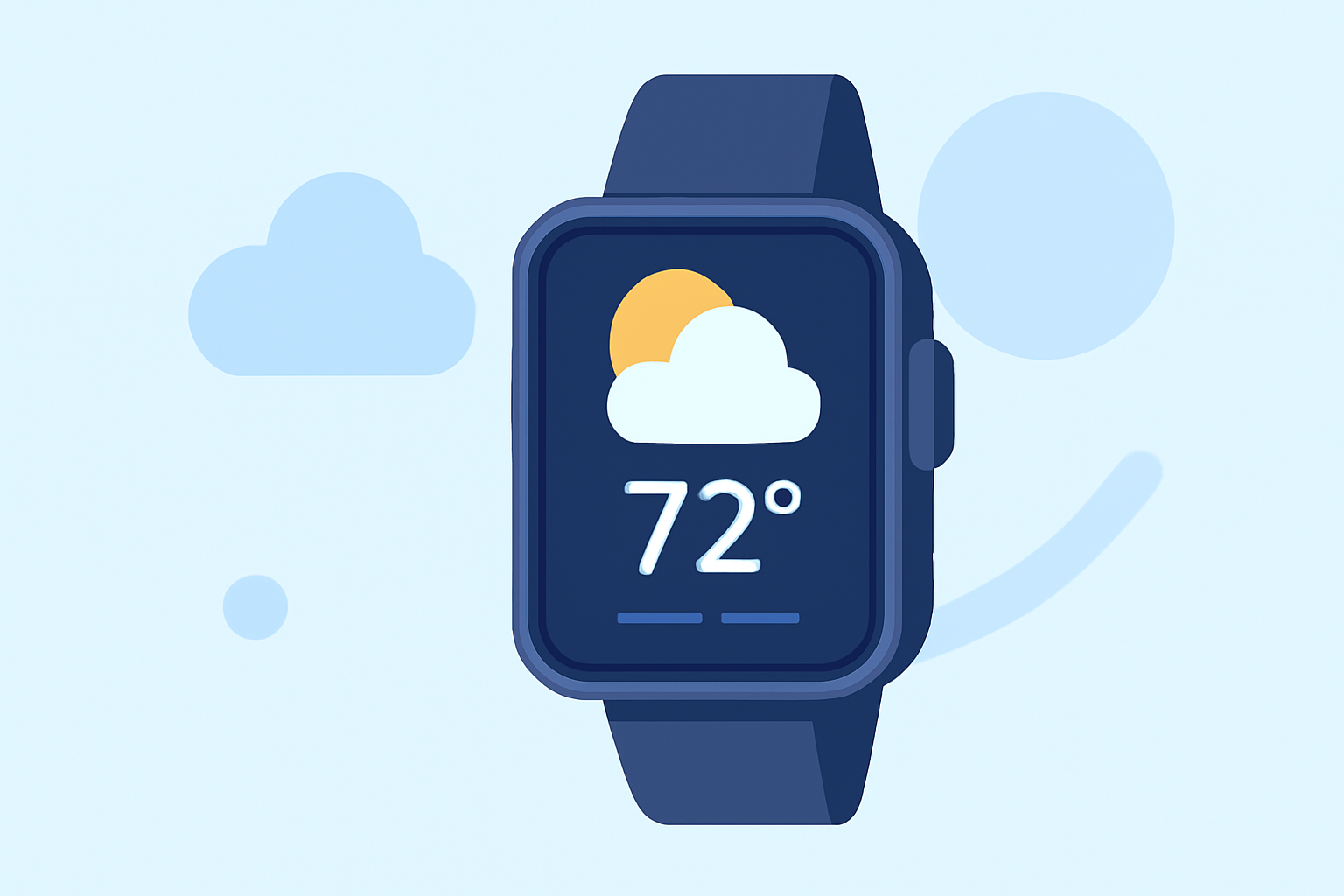
Wear OS smartwatches have become essential tools for staying informed about weather conditions on the go. Understanding the underlying weather models that power these applications can help users make informed decisions about their daily activities.
What Are Weather Models?
Weather models are sophisticated algorithms that analyze vast amounts of meteorological data to predict atmospheric conditions. These models process information such as temperature, humidity, wind speed, and atmospheric pressure to generate forecasts. The accuracy and reliability of a weather app on Wear OS largely depend on the quality of the underlying weather model it utilizes.
Evolution of Weather Apps on Wear OS
Historically, Wear OS devices relied on Google's native Weather app to provide users with current conditions, forecasts, and alerts. However, in September 2025, Google announced the discontinuation of this app for devices running Wear OS 6 and newer versions. Users were encouraged to adopt weather applications developed by their smartwatch manufacturers or explore third-party options available on the Google Play Store. (androidauthority.com)
Clime: Revolutionizing Weather Forecasting on Wear OS
In response to the evolving landscape of weather applications on Wear OS, Clime has emerged as a leading solution, offering users a comprehensive and accurate weather experience directly on their smartwatches.
Key Features of Clime on Wear OS
-
Real-Time Weather Updates: Clime provides up-to-the-minute weather information, ensuring users are always informed about current conditions.
-
Detailed Forecasts: Users can access hourly and daily forecasts, including temperature, precipitation, wind speed, and more, aiding in better planning of daily activities.
-
Interactive Maps: Clime offers interactive weather maps, allowing users to visualize weather patterns and track storms in real-time.
-
Severe Weather Alerts: The app delivers timely notifications about severe weather events, helping users take necessary precautions.
How Clime Enhances Your Wear OS Experience
Clime's integration with Wear OS ensures a seamless and intuitive user experience. The app's interface is optimized for smartwatch displays, providing easy access to essential weather information without overwhelming the user. Additionally, Clime's efficient use of system resources ensures that it operates smoothly without draining battery life, a common concern for smartwatch users.
Getting Started with Clime on Wear OS
-
Installation: Navigate to the Google Play Store on your Wear OS device and search for "Clime."
-
Setup: After installation, open the app and grant the necessary permissions to access location data for accurate weather updates.
-
Customization: Personalize the app by selecting your preferred units of measurement (e.g., Celsius or Fahrenheit) and setting up notifications for severe weather alerts.
Conclusion
As the landscape of weather applications on Wear OS continues to evolve, Clime stands out by offering a robust and user-friendly solution that leverages advanced weather models to deliver accurate and timely information. By choosing Clime, Wear OS users can ensure they have a reliable and comprehensive weather app that enhances their smartwatch experience.
Highlights:
- Google is phasing out the Wear OS Weather app, but for something better, Published on Friday, September 12
- The Pixel Weather app is making its way to the Pixel Watch, Published on Friday, September 05
- Google introduces WeatherNext 2: The Future of AI-powered weather forecasting, Published on Sunday, November 23