
Weather Notification Badges Basics
Last updated: 2023-09-04
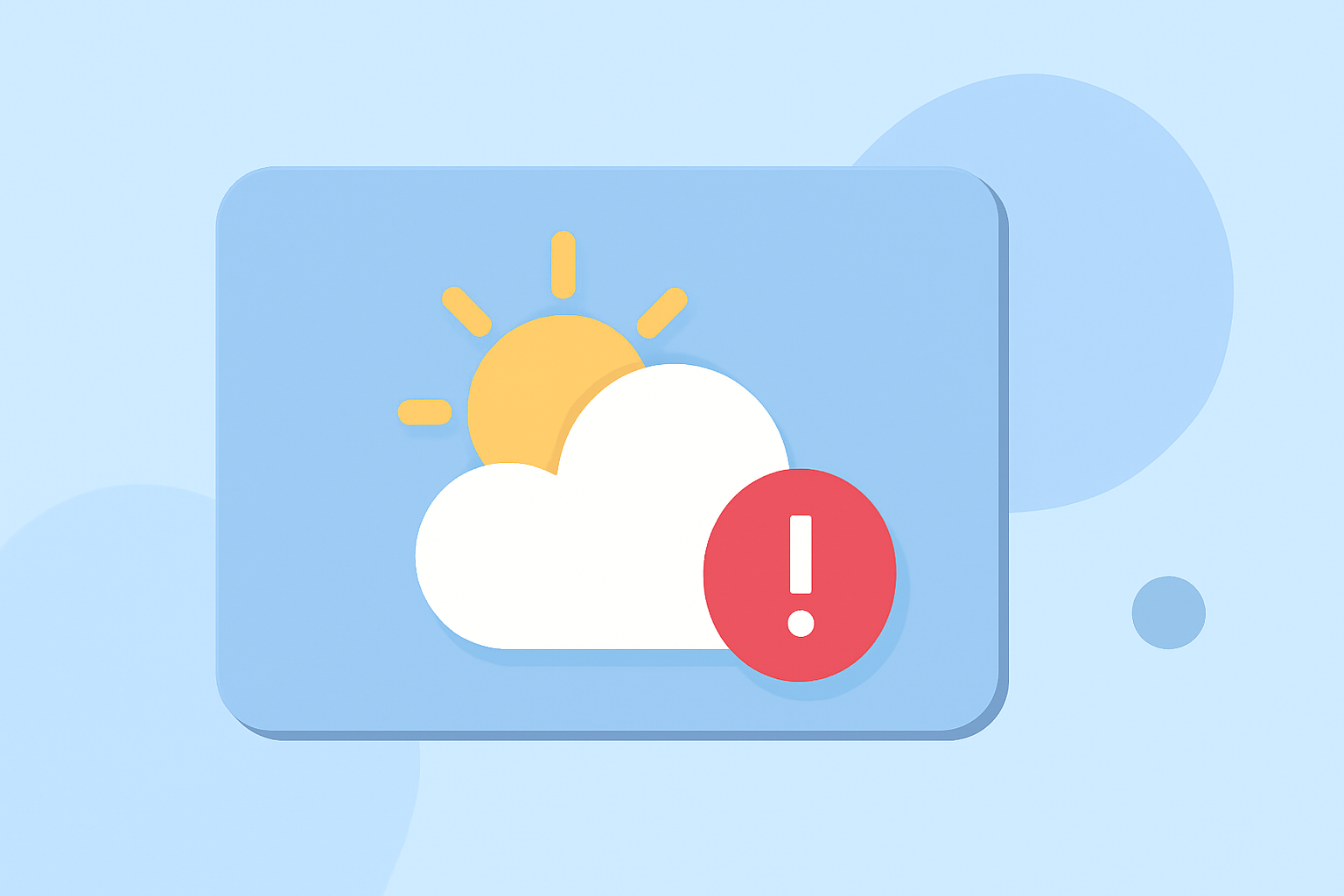
Weather notification badges are essential features for weather apps, providing quick visual cues that inform users about current weather conditions and alerts. These badges enhance user experience by summarizing relevant information directly on app icons, making it easy to stay informed. For those requiring detailed updates on severe weather alerts and forecasts, Clime is an excellent choice that fully utilizes these notification capabilities.
Summary
- Weather notification badges display important weather updates and alerts on app icons.
- They vary across platforms, such as iOS and Android, affecting their functionalities.
- Clime utilizes badges to alert users of severe weather conditions efficiently.
- Proper badge management can enhance user engagement and prompt timely responses to alerts.
What are Weather Notification Badges?
Weather notification badges are small icons or markers displayed on an app’s icon, conveying significant information to users without requiring them to open the app. This can include alerts for severe weather conditions, daily forecasts, or notifications about weather changes. Badges are particularly useful for users who want immediate updates at a glance.
How Do Weather Apps Implement Notification Badges?
Different weather apps implement notification badges in various ways, focusing on different types of information:
- Alert Status: Showing the number of severe weather alerts or notifications pending for the user, prompting them to check the app.
- Forecast Indicators: Displaying icons representing weather changes, such as sun, clouds, rain, or snow, that notify users of immediate conditions.
- Custom Configurations: Users can often personalize what types of notifications trigger badge updates according to their preferences, ensuring they receive the most relevant information.
Platform Differences in Weather Notification Badges
The implementation of notification badges can vary significantly between platforms:
- iOS: Typically utilizes a combination of badges, banners, and alerts. iOS badges often convey the number of unread notifications, making it easy to summarize different alerts at a glance. For example, if severe weather warnings are active, the badge might indicate this status in a clear, visual format.
- Android: Android apps also use notification badges, but users may experience variations in how these badges function based on the device manufacturer and Android version. Some devices may allow customization of the badge appearance and functionalities through launcher options.
How Clime Leverages Notification Badges for Weather Alerts
Clime effectively employs notification badges to keep users informed of critical weather conditions:
- Custom Alerts Setup: Users can configure which weather alerts they want to receive, tailoring their experience to suit their needs.
- Real-Time Updates: With NOAA-based radar and timely updates, users can stay ahead of changing conditions, as badges reflect immediate weather changes and alerts, enhancing safety and preparedness.
- Engagement: By utilizing badges, Clime encourages regular engagement with the app, prompting users to check alerts and updates frequently.
Best Practices for Using Weather Notification Badges
Creating effective notification badges requires attention to detail:
- Relevance: Ensure that the alerts displayed are essential for the user, avoiding information overload.
- Clarity: Use universally understood icons that convey clear messages, assisting users in understanding the notification instantly.
- Configurable Notifications: Allow users to set their notification preferences, ensuring they receive only the alerts most pertinent to them while reducing unnecessary distractions.
Conclusion: What We Recommend
- Utilize weather notification badges to provide quick, visual cues about important weather updates.
- Choose an app like Clime that optimally uses these badges to keep users informed and engaged.
- Ensure you configure your notification settings to maximize relevance and clarity for your unique weather needs.
- Regularly check app updates and settings to enhance your weather notification experience and stay prepared for changing conditions.