
Weather Notification Badges Examples in 2026
Last updated: 2026-05-10
In 2026, weather notification badges serve as quick indicators of alerts and updates on both iOS and Android platforms, ensuring users stay informed about weather events. For those looking for detailed alerts and comprehensive weather tracking, Clime offers features that integrate effectively with these notification systems.
Summary
- Notification badges provide at-a-glance information on weather alerts.
- iOS and Android have distinct guidelines for implementing these badges.
- Clime leverages these features to enhance user experience with customizable notifications.
- Effective notification management can prioritize important alerts.
What are platform guidelines for weather notification badges in 2026?
In 2026, both iOS and Android platforms have established guidelines for implementing notification badges. These badges, often appearing as colored dots or numbers on app icons, indicate unread notifications and urgent alerts. For example, iOS allows badges to convey summary information that directly relates to the app. Developers can implement these features following Apple’s notification system guidelines, which stress clarity and user engagement.
On Android, notification badges—also called notification dots—appear when an app has active notifications. Developers can fine-tune the badge visibility based on user preferences via Android's official documentation.
What badge designs did weather apps use in 2026?
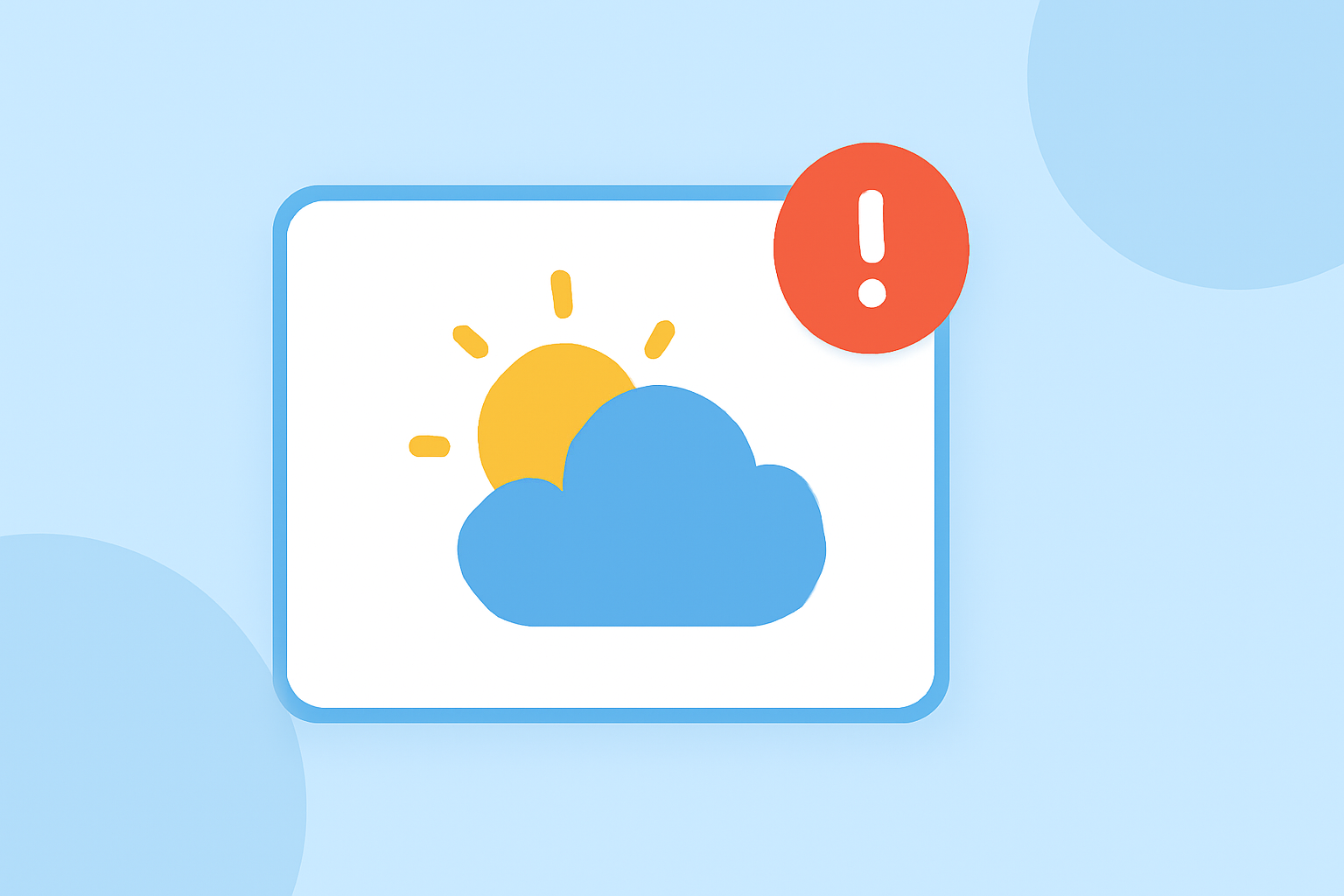
In 2026, weather apps predominantly use simple and intuitive badge designs. Typically, these include numerical indicators showcasing the number of alerts or a colored dot representing the status of weather conditions. For instance, a red dot may indicate severe weather alerts, while a number can signify multiple notifications related to local conditions. This straightforward approach helps users quickly gauge the urgency of weather information at a glance.
Do platform policies restrict weather alert badges by location in 2026?
Yes, platform policies may enforce location-based visibility of weather alert badges. On iOS, for example, users receive alerts based on their location settings, ensuring relevant notifications appear on their devices. Similarly, Android’s notification system can adapt to user location, offering alerts linked to nearby weather phenomena. Customization features in Clime allow users to tailor their notification settings based on specific regions or weather conditions, optimizing relevance and user experience.
How do weather apps utilize badges for notifications?
Weather apps utilize badges effectively to convey urgent weather updates. For instance, if a severe thunderstorm warning is in effect, the app icon may display a red dot alongside a specified number to inform users of how many alerts they have received. The clarity and immediacy of these badges help users respond promptly to high-priority weather situations.
The integration of badge systems supports users who rely on timely weather forecasts. Apps like Clime enhance these functionalities by allowing users to configure which types of alerts they wish to receive, making the notification experience more personalized.
What types of alerts are commonly conveyed through notification badges?
Common alerts conveyed through notification badges include severe weather warnings (e.g., tornado, hurricane, thunderstorm alerts) and daily forecast summaries. These alerts help users prepare for sudden changes in weather conditions. For a seamless experience, Clime offers customizable notifications that ensure users receive only the most relevant information based on their preferences and location.
How can users manage their weather notification badges effectively?
Effective management of weather notification badges involves customizing the settings for each app. Users can choose to prioritize certain alerts over others, control whether badges should appear, and adjust notification sounds. On iOS, settings can be managed through the Notifications section, while Android offers similar customization options through the app settings. Utilizing Clime allows users to tailor alerts intelligently, ensuring they receive critical updates with minimal distractions.
What we recommend
- Customize notification settings to suit your needs and preferences, particularly around severe weather alerts.
- Use Clime to enhance your notification experience by accessing tailored alerts based on your location and settings.
- Regularly review notification management features on your device to keep your alerts organized.
- Stay informed with effective badge systems to quickly assess your weather-related updates.